
Your LLC is filed, your business license is framed on the wall, and your operating agreement is saved somewhere on your laptop — probably in a folder you haven’t opened since the day you formed the business. Then a client disputes an invoice, or your accountant asks for last year’s contracts during tax season, and you’re digging through old email threads hoping you didn’t delete the one attachment that actually matters.
This is one of the quietest compliance risks in a small business, because it doesn’t announce itself until you need a document and can’t find it — or worse, until sensitive paperwork gets thrown out intact instead of destroyed. If you’ve already worked through getting your business licensed and understand the legal basics of running a business, the next step most owners skip is building an actual system for storing, securing, and eventually destroying the paperwork that keeps piling up.
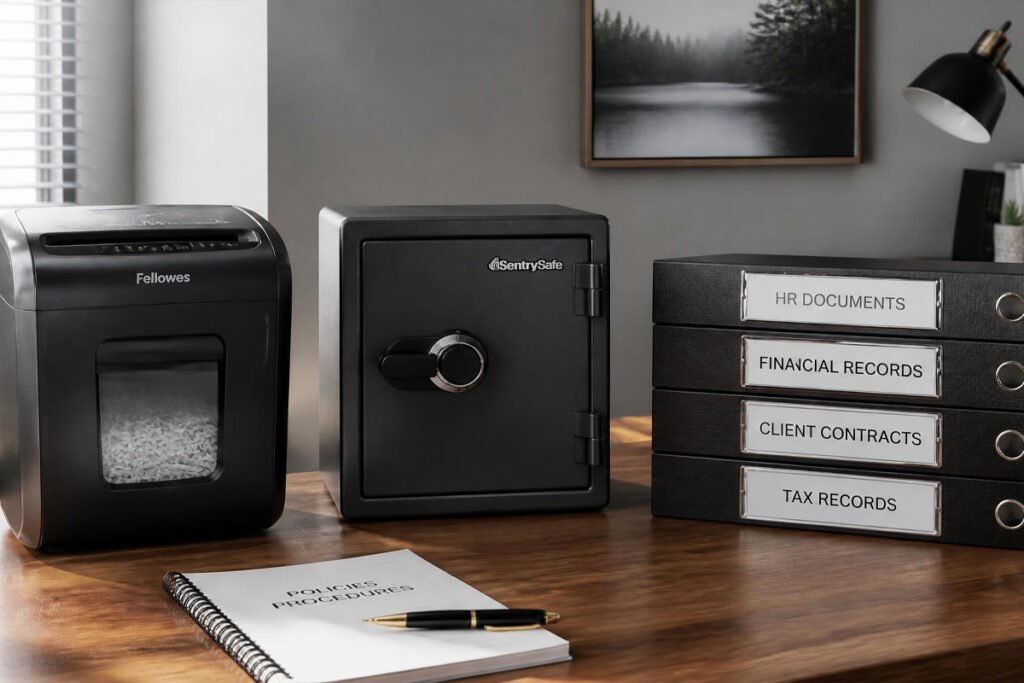
The good news is that this is one of the cheapest categories on this entire site to fix properly. A handful of physical tools — a shredder, a fireproof safe, a way to label and back up your files — close nearly every gap between “hoping nothing goes wrong” and having a real, defensible recordkeeping system.
In this guide, we break down the five document security and recordkeeping tools worth investing in first, what risk each one actually solves, and how to prioritize your budget as your paperwork grows.
Quick Answer
The best recordkeeping setup depends on which risk worries you most. If you’re throwing out old invoices, contracts, or client information without a second thought, a paper shredder closes the most immediate identity-theft and data-privacy risk. If a fire or flood would wipe out your only copies of formation documents, licenses, and tax records, a fireproof and waterproof document safe protects against the single worst-case scenario. If your filing system is really just a pile that grows every month, a label maker turns chaos into something you can actually find things in. If your digital files exist in only one place, an external backup drive protects against the far more common risk of a lost or corrupted laptop. And if your physical documents need both organization and a lock, a locking file cabinet ties the whole system together. The right principle: protect against loss first, then organize for speed — both matter, but loss is unrecoverable.
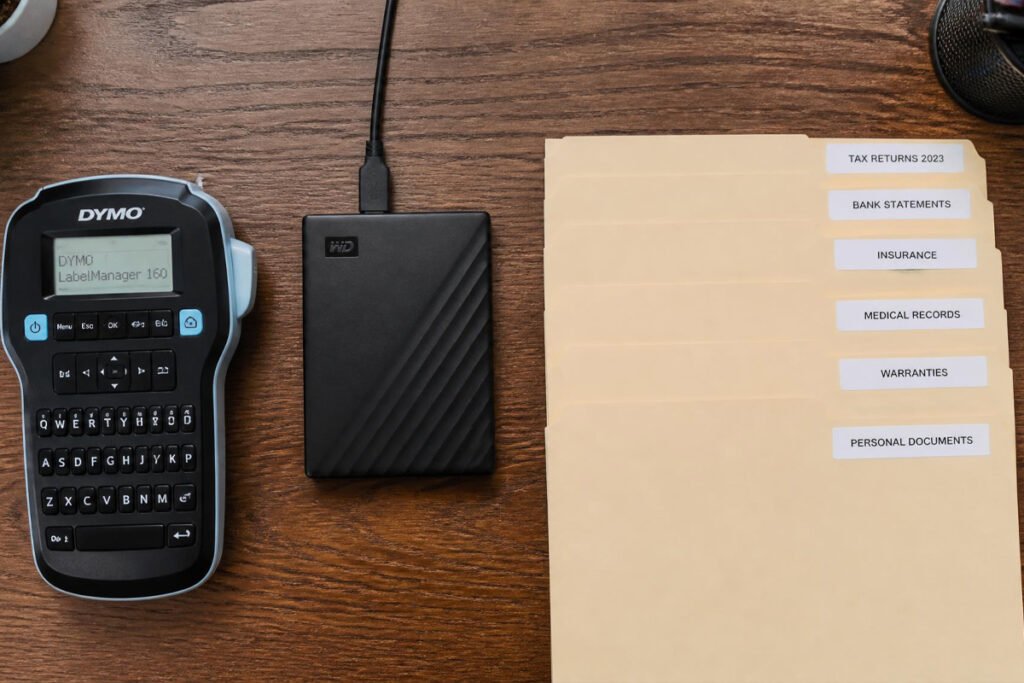
Table of Contents
- Why Recordkeeping Is a Compliance Issue, Not Just Tidiness
- How to Choose the Right Tools for Your Risk Level
- Best Document Security & Recordkeeping Tools Available
- Comparison Table
- Best Setup for Different Business Types
- How to Build Your Recordkeeping System Step by Step
- Common Mistakes
- Expert Tips
- Final Thoughts
- Frequently Asked Questions
Why Recordkeeping Is a Compliance Issue, Not Just Tidiness {#what-is}
Recordkeeping often gets treated as an organizational nice-to-have, but for a small business it’s closer to a compliance requirement. Tax authorities expect you to retain financial records for a set number of years. Client contracts and proposals may be needed as evidence in a dispute. And documents containing customer or employee personal information carry real legal exposure if they’re disposed of carelessly rather than destroyed securely.
The core risks a proper recordkeeping setup protects against are:
- Physical loss, from fire, flood, or simple misplacement of the only copy of a critical document
- Data exposure, from sensitive paperwork thrown in the trash intact instead of destroyed
- Retrieval failure, where a document technically exists somewhere but can’t be found when you actually need it
- Digital single points of failure, where your only copy of scanned records lives on one laptop with no backup
According to the IRS’s general recordkeeping guidance for small businesses, owners are expected to retain supporting documents for income, deductions, and credits claimed on tax returns for a specific minimum period — which makes a reliable storage and backup system a practical necessity, not just good practice.
How to Choose the Right Tools for Your Risk Level {#how-to-choose}
Before buying anything, ask yourself three questions:
What would actually hurt you most if it disappeared tomorrow? If it’s your only physical copy of formation documents or licenses, prioritize fireproof storage. If it’s client data on paper you’ve been careless about discarding, prioritize a shredder first.
How much paper are you actually generating? A solo consultant generates a fraction of the paperwork of a business with employees, inventory, or in-person client contracts — match your shredder capacity and file storage size to your real volume, not a worst-case estimate.
Is your risk mostly physical, digital, or both? Many small business owners over-invest in one and ignore the other — a fireproof safe protects physical documents but does nothing for a laptop that dies with your only digital backups on it.
Best Document Security & Recordkeeping Tools Available {#best-options}
1. Cross-Cut Paper Shredder
Overview: A proper cross-cut shredder is the single most important tool for preventing sensitive business documents — old contracts, invoices with client details, tax paperwork — from ending up intact in the trash. Strip-cut shredders are better than nothing, but cross-cut or micro-cut models offer meaningfully stronger security for anything containing real personal or financial data.
Key Features:
- Cross-cut or micro-cut mechanism (look for a P-4 security rating or higher for business use)
- Sheet capacity matched to your volume — higher for offices with multiple people shredding regularly
- Jam-resistant feed mechanism for mixed paper thicknesses, staples, and paper clips
- Continuous runtime rating, since low-end models can overheat quickly under regular business use
Best For: Any business generating paperwork with client, employee, or financial information that eventually needs to be discarded.
Pros: ✅ Directly reduces data-privacy risk from discarded documents ✅ Higher-capacity models handle real office volume without constant babysitting ✅ A one-time purchase that protects every document you shred going forward
Cons: ❌ Higher-security, higher-capacity models cost meaningfully more than basic home shredders ❌ Requires regular bin emptying and occasional blade maintenance
Our Verdict: This is the cheapest, highest-leverage fix on this list if you’ve been tossing sensitive paperwork straight into the trash — a habit worth correcting before it becomes a real problem, especially once you’re handling client proposals and contracts regularly.
2. Fireproof & Waterproof Document Safe
Overview: A fireproof and waterproof document safe protects the physical documents you genuinely cannot easily replace — original formation paperwork, licenses, signed contracts, and tax records — against the single worst-case scenario most owners never plan for until it’s too late.
Key Features:
- Fire rating measured in minutes of protection at a specific interior temperature
- Waterproof seal in addition to fire resistance, since fire damage often comes with water damage from suppression efforts
- Locking mechanism (key, combination, or digital) to add basic theft deterrence
- Interior sized for hanging file folders or a binder system, not just loose papers
Best For: Any business owner storing original or hard-to-replace documents at home or in a small office.
Pros: ✅ Protects against total, unrecoverable loss — the worst-case scenario other tools don’t address ✅ Doubles as basic theft protection with a proper locking mechanism ✅ A durable, largely maintenance-free purchase once installed
Cons: ❌ Larger models are heavy and need secure placement or anchoring ❌ Fire and water ratings vary significantly — cheaper models often protect for a shorter duration
Our Verdict: If you formed an LLC and only have one physical copy of your formation documents, this is worth prioritizing early — losing that paperwork is far more disruptive than the cost of preventing it.
3. Label Maker
Overview: A dedicated label maker turns a vague pile of folders into a system you can actually navigate quickly. It sounds like a minor convenience until you’re searching for a specific contract during a client dispute or a tax deadline, and a clearly labeled system is the difference between finding it in seconds versus twenty minutes.
Key Features:
- Compact, handheld or desktop design for quick on-demand labeling
- Multiple font sizes and tape widths for both folders and smaller items
- Durable, smudge-resistant label material that holds up over years of storage
- Simple keyboard or app-based interface with minimal learning curve
Best For: Any business whose filing system currently relies on handwritten labels, sticky notes, or memory.
Pros: ✅ One of the cheapest tools on this entire list ✅ Immediately improves retrieval speed for both physical and digital-adjacent labeling ✅ Simple enough to set up and use the same day it arrives
Cons: ❌ Only as useful as the filing structure behind it — labeling a disorganized system doesn’t fix the disorganization ❌ Replacement label tape is an ongoing, if minor, cost
Our Verdict: Pair this with an actual filing structure decision — by year, by client, or by document type — rather than just labeling folders as an afterthought once they’re already full.
4. External Backup Drive
Overview: Physical document security gets most of the attention, but a huge share of modern business records exist only as digital files — scanned contracts, signed PDFs, spreadsheets — often stored on a single laptop with no backup at all. An external backup drive protects against the far more common failure mode: a lost, stolen, or crashed laptop taking your only digital copies with it.
Key Features:
- Sufficient storage capacity for scanned documents, contracts, and financial records with room to grow
- Fast transfer speeds for regular, low-friction backups rather than occasional manual ones
- Compact, portable form factor for secure off-site storage separate from your primary computer
- Compatibility with automated backup software for scheduled, hands-off backups
Best For: Any business storing scanned or digital-only versions of important documents on a single device.
Pros: ✅ Protects against the most statistically likely cause of digital record loss ✅ Relatively inexpensive for the amount of protection it provides ✅ Works well alongside cloud backup rather than replacing it entirely
Cons: ❌ Only useful if backups are actually run regularly — an unused backup drive provides no protection ❌ A single local backup still shares physical location risk with your original files unless stored separately
Our Verdict: Combine this with a scheduled backup routine — even a good drive provides zero protection if it sits unused after the first setup, a mistake similar to skipping ongoing compliance upkeep after the initial paperwork is filed.
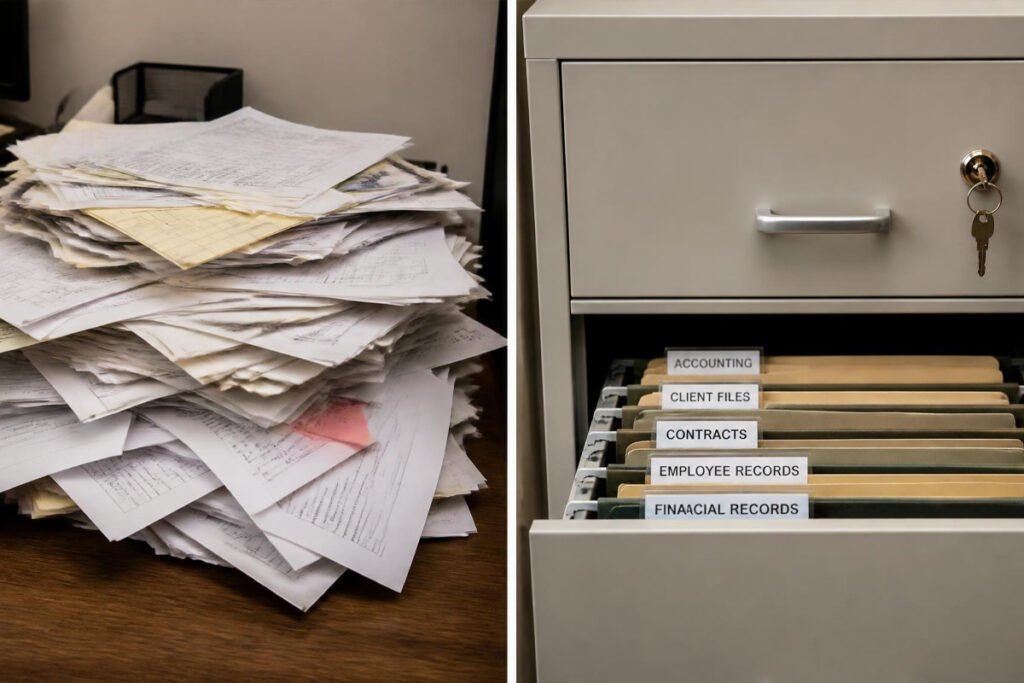
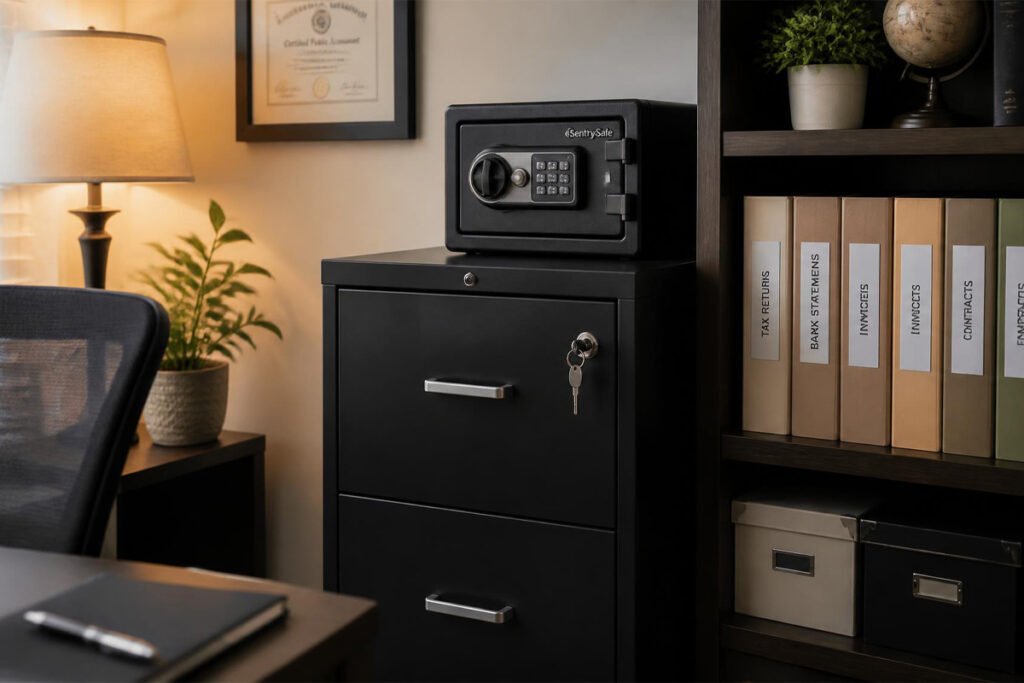
5. Locking File Cabinet
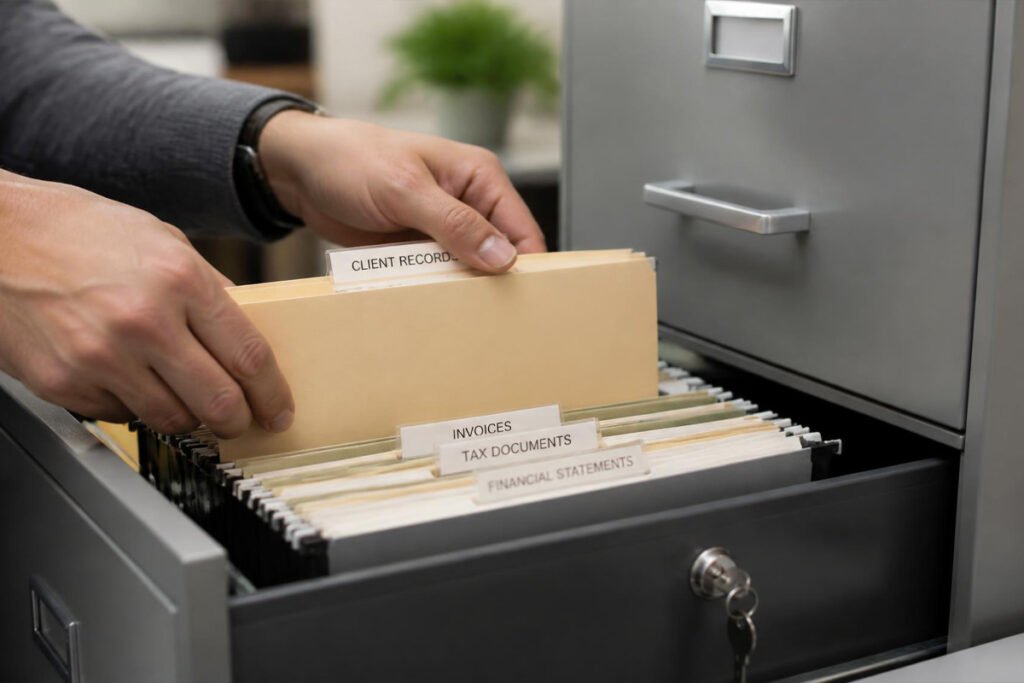
Overview: A locking file cabinet is the organizational backbone that ties a recordkeeping system together — giving your labeled folders a dedicated, secure home instead of scattered piles across a desk or spare room. Unlike a fireproof safe, it’s built for active, frequently accessed documents rather than long-term archival storage.
Key Features:
- Multiple drawers sized for standard hanging file folders
- Built-in lock for basic security on active client and business paperwork
- Sturdy construction that supports full drawers without sagging or jamming
- Compact footprint options for home offices with limited space
Best For: Businesses with an active, ongoing volume of physical paperwork that needs to be both organized and reasonably secure day to day.
Pros: ✅ Keeps active documents organized and quick to retrieve ✅ Adds a basic layer of security beyond an open shelf or desk drawer ✅ Scales well as your document volume grows over time
Cons: ❌ Larger multi-drawer units take up meaningful floor space ❌ Not a substitute for fireproof protection on your most critical original documents
Our Verdict: Use this for your active, working files and reserve the fireproof safe specifically for originals and documents you’d struggle to replace — the two tools solve different problems and work best together.
Comparison Table {#comparison-table}
| Tool | Best For | Relative Cost | Protects Against | Setup Effort |
|---|---|---|---|---|
| Paper Shredder | Secure document disposal | Low–Moderate | Data exposure | Very Low |
| Fireproof Document Safe | Irreplaceable original documents | Moderate–High | Fire, water, theft | Low |
| Label Maker | Fast document retrieval | Very Low | Retrieval failure | Very Low |
| External Backup Drive | Digital record loss | Low–Moderate | Device failure/loss | Low |
| Locking File Cabinet | Active document organization | Moderate | Disorganization, minor theft | Moderate (assembly) |
Prices vary by capacity and security rating — match your purchase to your actual document volume and risk level.
Best Setup for Different Business Types {#use-cases}
Solo Consultants and Freelancers
If you’re a solo operator with a manageable paper volume, a compact fireproof safe and a basic external backup drive cover most of your real risk without needing a full filing cabinet — a sensible starting point while running a freelance business on a lean budget.
Businesses With Client Contracts and Signed Paperwork
If you regularly collect signed contracts or proposals — especially anything tied to business proposal work — prioritize the shredder and a locking file cabinet together, since active client paperwork needs both secure disposal and secure day-to-day storage.
Businesses With Employees or Regular Customer Data
If you handle employee records or regular customer personal information, a higher-capacity, higher-security shredder is worth the extra cost, and pairs directly with the broader legal and compliance basics every growing business needs to stay on top of.
How to Build Your Recordkeeping System Step by Step {#how-to}
Step 1: Sort Your Current Documents Into Three Piles
Separate everything into “keep long-term” (formation documents, licenses, tax records), “keep active” (current client contracts, ongoing paperwork), and “shred” (anything outdated containing sensitive information).
Step 2: Secure Your Long-Term Documents First
Move anything irreplaceable into a fireproof safe before doing anything else — this is the highest-consequence risk to close first.
Step 3: Shred Everything in the “Shred” Pile
Don’t let this pile sit around waiting — the risk exists as long as those documents remain intact and accessible.
Step 4: Set Up Labeled Active Files
Create a simple, consistent labeling structure (by year, client, or document type) and apply it to your active file cabinet.
Step 5: Back Up Your Digital Records on a Schedule
Set a recurring reminder — weekly or monthly depending on your document volume — to run a backup, rather than relying on remembering to do it manually.
Common Mistakes {#mistakes}
Assuming digital records don’t need a backup plan. A single laptop is not a backup strategy — losing or damaging it can mean losing every digital record you have if there’s no separate copy, a risk just as real as the licensing paperwork you filed to start the business in the first place.
Throwing away sensitive documents without shredding them. Old invoices and contracts often contain more personal and financial information than owners realize — tossing them intact is a preventable data-privacy risk.
Buying a fireproof safe too small for what you actually need to store. Many owners underestimate their storage needs and end up with a safe that can’t hold their full set of critical documents, defeating the purpose of buying one in the first place.
Expert Tips {#tips}
Keep a simple digital index of what’s in your fireproof safe. A safe full of unlabeled documents is only marginally better than no safe at all if you can’t quickly identify what’s inside during an actual emergency.
Shred on a schedule, not just when the pile gets overwhelming. A monthly or quarterly shredding routine prevents sensitive documents from sitting around far longer than necessary before they’re destroyed.
Store your backup drive somewhere physically separate from your primary documents. A backup drive kept in the same room as your only paper originals doesn’t protect against a single fire or flood affecting both at once.
Final Thoughts {#final-thoughts}
There’s no single tool that fully protects a small business’s records — only the right combination of physical and digital safeguards working together. If sensitive document disposal is your biggest gap, start with the shredder. If you’re worried about losing irreplaceable originals, the fireproof safe closes that risk first. And if your digital records exist in only one place, an external backup drive is one of the cheapest insurance policies available to a small business.
Whichever tool you start with, remember that recordkeeping is part of running a compliant, defensible business — just as much as the licensing and legal basics you handled when you first got started.
Frequently Asked Questions {#faq}
Do I really need a shredder, or can I just recycle old documents? Recycling doesn’t destroy the information on a document — anything containing client, financial, or employee data should be shredded first, since intact paperwork in recycling or trash is a real, avoidable data-privacy risk.
How long do I actually need to keep business records? Retention requirements vary by document type and jurisdiction, but general IRS guidance recommends keeping most supporting tax records for at least three years, with longer periods for specific situations like unreported income or bad debt deductions — check current requirements for your specific case.
Fireproof safe vs. locking file cabinet — which should I buy first? The fireproof safe, if you can only afford one. It protects against irreversible loss, while a file cabinet mainly improves organization and everyday security for documents that aren’t irreplaceable.
Is cloud storage enough, or do I still need physical backups? Cloud storage is a valuable part of a backup strategy, but it doesn’t protect physical originals like signed contracts or licenses, which is why a fireproof safe and an external drive still matter alongside any cloud service you use.
What shredder security level do I actually need for business use? Most guidance recommends at least a P-4 cross-cut or micro-cut rating for business documents containing financial or personal information — lower ratings are fine for non-sensitive paper but not for anything containing real data.
How often should I back up my digital business records? Weekly is a reasonable default for most small businesses, though anyone handling frequent client paperwork or financial transactions may want a more frequent, ideally automated, schedule.
Do I need to shred old tax documents once the retention period ends? Yes — once a document is past its required retention period and you no longer need it, shredding it is safer than storing it indefinitely or discarding it intact.
Can I use a home fireproof safe for business documents, or do I need a commercial one? A quality consumer-grade fireproof and waterproof safe is sufficient for most small business document needs — commercial-grade units are typically only necessary for larger volumes or specialized security requirements.
What’s the biggest recordkeeping mistake small business owners make? Treating digital files as automatically safe because they’re not physical. A laptop failure or theft can wipe out records just as completely as a fire can destroy paper originals, and both risks deserve equal attention.
Should employees have access to the locking file cabinet, or just the owner? This depends on your business size and the sensitivity of what’s stored, but a reasonable default is limiting full access to whoever handles compliance or finance directly, with clear expectations set for anyone else who needs occasional access.
Author: Morne Winston Last Updated: July 2026