
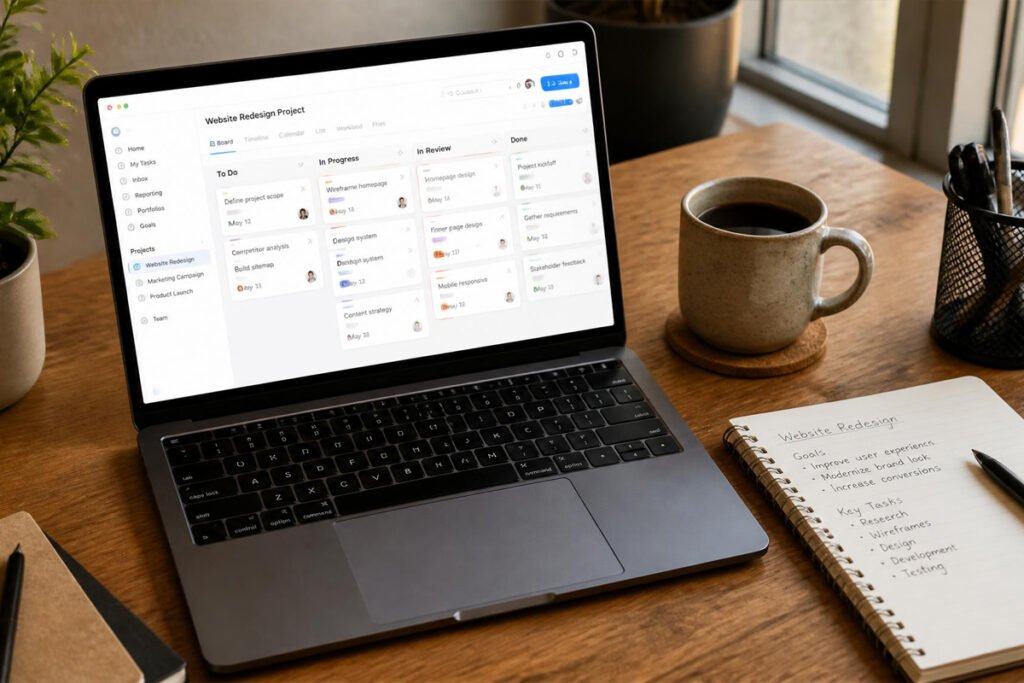
The project was supposed to wrap up last Friday. Instead, one task is still sitting with a contractor who never got the file, another is half-done because nobody realized it was even assigned, and you’re piecing together the actual status from three separate email threads and a text message. Nothing here failed because of bad work — it failed because nobody could see the whole picture in one place.
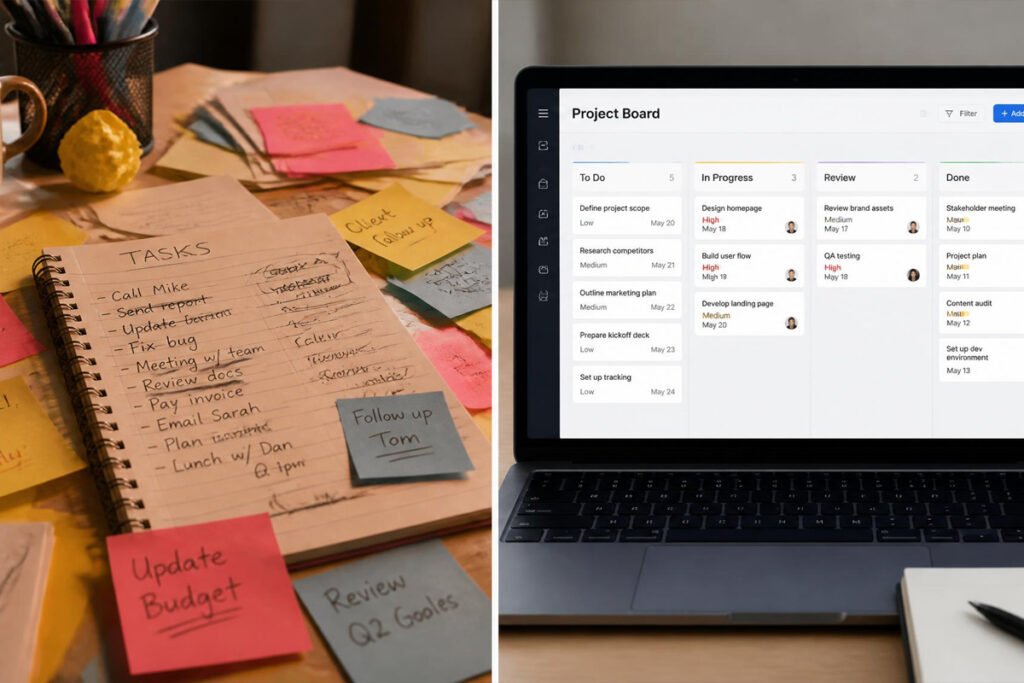
Project management software exists to fix exactly that. Instead of tasks scattered across inboxes, sticky notes, and someone’s memory, everything lives on one board that shows what’s done, what’s in progress, and what’s about to slip. If you’re already tracking leads with a CRM and turning signed deals into invoices, project management software is the missing middle step — it’s what actually gets the work delivered once the deal is closed.
This guide compares the six best project management platforms for small businesses in 2026, who each one is genuinely built for, and how to avoid picking a tool that’s more complicated than the problem it’s solving.
Quick Answer
The best project management software depends on how your team actually likes to work. Asana is the strongest general-purpose pick for small teams that want structure without complexity. Trello is the simplest option if a visual, drag-and-drop board is all you need. monday.com works well for teams that want heavy customization and don’t mind a bit more setup time. ClickUp offers the deepest feature set for teams willing to spend time configuring it. Notion is the best fit if you want project tracking combined with documents and notes in one connected workspace. And Basecamp remains the most straightforward choice for small teams that just want clear to-do lists and communication without extra bells on.
What Is Project Management Software and How Does It Work?
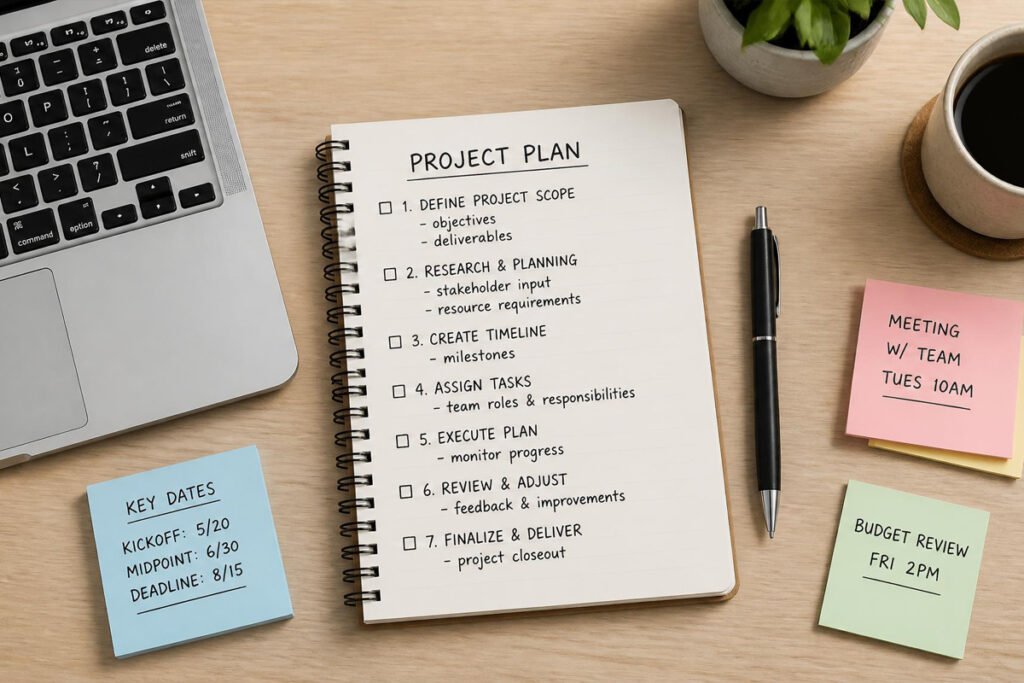
Project management software gives every task, deadline, and team member a visible home instead of relying on memory, email chains, or a spreadsheet that’s always out of date. At its core, it answers three questions at a glance: what needs to happen, who’s responsible for it, and when it’s due.
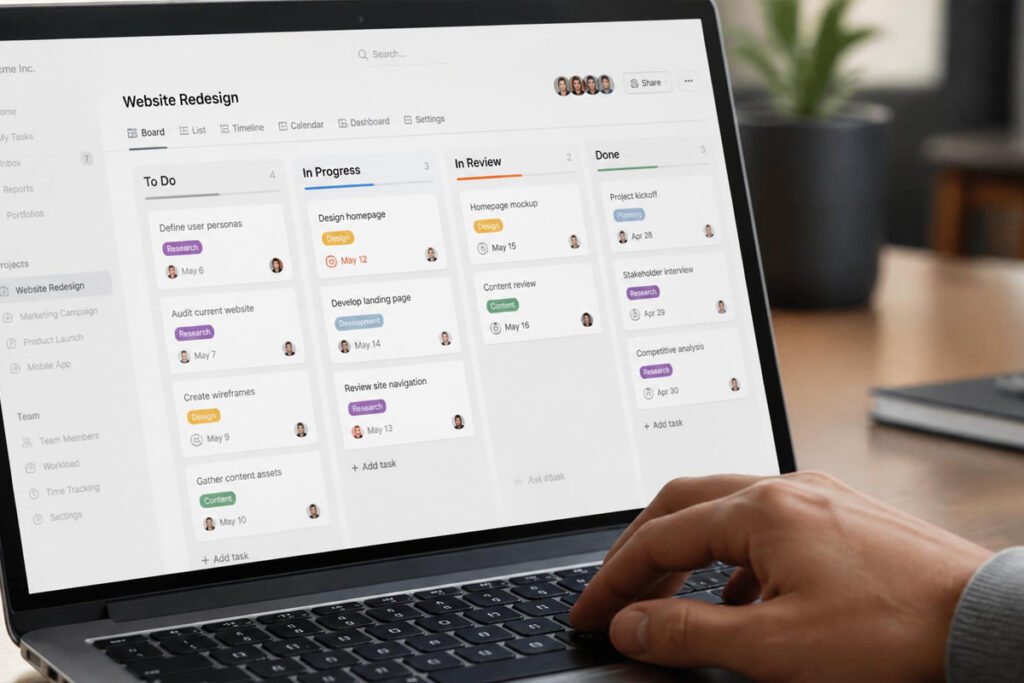
Most platforms organize work around boards, lists, or timelines. A board might show tasks moving through stages like “To Do,” “In Progress,” and “Done,” while a timeline view lays out deadlines across weeks or months. On top of that, most tools add file attachments, comments tied directly to a task, and notifications so nothing depends on someone remembering to check in.
The real value for a small business isn’t the software itself — it’s that a client project doesn’t quietly stall just because everyone assumed someone else was handling it. If you’re still working out the legal and financial foundations of your business before scaling up your project load, our guides on getting an EIN and getting a business license in 2026 are worth reviewing first.
How to Choose the Right Project Management Tool
How big is your team, and how complex is a typical project? A solo freelancer juggling a handful of client projects needs far less structure than a team of ten coordinating overlapping deadlines. Match the tool’s complexity to your actual workload, not to what a bigger company might use.
Do you think in lists, boards, or documents? Some people want a simple checklist. Others think visually and want a Kanban board. Others want project tracking woven into notes and documents they’re already writing. Picking a tool that matches how your brain already organizes work makes adoption far easier.
What tools does your team already rely on? A project tool that connects cleanly to your email, calendar, or CRM keeps client work and project tasks talking to each other, instead of living in two disconnected systems.
Best Project Management Software Available
1. Asana
Overview: Asana strikes a strong balance between structure and simplicity, making it one of the most widely adopted project tools among small and mid-sized teams. It offers list, board, and timeline views of the same project, so different team members can work the way they prefer while looking at the same underlying data.
Key Features:
- List, board, calendar, and timeline (Gantt-style) views
- Task dependencies and automated workflow rules
- Built-in workload view to spot overloaded team members
- Comment threads attached directly to individual tasks
- Free plan supports small teams with core features
Best For: Small teams that want a flexible, well-rounded tool without a steep learning curve.
Pros: ✅ Multiple views of the same data ✅ Clean, intuitive interface ✅ Strong free tier for small teams Cons: ❌ Advanced features require a paid upgrade ❌ Can feel underused if your team only needs basic to-do lists
Our Verdict: For most small businesses moving from scattered task tracking to a real system for the first time, Asana offers enough structure to matter without overwhelming a team that’s new to project management software.
2. Trello
Overview: Trello popularized the visual, card-based Kanban board, and it remains one of the simplest ways to see a project’s status at a glance. Cards move across columns as work progresses, and there’s very little setup required before a team can start using it productively.
Key Features:
- Simple, visual drag-and-drop Kanban boards
- Checklists, due dates, and attachments on individual cards
- Power-Ups for extending functionality (calendars, automation, integrations)
- Generous free plan for small teams
- Very short learning curve
Best For: Small teams and solo operators who want the simplest possible visual task tracker.
Pros: ✅ Extremely easy to learn ✅ Visual, at-a-glance project status ✅ Strong free plan Cons: ❌ Lacks built-in reporting and timeline views without add-ons ❌ Can get messy on larger, more complex projects
Our Verdict: If your team has resisted project management software because it felt like too much overhead, Trello is often the tool that finally sticks — there’s almost nothing to learn before it’s useful.
3. monday.com
Overview: monday.com is built around a highly customizable, colorful board interface that adapts to almost any workflow — project tracking, content calendars, or even CRM data, all using the same underlying board structure.
Key Features:
- Fully customizable columns, boards, and automation “recipes”
- Multiple views: Kanban, Gantt, calendar, and workload
- Automation for repetitive status updates and notifications
- Integrates with monday.com’s own CRM and other business tools
- Visual, color-coded status tracking
Best For: Teams that want deep customization and don’t mind spending some setup time upfront.
Pros: ✅ Highly flexible and visual ✅ Strong automation options ✅ Scales into other monday.com products, including its CRM Cons: ❌ No permanently free plan for teams beyond a very small size ❌ Can require real setup time to configure well
Our Verdict: If your team is already using monday.com CRM to track leads, keeping project work in the same platform avoids managing two separate systems for sales and delivery.
4. ClickUp
Overview: ClickUp aims to be the most feature-complete project management tool on the market, bundling tasks, docs, goals, and time tracking into one platform. That depth is a strength for teams willing to invest time configuring it, and a potential distraction for teams that just want something simple.
Key Features:
- Highly customizable views: list, board, Gantt, calendar, and more
- Built-in docs, goal tracking, and time tracking
- Task automation for repetitive workflows
- Deep customization of statuses, fields, and templates
- Generous free plan with a wide feature set
Best For: Teams that want the most feature-complete tool available and are willing to spend time setting it up properly.
Pros: ✅ Extremely feature-rich ✅ Strong free plan relative to competitors ✅ Combines several tools (docs, time tracking) in one place Cons: ❌ Can feel overwhelming for a very small team ❌ Steeper learning curve than simpler competitors
Our Verdict: For a growing team ready to consolidate several separate tools into one platform, ClickUp’s depth pays off — but a brand-new, one-person operation may find it more than they need on day one.
5. Notion
Overview: Notion blends project tracking with notes, documents, and a flexible database system, making it a strong fit for teams that want their project boards sitting right next to the plans, notes, and client details behind them, rather than in a separate app.
Key Features:
- Combined workspace for docs, notes, and project tracking
- Flexible databases that can display as boards, tables, or calendars
- Templates for common small business workflows
- Strong for solo operators managing both projects and knowledge in one place
- Free plan for individuals and small teams
Best For: Teams and solo operators who want project tracking connected directly to notes and documentation.
Pros: ✅ Combines documentation and task tracking in one tool ✅ Highly flexible database system ✅ Strong for small, all-in-one workspaces Cons: ❌ Less purpose-built for complex project timelines than dedicated PM tools ❌ Can require real effort to structure well at first
Our Verdict: If your business runs on a mix of client notes, internal documentation, and task tracking, Notion keeps all of it in one connected space instead of splitting your workflow across separate apps.
6. Basecamp
Overview: Basecamp takes a deliberately different approach from most competitors — flat, predictable pricing instead of per-user fees, and a focus on clear to-do lists and team communication rather than dense feature menus. It’s built for small teams that want simplicity to stay simple.
Key Features:
- Flat monthly pricing rather than per-user billing
- To-do lists, message boards, and file storage in one place
- Automatic check-ins for regular status updates
- Client access for sharing progress directly with customers
- Minimal setup required to get a team started
Best For: Small teams that want a straightforward tool without a growing per-user bill as the team expands.
Pros: ✅ Predictable flat pricing ✅ Simple, communication-focused approach ✅ Built-in client-facing views Cons: ❌ Fewer advanced views (no true Gantt chart) ❌ Less customizable than more feature-heavy competitors
Our Verdict: For a small team that’s grown wary of software bills climbing with every new hire, Basecamp’s flat pricing model can be the deciding factor on its own.
Comparison Table
| Software | Best For | Free Plan | Pricing Model | Best If You Already Use… |
|---|---|---|---|---|
| Asana | Balanced structure & simplicity | Yes | Per user | Nothing yet — clean slate |
| Trello | Simplest visual boards | Yes | Per user | A very small, informal team |
| monday.com | Deep customization | Limited | Per user | monday.com CRM |
| ClickUp | Most feature-complete | Yes | Per user | Several separate tools to consolidate |
| Notion | Docs + project tracking combined | Yes | Per user | A notes-and-planning-heavy workflow |
| Basecamp | Predictable flat pricing | No | Flat fee | A growing team wary of per-user costs |
Best Project Management Software for Different Business Types
Freelancers and Solo Consultants
A lightweight tool like Trello or Notion is usually enough for tracking a handful of active client projects. Pair it with our guide on pricing a business proposal so every project you track has a clear scope and deadline from the start.
Sales-Driven Teams Delivering Client Work
If you’re already tracking leads in a CRM and closing deals with e-signature software, Asana or monday.com help ensure a signed project doesn’t stall the moment delivery actually begins.
Growing Teams Consolidating Multiple Tools
If your team is juggling separate apps for notes, time tracking, and task lists, ClickUp’s all-in-one approach can reduce the number of subscriptions and logins your team has to manage day to day.
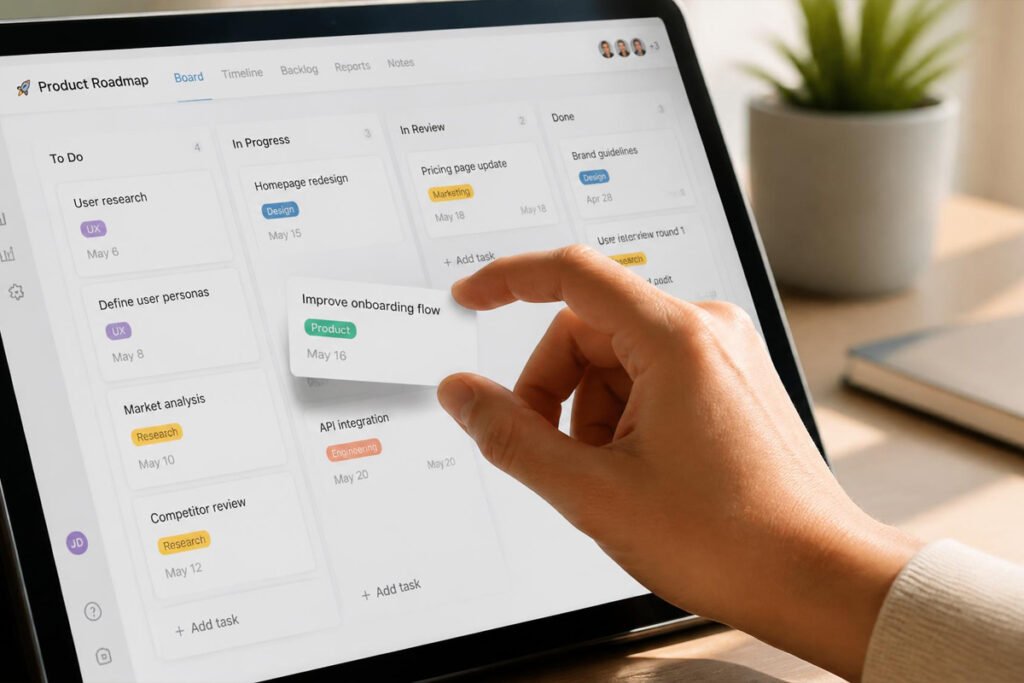
How to Set Up Your First Project Board
Step 1: Start With One Real Project, Not a Template
Rather than importing every default template, set up your board around a real, active project so your team learns the tool while doing actual work.
Step 2: Break the Project Into Clear Tasks
List out concrete, assignable tasks rather than vague goals — “Send draft to client” is trackable; “Work on project” is not.
Step 3: Assign Owners and Due Dates
Every task should have exactly one person responsible and a realistic deadline, so nothing sits in a gray area of shared, and therefore no one’s, responsibility.
Step 4: Turn On Notifications for Key Updates
Configure notifications for due dates and status changes so progress is visible without anyone needing to manually check the board every day.
Step 5: Review the Board Weekly
Set a recurring weekly check to catch tasks that are stalled or overdue before a deadline arrives with no warning.
Common Mistakes
Over-customizing before the team has used the basics. It’s tempting, especially in flexible tools like monday.com or ClickUp, to build an elaborate system before anyone has actually used the simple version. Start basic, then customize based on real friction points.
Letting tasks sit without a clear owner. A task assigned to “the team” rather than one specific person tends to get done by no one. Every task needs a single, named owner.
Tracking projects in the tool but never actually looking at it. A project board only helps if someone checks it regularly. Build a specific weekly habit around reviewing it, the same way you’d review outstanding invoices or a sales pipeline.
Expert Tips
Keep task names specific and action-oriented. A task titled “Website” tells you nothing about what’s actually needed. “Update homepage copy and send to client for approval” tells the whole team exactly what’s expected.
Connect project completion to your next business step. When a project wraps up, that should trigger the next real action — sending a final invoice or asking for a testimonial — rather than the project just quietly disappearing from the board.
Don’t force everyone into the same view. Tools like Asana and ClickUp let different team members see the same tasks as a list, a board, or a calendar. Let people use whichever view actually helps them work, rather than mandating one for everyone.

Final Thoughts
Best overall: Asana, for a strong balance of structure and simplicity. Best for simplicity: Trello, for the easiest possible visual board. Best for customization: monday.com, for teams willing to configure a flexible system. Best for feature depth: ClickUp, for consolidating several tools into one. Best for docs + tasks combined: Notion, for a connected notes-and-project workspace. Best for flat pricing: Basecamp, for teams wary of growing per-user costs.
Whichever tool you choose, the goal is the same: a signed deal that actually gets delivered on time, visibly, without depending on anyone’s memory. Once a project wraps, our guides on invoicing software and CRM software cover the steps on either side of the work itself.
Frequently Asked Questions
Do I need project management software if I only have a few clients? If you can genuinely keep every task and deadline straight without help, you may not need one yet. Once tasks start slipping through the cracks or living in scattered email threads, a free-tier tool like Trello or Asana pays for itself quickly.
How much does project management software typically cost? Costs range from free (Trello, Asana, ClickUp, Notion all offer usable free tiers) to roughly $10–$25+ per user per month for full-featured paid plans, with Basecamp instead charging a flat fee regardless of team size.
What’s the difference between a to-do list app and project management software? A to-do list tracks individual tasks. Project management software connects tasks to owners, deadlines, dependencies, and overall project timelines, giving a fuller picture of how work is actually progressing.
Which tool is best for a solo freelancer? Trello or Notion both work well for a single person managing a handful of active projects without the overhead of a more complex system.
Can project management software connect to my CRM or invoicing tools? Yes — monday.com’s project tools connect natively with its own CRM, and most other platforms on this list offer integrations with popular CRM and invoicing software through their app marketplaces.
Is it worth switching tools once my team has already started using one? Only if the current tool is actively costing you missed deadlines or causing real friction. Switching costs time and re-training, so it’s worth doing deliberately rather than chasing every new feature release.
Do I need a business license before I start taking on client projects? In most cases, yes — operating and delivering paid work generally requires the appropriate local licensing first. Our guide on getting a business license in 2026 covers what’s typically required before you start.
How do I know when to upgrade from a free plan? Common signs include hitting user or project limits, needing timeline or Gantt views the free tier doesn’t offer, or needing automation features to cut down on manual status updates.
Author: Morne Winston Last Updated: August 2026
Pingback: Best Time Tracking Software for Small Business: Top 6 Proven Picks | Ideas Junction – Your Hub for Startups, Business Growth & Innovation