
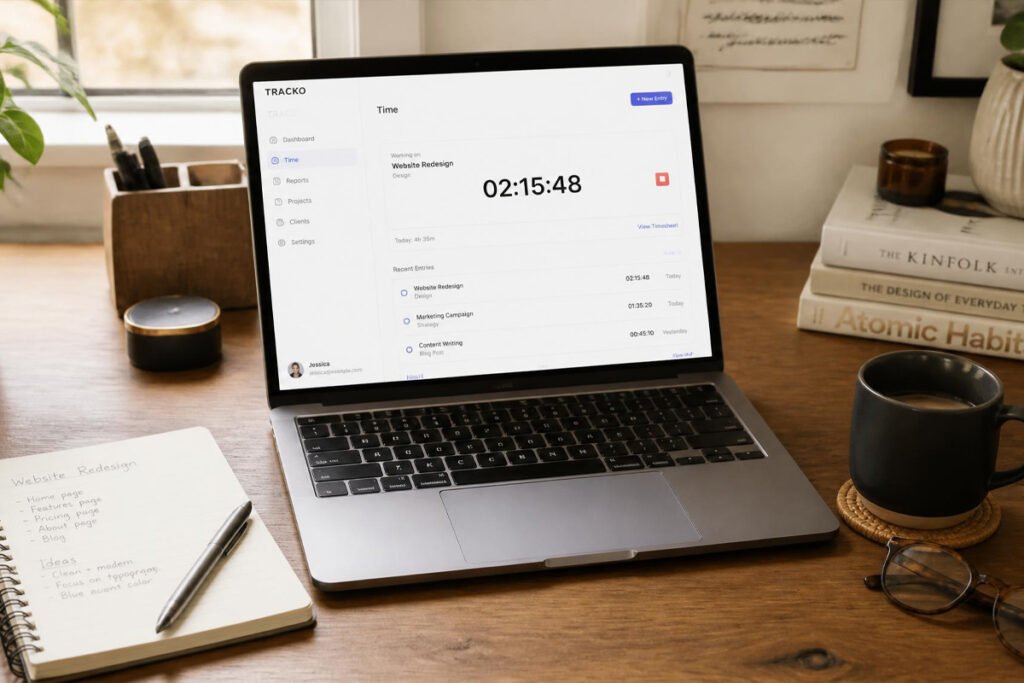
It’s Friday afternoon and you’re trying to remember what you actually did on Tuesday. Was the client call thirty minutes or forty-five? Did the revisions happen Wednesday morning or Thursday night? You round down because you’re not sure, and that rounding happens every week, on every project. For a freelancer billing even a modest hourly rate, one forgotten forty-minute call a day adds up to real money walking out the door every month — and for a small team, that leak multiplies fast.
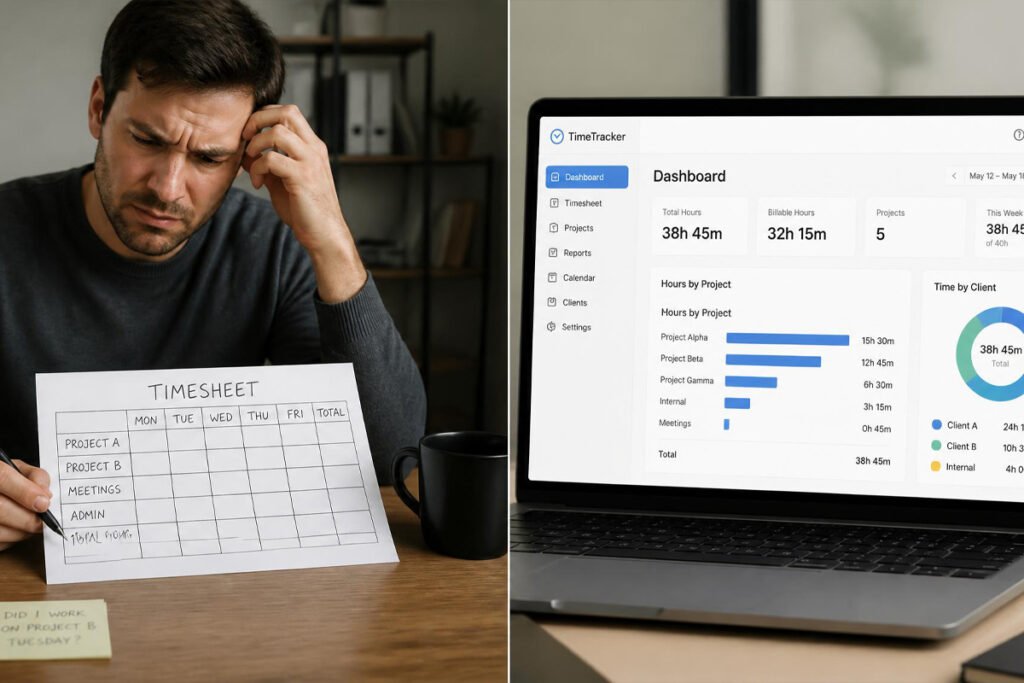
Time tracking software exists to stop that guessing. Instead of rebuilding your week from memory on a Friday afternoon, hours get captured the moment work happens, tied to the right client or project, and turned into clean, accurate numbers you can actually bill from. If you’re already managing tasks with project management software and sending bills through invoicing software, time tracking is the connective layer that makes sure the hours between those two tools are accurate, not estimated.
This guide compares the six best time tracking tools for small businesses in 2026, what makes each one different, and how to pick the right one without overpaying for features you’ll never touch.
Quick Answer
The best time tracking software depends on what happens to the hours after you stop the timer. Toggl Track is the strongest pick if you want a clean, standalone timer and already handle invoicing elsewhere. Harvest is the better fit if you want time tracking and invoicing built into one lightweight tool. Clockify is the best free option, especially for teams tracking time across multiple projects without wanting to pay per user. Hubstaff suits businesses managing remote or field teams that need location and activity visibility alongside hours. QuickBooks Time is the natural choice if you’re already inside the QuickBooks ecosystem for accounting. And TimeCamp is a solid pick for freelancers and contractors who want accurate, automatic tracking without much manual input.
What Is Time Tracking Software and How Does It Work?
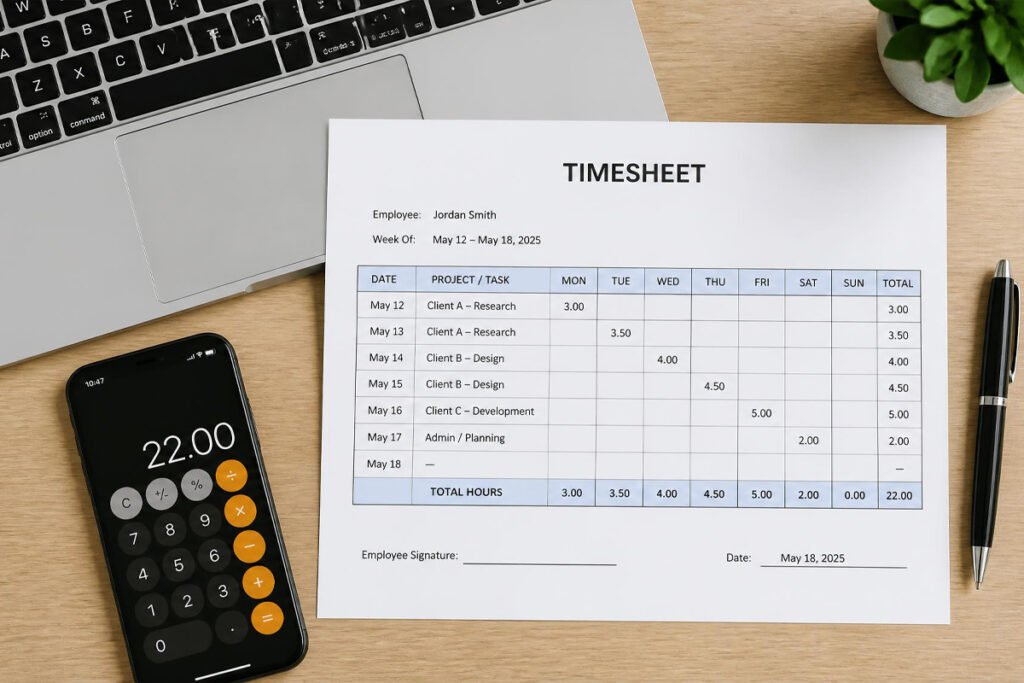
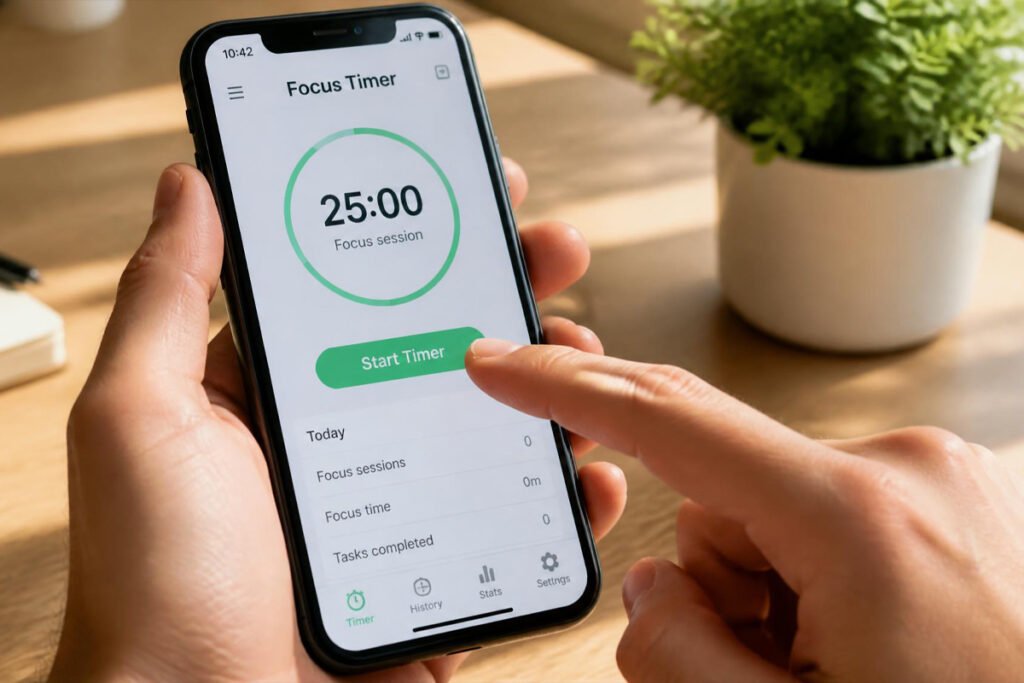
Time tracking software records how long you or your team spend on a task, project, or client, either through a manual start/stop timer or automatic activity detection. Instead of reconstructing a timesheet from memory at the end of the week, the software captures the real number as work happens.
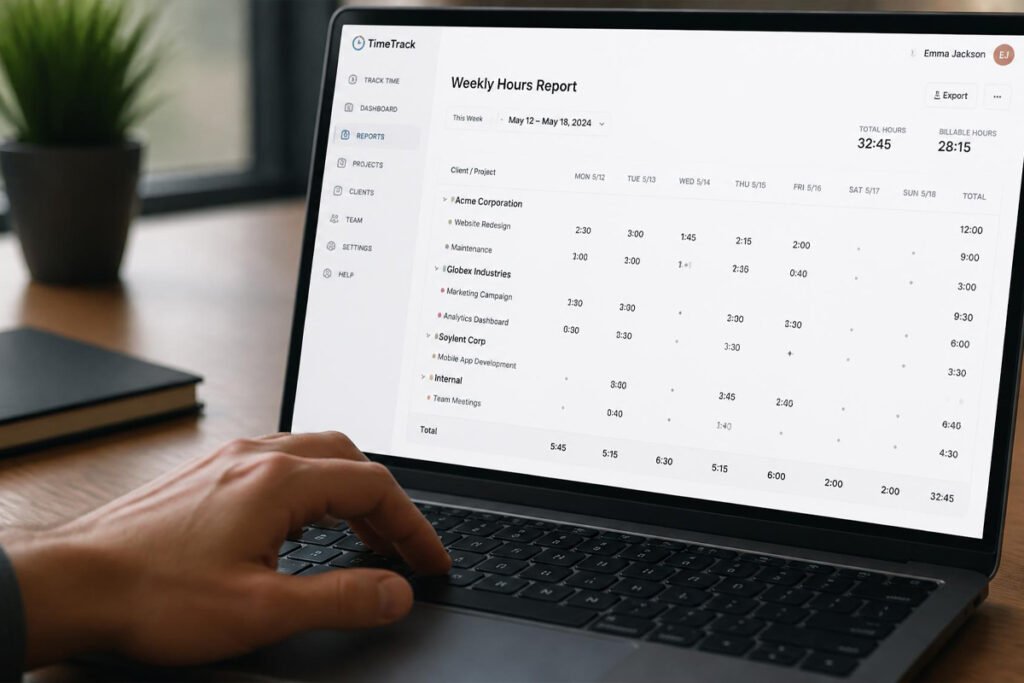
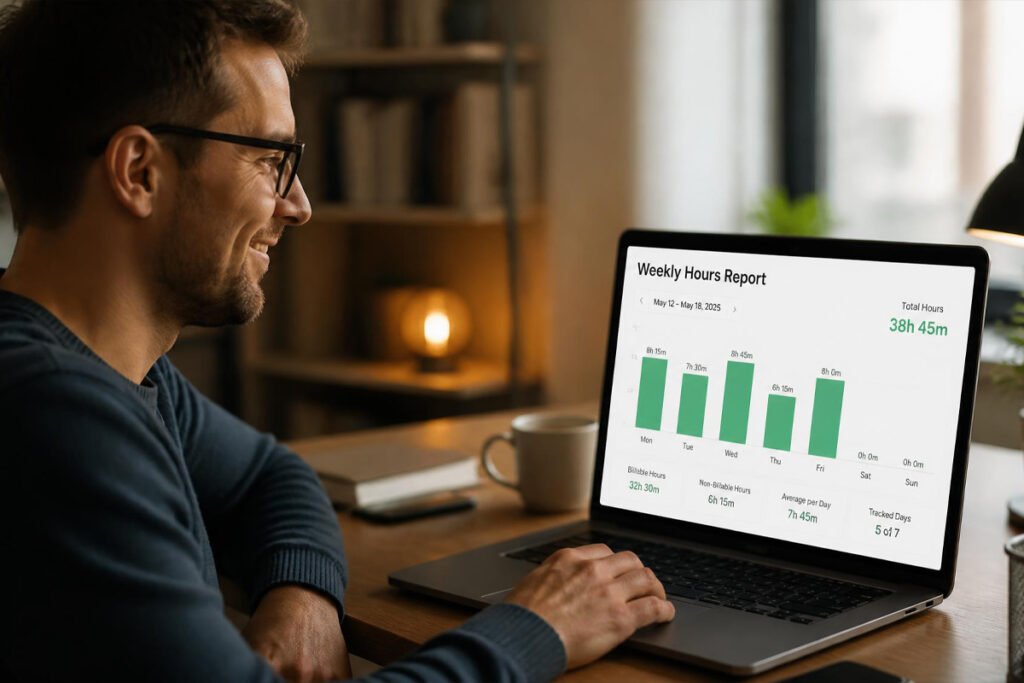
Most platforms tie tracked time directly to a project or client, so at the end of a billing period, you can see exactly how many hours went where — not an estimate, but an actual record. From there, many tools generate timesheets for approval, calculate billable versus non-billable hours, and in some cases push tracked time straight into an invoice, removing a manual step that’s an easy place for errors to creep in.
Beyond billing accuracy, time tracking data also shows where projects are actually taking longer than quoted, which matters directly when you’re pricing a business proposal — you can’t price future work accurately if you don’t know how long similar work really took last time.
How to Choose the Right Time Tracking Tool
Are you billing by the hour, or tracking time for internal insight? If tracked hours turn directly into an invoice, a tool with strong billable-rate and invoicing features matters more than one built for internal productivity metrics alone.
Is your team in one place, or remote and distributed? A solo freelancer or in-office team rarely needs GPS or screenshot monitoring. A remote or field-based team often benefits from tools like Hubstaff that add location and activity visibility.
What tools do you already use for projects and invoicing? A time tracker that connects cleanly to your project management software or accounting platform saves a manual export-and-reimport step every single billing cycle.
Best Time Tracking Software Available
1. Toggl Track
Overview: Toggl Track has built a reputation for being the cleanest, fastest timer on the market — a single click starts tracking, and the interface stays out of your way while you work. It’s a favorite among agencies and creative freelancers who want accurate time data without a clunky tool slowing them down.
Key Features:
- One-click start/stop timer with a minimal, fast interface
- Project and client tagging for clear reporting
- Billable rate tracking by project or team member
- Idle time detection and reminders to start a timer
- Free plan supports small teams
Best For: Agencies and freelancers who want a clean, standalone timer without extra complexity.
Pros: ✅ Extremely fast and simple to use ✅ Strong reporting on where time actually goes ✅ Solid free tier Cons: ❌ No built-in invoicing — pairs best with a separate billing tool ❌ Free plan caps out at a limited number of users
Our Verdict: If you already have invoicing handled elsewhere and just want the most frictionless way to capture accurate hours, Toggl Track does exactly that job well without trying to be anything more.
2. Harvest
Overview: Harvest combines time tracking and invoicing in one lightweight tool, which makes it a natural fit for consultants and small agencies whose month genuinely ends in sending a bill based on hours worked. Tracked time flows directly into an invoice without a separate export step.
Key Features:
- Time tracking tied directly to built-in invoicing
- Expense tracking alongside billable hours
- Visual reports on project budgets and team capacity
- Integrates with popular project management and accounting tools
- Simple timer with manual entry option
Best For: Consultants and small agencies that want time tracking and invoicing in a single tool.
Pros: ✅ Time-to-invoice happens in one place ✅ Clean, easy-to-read reporting ✅ Straightforward for small teams to adopt Cons: ❌ No permanently free plan for teams past a single user ❌ Fewer advanced workforce features than tools built for larger teams
Our Verdict: For a small consultancy that bills almost entirely by the hour, Harvest removes the handoff between tracking time and generating the bill — the two are already connected.
3. Clockify
Overview: Clockify offers one of the most generous free plans in the category, supporting unlimited users at no cost — a rarity among time tracking tools that usually charge per person. It’s a strong starting point for a team that wants proper time tracking without adding a new line item to the budget.
Key Features:
- Unlimited users on the free plan
- Time tracking by project, client, and task
- Timesheet approval workflows on paid tiers
- Reporting dashboards for team and project time
- Browser extension and mobile app for tracking on the go
Best For: Small teams that want solid time tracking without a per-user monthly cost.
Pros: ✅ Genuinely free for unlimited users ✅ Clean, straightforward interface ✅ Good reporting even on the free tier Cons: ❌ Fewer advanced features than paid-first competitors ❌ Some approval and admin controls are locked to paid plans
Our Verdict: If cost per user is the main obstacle standing between your team and proper time tracking, Clockify removes that obstacle almost entirely.
4. Hubstaff
Overview: Hubstaff is built for businesses managing remote or distributed teams, adding location tracking, activity levels, and optional screenshots on top of standard time tracking. It’s a stronger fit for businesses that need visibility into how and where work is happening, not just how long it took.
Key Features:
- GPS location tracking for field or remote teams
- Optional activity monitoring and screenshots
- Automated payroll based on tracked hours
- Project budgeting and cost tracking
- Integrates with popular project management and payment tools
Best For: Businesses managing remote, hybrid, or field-based teams that need location and activity visibility.
Pros: ✅ Strong fit for distributed teams ✅ Automated payroll based on tracked time ✅ Detailed activity and location data Cons: ❌ Monitoring features can feel invasive to some employees if not communicated clearly ❌ More than a solo freelancer typically needs
Our Verdict: For a business with field technicians or a fully remote team where “where was the work actually happening” matters, Hubstaff answers that question directly — but it’s worth being transparent with your team about what’s being tracked and why.
5. QuickBooks Time
Overview: QuickBooks Time (formerly TSheets) is built to plug directly into the broader QuickBooks ecosystem, making it the natural choice for a business that already handles its accounting through QuickBooks. Tracked hours sync straight into payroll and invoicing without manual re-entry.
Key Features:
- Native integration with QuickBooks accounting and payroll
- Mobile time tracking with GPS for field teams
- Timesheet approval workflows for managers
- Scheduling features alongside time tracking
- Overtime and break tracking for compliance
Best For: Businesses already using QuickBooks for accounting and payroll.
Pros: ✅ Seamless sync with QuickBooks ✅ Strong for field and mobile teams ✅ Reduces manual payroll entry Cons: ❌ Less useful as a standalone tool outside the QuickBooks ecosystem ❌ Pricier than dedicated time-tracking-only tools
Our Verdict: If your books already run through QuickBooks, adding QuickBooks Time keeps hours, payroll, and accounting all talking to each other without a separate integration to maintain.
6. TimeCamp
Overview: TimeCamp focuses on making accurate tracking as automatic as possible, using background activity detection so freelancers and contractors don’t have to remember to hit start every single time they switch tasks.
Key Features:
- Automatic time tracking based on app and website activity
- Project and task-level time categorization
- Billable rate tracking and basic invoicing
- Attendance tracking alongside project time
- Integrates with popular project management tools
Best For: Freelancers and contractors who want accurate tracking without relying on manually starting a timer every time.
Pros: ✅ Reduces forgotten or missed time entries ✅ Good balance of automation and manual control ✅ Reasonable pricing for solo users Cons: ❌ Automatic tracking requires some setup and review to stay accurate ❌ Less full-featured than dedicated invoicing-first tools like Harvest
Our Verdict: For a freelancer who knows they forget to start the timer half the time, TimeCamp’s automatic detection catches the hours that would otherwise just disappear from the bill.
Comparison Table
| Software | Best For | Free Plan | Built-In Invoicing | Location/Activity Tracking |
|---|---|---|---|---|
| Toggl Track | Clean, standalone timer | Yes | No | No |
| Harvest | Time-to-invoice in one tool | No | Yes | No |
| Clockify | Unlimited users at no cost | Yes | Limited | No |
| Hubstaff | Remote & field teams | Limited | No | Yes |
| QuickBooks Time | QuickBooks users | No | Via QuickBooks | Yes |
| TimeCamp | Automatic tracking | Yes | Limited | Limited |
Best Time Tracking Software for Different Business Types
Freelancers and Solo Consultants
If billing by the hour is central to how you get paid, Harvest or TimeCamp keep tracked time and invoicing close together. Pair either with our guide on pricing a business proposal so your rate reflects what jobs actually take, not just an estimate.
Agencies and Small Teams
Toggl Track or Clockify both scale well across a small team without heavy per-user costs, and integrate cleanly with project management tools you may already be using to track the work itself.
Remote, Hybrid, or Field-Based Teams
Hubstaff and QuickBooks Time both add location and activity context that matters more once your team isn’t working from the same office. If you’re already handling payroll and accounting through QuickBooks, QuickBooks Time keeps that data in one connected system.
How to Start Tracking Time Correctly
Step 1: Set Up Projects and Clients First
Before tracking a single hour, create clear project and client categories so time gets logged against something meaningful, not a generic catch-all.
Step 2: Set Billable Rates Per Project
If you charge different rates for different clients or types of work, configure those rates upfront so reports and invoices calculate correctly without manual math later.
Step 3: Build the Habit of Starting the Timer
The biggest failure point in time tracking isn’t the software — it’s forgetting to start it. Choose a tool with automatic detection (like TimeCamp) if this is a recurring problem for you.
Step 4: Review Timesheets Weekly
Set a recurring weekly check to catch missing or clearly wrong entries before they turn into an inaccurate invoice at the end of the month.
Step 5: Turn Tracked Hours Into an Invoice Promptly
Once a billing period closes, move tracked time into an invoice quickly — the longer the gap, the easier it is for details to get fuzzy if a client has questions.
Common Mistakes
Rounding hours instead of tracking them precisely. Rounding “close enough” numbers, even by a few minutes per entry, adds up to real lost revenue over a month. Let the software capture the real number instead of estimating.
Tracking time but never reviewing the reports. The real value of time tracking isn’t just accurate billing — it’s seeing which projects consistently run over estimate. Skipping the reporting side wastes half the tool’s value.
Introducing activity monitoring without explaining why. If you’re using a tool like Hubstaff with screenshots or activity tracking on a team, be transparent about what’s being tracked and why — introduced without context, it tends to damage trust more than it improves accuracy.
Expert Tips
Track non-billable time too, not just client work. Knowing how many hours go to admin, marketing, or internal tasks helps you understand your real capacity for taking on new client work.
Use tracked time to sanity-check your proposal pricing. If a type of project consistently takes longer than what you quoted, that’s a signal to adjust how you price future proposals, not just absorb the extra hours quietly.
Bill from tracked time immediately, not from memory later. Waiting until the end of the month to reconstruct hours from memory reintroduces exactly the guesswork time tracking software is meant to eliminate.
Final Thoughts
Best overall: Toggl Track, for the cleanest standalone timer experience. Best for time-to-invoice: Harvest, for tracking and billing in one tool. Best free option: Clockify, for unlimited users at no cost. Best for remote/field teams: Hubstaff, for location and activity visibility. Best for QuickBooks users: QuickBooks Time, for seamless accounting sync. Best for automatic tracking: TimeCamp, for catching hours you’d otherwise forget.
Whichever tool you pick, the goal is the same: bill for the work you actually did, not a guess reconstructed on a Friday afternoon. Once hours are tracked accurately, our guides on invoicing software and project management software cover the tools on either side of that process.
Frequently Asked Questions
Do I need time tracking software if I charge flat project rates instead of hourly? Even with flat-rate pricing, tracking time is useful for understanding whether a project type is actually profitable at that rate — it just doesn’t need to be tied directly to invoicing.
How much does time tracking software typically cost? Costs range from free (Toggl Track, Clockify, and TimeCamp all offer usable free tiers) to roughly $8–$15+ per user per month for full-featured plans like Harvest, Hubstaff, or QuickBooks Time.
What’s the difference between a simple timer app and full time tracking software? A basic timer just logs elapsed time. Full time tracking software ties that time to projects and clients, calculates billable rates, and often connects directly to invoicing or payroll.
Which tool is best for a solo freelancer? Toggl Track or TimeCamp both work well for a single person who wants accurate, low-friction tracking without team-oriented features they won’t use.
Can time tracking software connect to my invoicing or project management tools? Yes — most tools on this list, including Toggl Track and Clockify, integrate with popular project management and invoicing platforms, and Harvest and QuickBooks Time include invoicing or accounting sync natively.
Is activity monitoring or screenshot tracking necessary for a small team? Not usually. It’s most useful for remote or field teams where visibility into how work happens matters more, and it should always be introduced transparently rather than added quietly.
How accurate does time tracking actually need to be? As accurate as your billing depends on it being. If hours translate directly into client invoices, precision matters a lot; if it’s mainly for internal insight, rough tracking is often good enough.
Should time tracking data affect how I price future work? Yes — if tracked hours consistently exceed what you quoted for similar projects, that’s useful data for adjusting how you price a business proposal going forward.
Author: Morne Winston Last Updated: August 2026
Pingback: Best Small Business Insurance: Top 5 Proven Picks | Ideas Junction – Your Hub for Startups, Business Growth & Innovation