
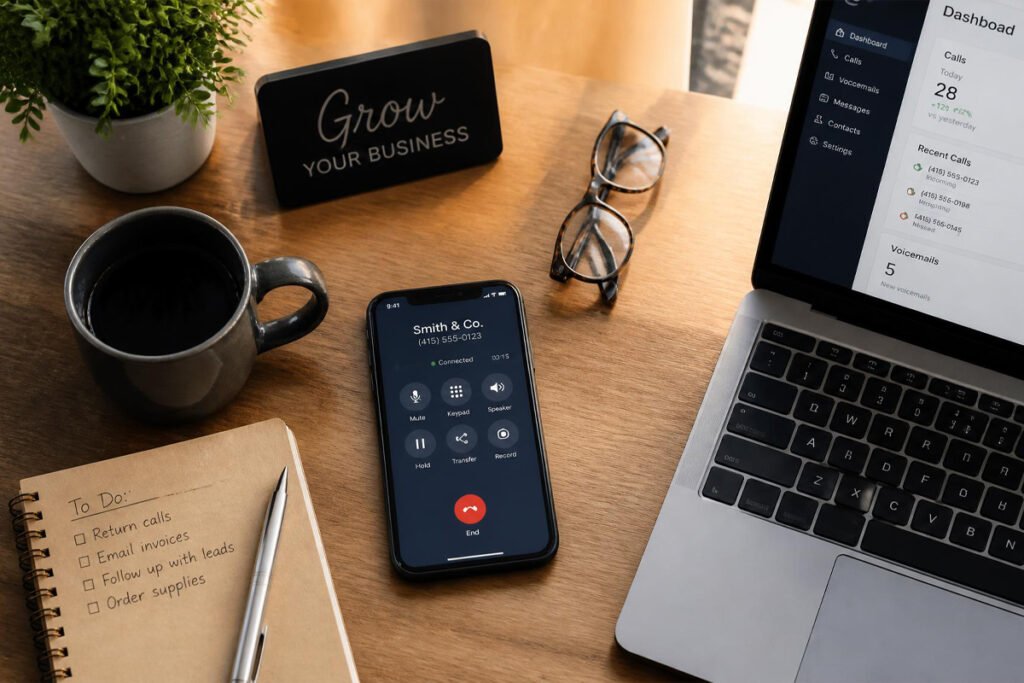
A customer calls your personal cell phone, and you answer with a mumbled “hello” because you’re mid-errand and had no idea it was a client. Another call goes to voicemail with a greeting that just says your name, giving them no reason to trust they’ve reached a real business. Neither moment is a huge deal on its own, but stacked together, they quietly chip away at how professional you look before you’ve said a single word about the actual work.
A dedicated business phone system fixes that gap without requiring a landline, a receptionist, or expensive hardware. Modern VoIP (Voice over Internet Protocol) systems run through an app on your existing phone or computer, giving you a real business number, call routing, voicemail transcription, and a proper greeting — all for a fraction of what traditional phone service used to cost. If you’re already logging client conversations in a CRM, a business phone system is what makes sure those calls actually happen professionally in the first place.
This guide compares the six best business phone systems for small businesses in 2026, what each one does differently, and how to pick the right one without paying for enterprise features you’ll never use.
Quick Answer
The best business phone system depends on team size and how central calling is to your business. RingCentral is the strongest all-around pick if you want voice, video, and team messaging bundled into one platform. Nextiva is the better fit for service businesses that handle a high volume of customer calls and want CRM-style contact history built in. Ooma Office is ideal if ease of setup and predictable pricing matter more than advanced features. Grasshopper suits solopreneurs who just need a professional business number without a full phone system. Google Voice is the simplest, most affordable option for a very small operation. And Dialpad is worth a look if AI-powered call transcription and coaching are genuinely useful to how your team works.
What Is a Business Phone System and How Does It Work?
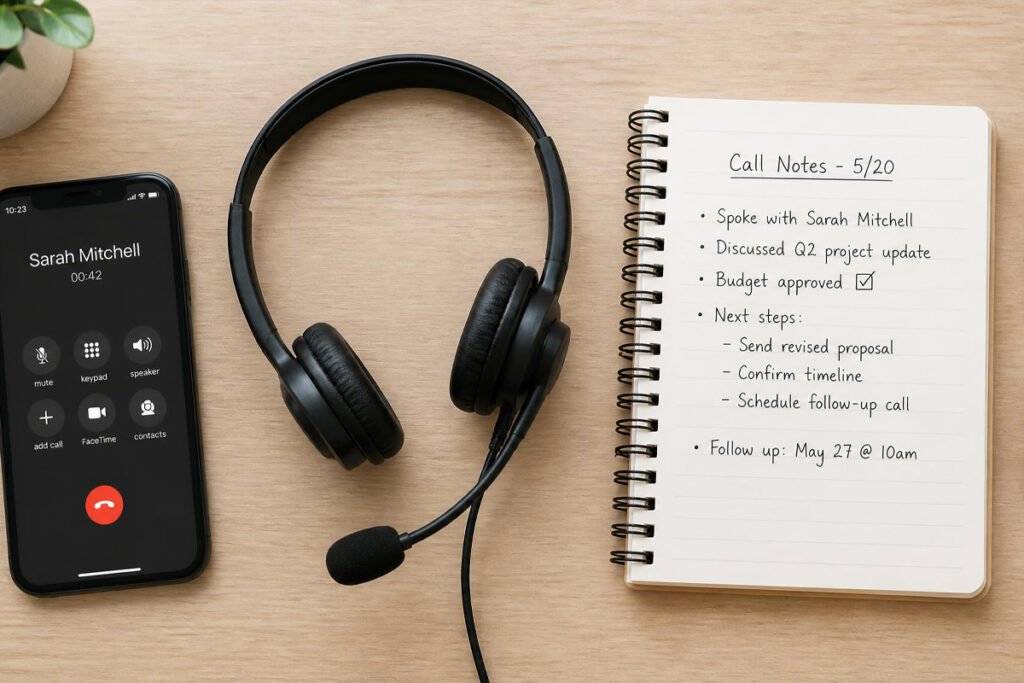
A business phone system is a service that gives your business a dedicated phone number and calling features separate from your personal cell phone, typically run over the internet rather than traditional copper phone lines. Modern systems are almost entirely VoIP-based, meaning calls route through an app on your phone, computer, or an optional desk phone, instead of requiring physical phone line installation.
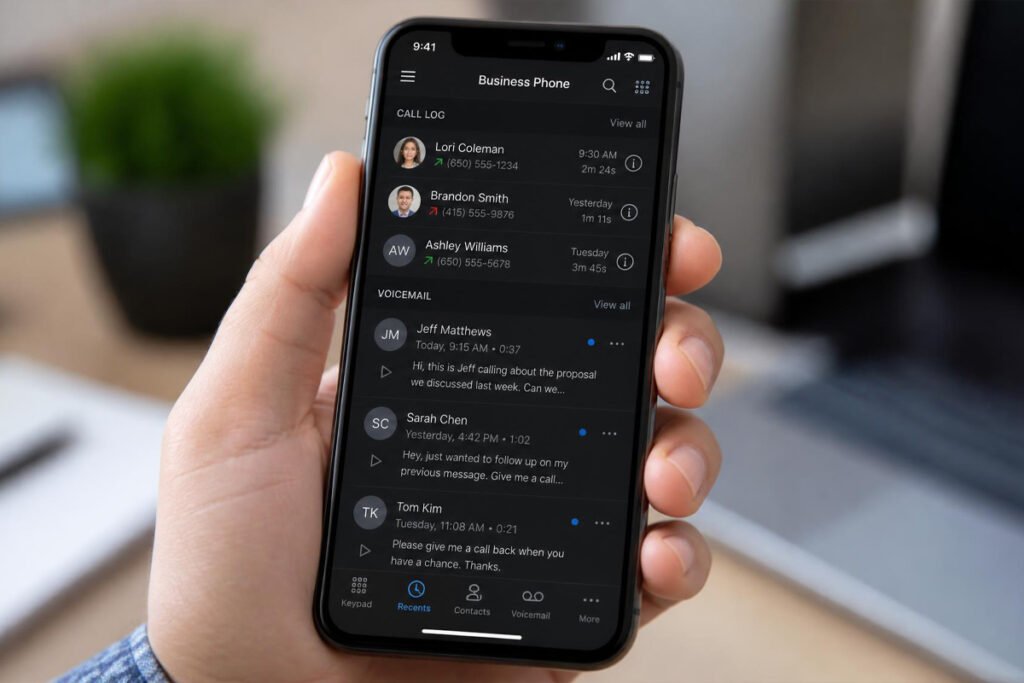
Most platforms include a handful of features that a personal cell number simply can’t offer: an auto-attendant that greets callers and routes them to the right person, call recording and voicemail transcription, business hours settings so calls route differently after hours, and multiple extensions if more than one person needs to be reachable at the same business number.
Beyond sounding more professional, a real business number also keeps your personal number private, and gives you a paper trail of business calls that a personal phone never provides — something that matters when a call needs to be referenced later, alongside notes in your CRM.
How to Choose the Right Business Phone System
How many people need to answer calls? A solo operator has very different needs than a team fielding calls across several people. Solopreneurs are usually well served by lighter tools like Grasshopper or Google Voice, while teams benefit from systems with proper call routing and multiple extensions.
Do you need video and team messaging too, or just calling? Some platforms, like RingCentral, bundle voice, video meetings, and team chat into one subscription. If you already use separate tools for those, a calling-only system avoids paying for redundant features.
How much call volume are you actually handling? A business fielding dozens of customer calls a day benefits from call analytics, routing, and CRM-style contact history. A business making occasional calls mainly needs reliability and a professional greeting.

Best Business Phone Systems Available
1. RingCentral
Overview: RingCentral is one of the most established names in business communications, bundling phone calling, video meetings, and team messaging into a single unified platform. For a small business that wants one subscription to cover voice, video, and internal chat instead of three separate tools, RingCentral consolidates all of it.
Key Features:
- Unified voice, video meetings, and team messaging in one app
- Auto-attendant and customizable call routing
- Voicemail-to-text transcription
- Wide range of integrations, including CRM platforms
- Available on mobile, desktop, and optional desk phones
Best For: Small businesses that want calling, video, and team chat combined in one platform.
Pros: ✅ All-in-one communication suite ✅ Strong integration ecosystem ✅ Scales well as a team grows Cons: ❌ Pricier than calling-only competitors ❌ More features than a solo operator typically needs
Our Verdict: If your team is currently juggling separate apps for calls, video meetings, and chat, RingCentral’s consolidation alone can be worth the switch — one login instead of three.
2. Nextiva
Overview: Nextiva blends traditional VoIP calling with CRM-style contact management, making it a strong fit for service businesses that handle a high volume of customer calls and want to see conversation history without switching to a separate tool. It’s built specifically with reliability as a selling point.
Key Features:
- CRM-lite contact history alongside call logs
- Auto-attendant, call recording, and voicemail transcription
- High uptime reliability, positioned for uptime-critical teams
- Team collaboration tools alongside voice
- Task assignment tied directly to calls or messages
Best For: Service businesses handling frequent customer calls that want contact history built into the phone system itself.
Pros: ✅ Strong reliability track record ✅ Useful contact history without a separate CRM ✅ Good fit for call-heavy service businesses Cons: ❌ More setup involved than the simplest options ❌ Some advanced features require higher-tier plans
Our Verdict: For a business where the phone genuinely is the primary channel — bookings, service calls, appointment scheduling — Nextiva’s built-in contact history reduces how often you’re toggling between apps mid-call.
3. Ooma Office
Overview: Ooma Office is built around getting a small business up and running fast, with a guided setup process that can have a working phone system configured in minutes rather than hours. It’s a consistently well-reviewed option for teams that want simplicity over a long feature list.
Key Features:
- Guided express setup for fast onboarding
- Unlimited calling across the US, Canada, Mexico, and Puerto Rico
- Mobile and desktop apps with ring group names on incoming calls
- Transparent, predictable pricing with no long-term contracts
- Optional preconfigured desk phones
Best For: Small teams that want a phone system deployed quickly with minimal technical setup.
Pros: ✅ Very fast, guided setup ✅ Transparent pricing with no contracts ✅ Reliable for small, straightforward teams Cons: ❌ Fewer advanced AI or analytics features than competitors ❌ Less suited to businesses planning rapid, complex growth
Our Verdict: If getting a working, professional phone number set up today — without a drawn-out configuration process — is the priority, Ooma Office is built exactly for that.
4. Grasshopper
Overview: Grasshopper isn’t a full phone system so much as a professional phone number layered on top of your existing cell phone, which makes it one of the simplest ways for a solopreneur to sound like an established business without new hardware or a second device.
Key Features:
- Professional business number that rings through to your existing phone
- Custom greetings and business hours routing
- Voicemail transcription sent directly to email
- Multiple extensions for a small team, even without a full VoIP setup
- No new equipment or dedicated device required
Best For: Solopreneurs and very small teams that want a professional number without a full phone system.
Pros: ✅ Extremely simple setup ✅ Works through your existing phone ✅ Affordable for solo use Cons: ❌ Fewer advanced call management features ❌ Not built for larger teams with complex routing needs
Our Verdict: For a freelancer who’s been giving out a personal cell number and wants that to stop today, Grasshopper is close to the fastest path to a real, dedicated business line.
5. Google Voice
Overview: Google Voice offers a genuinely simple, low-cost business number that integrates directly with Google Workspace, making it a natural pick for a very small operation that’s already living inside Gmail and Google Calendar.
Key Features:
- Low-cost business number tied to a Google account
- Voicemail transcription and call screening
- Simple integration with Google Workspace
- Works across mobile and desktop with no extra hardware
- Straightforward setup with minimal configuration
Best For: Solopreneurs and very small businesses already using Google Workspace.
Pros: ✅ Very affordable ✅ Minimal learning curve ✅ Clean integration with Gmail and Calendar Cons: ❌ Limited advanced call routing and analytics ❌ Fewer business-specific features than dedicated VoIP platforms
Our Verdict: If you’re a five-person team or smaller and already run your business through Google Workspace, Google Voice keeps things simple without introducing an entirely new ecosystem.
6. Dialpad
Overview: Dialpad puts AI at the center of its platform, with real-time call transcription, live coaching prompts, and AI-generated call summaries available even on entry-level plans. It’s aimed at teams that want more out of a call than just the conversation itself.
Key Features:
- Real-time call transcription and AI-generated summaries
- Live coaching prompts during calls for team members
- Unlimited calling, SMS, and basic integrations
- Video meetings and team messaging alongside voice
- Modern, clean interface across devices
Best For: Teams that want AI-assisted call insights and coaching built directly into their phone system.
Pros: ✅ Genuinely useful AI transcription and summaries ✅ Live coaching for training new team members ✅ Modern, easy-to-use interface Cons: ❌ Some advanced features like call recording require add-ons ❌ Pricing can climb once you need higher-tier features
Our Verdict: For a growing team where consistent call quality and training matter, Dialpad’s built-in coaching tools do double duty as both a phone system and a lightweight training aid.
Comparison Table
| System | Best For | Setup Speed | Video/Team Chat | AI Features |
|---|---|---|---|---|
| RingCentral | All-in-one communication | Moderate | Yes | Limited |
| Nextiva | Call-heavy service businesses | Moderate | Yes | Limited |
| Ooma Office | Fast, simple setup | Very fast | Basic | No |
| Grasshopper | Solopreneurs, number only | Very fast | No | No |
| Google Voice | Google Workspace users | Very fast | No | No |
| Dialpad | AI-assisted calling | Moderate | Yes | Yes |
Best Business Phone Systems for Different Business Types
Solopreneurs and Freelancers
Grasshopper or Google Voice both get you a professional number quickly without new hardware or a steep setup process. Pair either with a clear process for pricing a business proposal so client calls translate smoothly into quoted work.
Service Businesses Handling High Call Volume
If your phone is effectively your booking system, Nextiva’s contact history features reduce the back-and-forth of looking up a caller’s history, and pair naturally with a full CRM if you’re not already using one.
Growing Teams Consolidating Communication Tools
If your team is juggling a separate calling app, video tool, and messaging platform, RingCentral or Dialpad can fold all three into one subscription, and Dialpad’s coaching features are especially useful once you’re onboarding new team members handling calls for the first time.

How to Set Up Your Business Phone System
Step 1: Choose Your Business Number
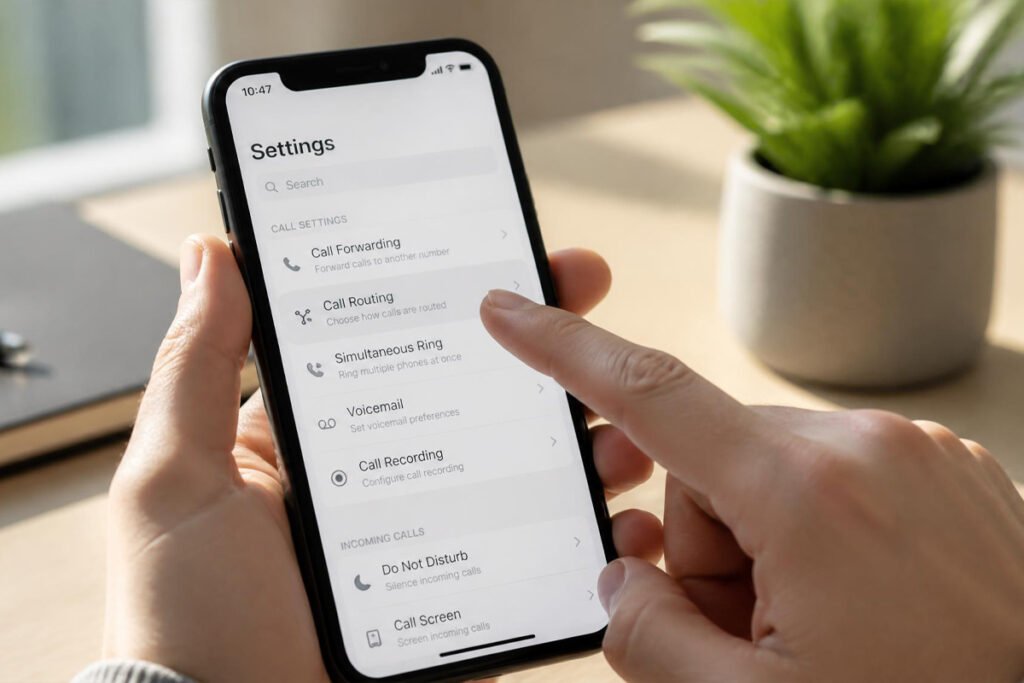
Decide whether you want a new local number, a toll-free number, or to port an existing number you’ve already been giving out to clients.
Step 2: Record a Professional Greeting
Set a clear, simple greeting that states your business name and, if relevant, basic hours — this is often the first impression a new caller gets of your business.
Step 3: Set Up Call Routing and Business Hours
Configure how calls are handled during business hours versus after hours, and route calls to the right person or team if more than one of you answers.
Step 4: Turn On Voicemail Transcription
Enable transcription so missed calls arrive as readable text rather than requiring you to listen to every voicemail individually.
Step 5: Test the Full Experience as a Caller
Call your own business number from a different phone to hear exactly what a client hears — it’s the easiest way to catch an awkward greeting or routing mistake before a real client does.
Common Mistakes
Using a personal cell number indefinitely “for now.” What starts as a temporary workaround often becomes permanent, and it means every client has your personal number long after you finally do set up a real business line.
Leaving the default, generic voicemail greeting in place. A voicemail that just states a number with no business name creates doubt for a first-time caller. Record something specific within the first week of setup.
Not routing calls differently after hours. Callers reaching a system that behaves the same at 2 AM as it does at 2 PM lose a chance to know when they’ll actually hear back — a simple after-hours message sets that expectation clearly.
Expert Tips
Use voicemail transcription to respond faster. Reading a missed call’s transcript takes seconds, while listening to a full voicemail message can eat several minutes out of a busy day — respond from the transcript when the message is short.
Log important calls in your CRM immediately. A client call that isn’t noted anywhere becomes a detail you’re relying on memory for later. Build the habit of a quick note in your CRM right after hanging up.
Don’t over-provision extensions you don’t need yet. It’s tempting to set up call routing for a team structure you’re planning for next year. Start with what fits your team today, and expand the system as you actually grow into it.
Final Thoughts
Best overall: RingCentral, for voice, video, and messaging bundled together. Best for call-heavy service businesses: Nextiva, for built-in contact history. Best for fast setup: Ooma Office, for getting running with minimal configuration. Best for solopreneurs: Grasshopper, for a professional number without new hardware. Best budget option: Google Voice, for Google Workspace users on a tight budget. Best for AI features: Dialpad, for transcription and coaching built into every call.
Whichever system you choose, the underlying goal is the same: every client who calls should feel like they’ve reached a real, established business — not someone’s personal cell phone. If you’re building out the rest of your client communication stack, our guides on CRM software and project management software are natural next stops.
Frequently Asked Questions
Do I really need a separate business phone system, or can I just use my cell phone? A personal cell phone works in the very early stages, but it means giving clients a number you can’t easily separate from personal calls, and it offers none of the professional features — greetings, call routing, voicemail transcription — a real business number provides.
How much does a business phone system typically cost? Costs range from roughly $10–$15 per month for lightweight options like Grasshopper or Google Voice, up to $25–$40+ per user per month for full-featured platforms like RingCentral, Nextiva, or Dialpad.
What’s the difference between VoIP and a traditional landline? VoIP routes calls over the internet instead of physical copper phone lines, which typically means lower costs, easier setup for remote teams, and built-in features like auto-attendants and transcription that traditional carriers often charge extra for.
Which business phone system is best for a solo freelancer? Grasshopper or Google Voice both work well for a single person who mainly needs a professional number and basic voicemail without a full team-oriented system.
Can a business phone system connect to my CRM? Yes — most platforms in this guide, especially Nextiva and RingCentral, offer CRM integrations, and Nextiva includes basic contact history natively without needing a separate connection.
Do I need a landline for reliability, or is VoIP reliable enough? Modern VoIP is reliable for the vast majority of small businesses, provided your internet connection is stable. Businesses where call reliability is truly mission-critical should prioritize platforms known specifically for high uptime, like Nextiva.
Can I keep my existing phone number when switching to a VoIP system? Yes, in most cases. Nearly all providers in this guide support porting an existing number, so you don’t have to give out a new one when making the switch.
How many extensions do I actually need for a small team? Generally, one extension per person who needs to be individually reachable. Start with only what your current team needs — most platforms let you add extensions easily as you grow rather than requiring you to plan years ahead.
Author: Morne Winston Last Updated: August 2026