
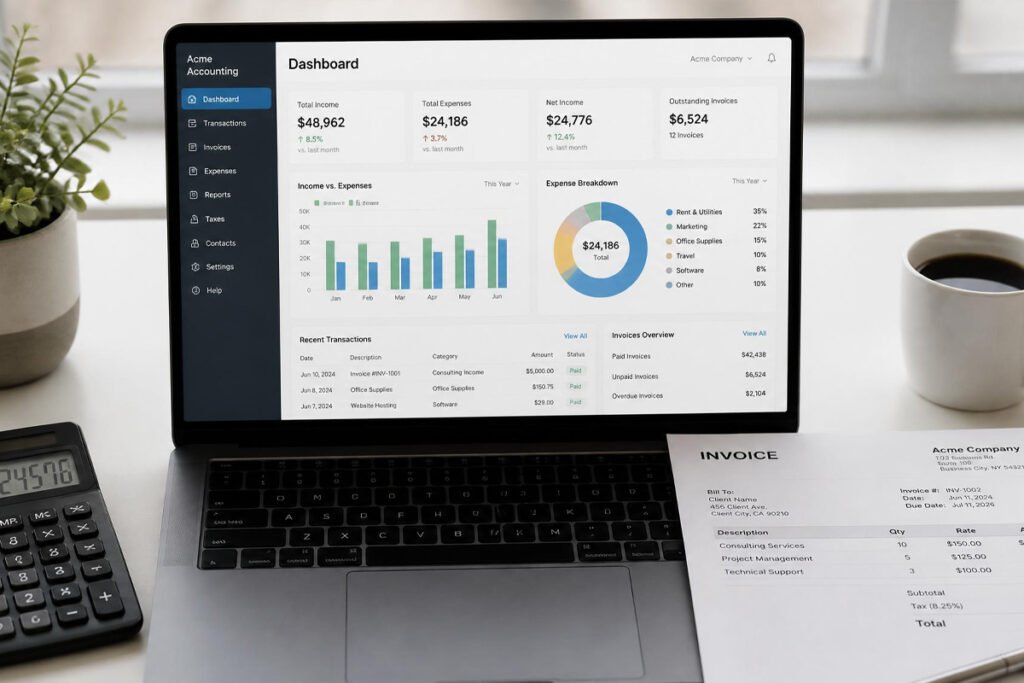
Somewhere around your first tax season, “I’ll just track it in a spreadsheet” stops working. Manually reconciling bank transactions, chasing down unpaid invoices, and trying to remember which expenses were actually deductible eats up hours every month that most small business owners would rather spend anywhere else — and it gets riskier the longer it goes unmanaged.
The right accounting software doesn’t just save time; it’s often the difference between a smooth tax season and a stressful one. Whether you’re running a small business from home or scaling something like a freelancing business, this guide compares the five accounting platforms small business owners actually rely on in 2026, so you pick the right one without paying for features you’ll never touch.
Quick Answer
The best accounting software depends on your business type and budget. QuickBooks Online remains the overall market leader and safest choice if you work with an accountant, since it’s the platform most US CPAs already know well. Xero is the strongest value for businesses with more than one person needing access, since every plan includes unlimited users at no extra cost. Wave is genuinely free for core bookkeeping and invoicing, making it the best starting point for very simple, solo operations with low transaction volume. FreshBooks is built specifically for freelancers and service businesses, with the cleanest invoicing and client portal on this list. Zoho Books rounds things out as a strong free option for businesses under a certain revenue threshold, particularly if you’re already using other Zoho tools.
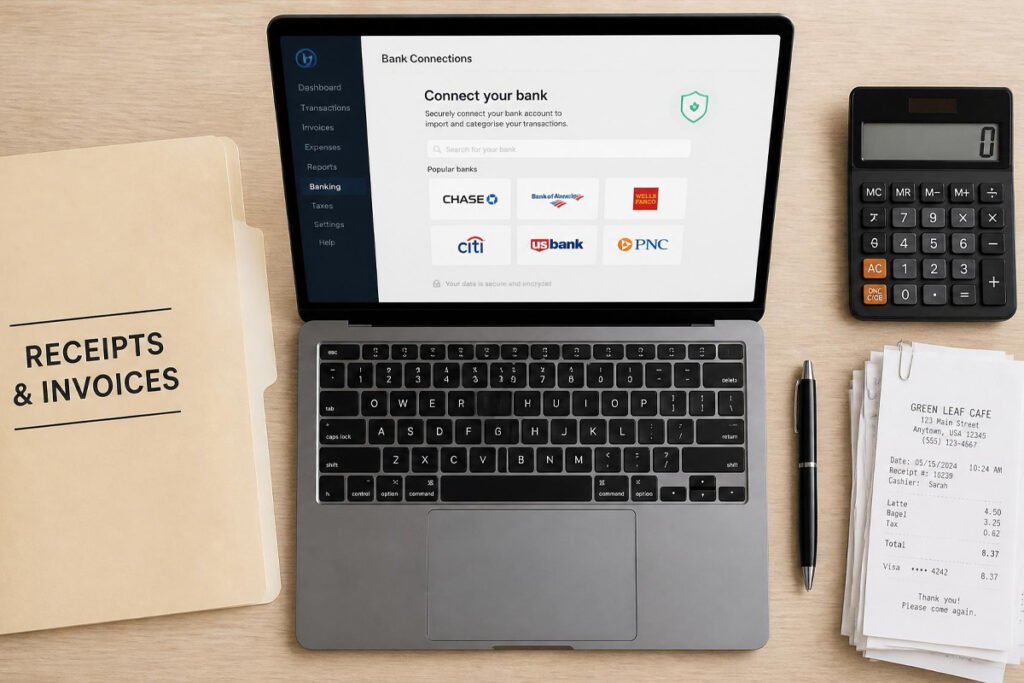
Table of Contents
- Why Small Businesses Need Dedicated Accounting Software
- How to Choose the Right Platform for Your Business
- Top 5 Best Accounting Software for Small Business
- Software Comparison Table
- Best Accounting Software by Business Type
- How to Set Up Your Accounting System Step by Step
- Common Mistakes New Business Owners Make
- Expert Tips for Staying Organized Year-Round
- Final Thoughts
- Frequently Asked Questions
Why Small Businesses Need Dedicated Accounting Software
Accounting software tracks income and expenses, manages invoices, connects to your bank accounts, and generates the reports you’ll need at tax time — work a spreadsheet can technically do but rarely does accurately once transaction volume picks up. The real value shows up in the hours saved and the errors avoided, not just in having tidier records.
This matters just as much for a digital-first business as it does for one with physical inventory. Whether you’re managing income from selling digital products or running a dropshipping operation, dedicated accounting software gives you a clear, exportable picture of your finances instead of a scramble every April.
How to Choose the Right Platform for Your Business
<a id=”how-to-choose”></a> Before signing up for anything, answer these three questions:
- Do you work with an accountant, or plan to? If so, a platform your accountant already knows — usually QuickBooks — saves friction and often lowers what you pay them for their time.
- How many people need access to your books? If you have a business partner, bookkeeper, or team member who needs to log in, a platform with unlimited users at no extra cost can save real money.
- How complex are your finances right now? A simple service business with a handful of monthly transactions has very different needs than one tracking inventory, payroll, and multiple revenue streams.

Top 5 Best Accounting Software for Small Business
1. QuickBooks Online
Overview: QuickBooks Online is the most widely used small business accounting platform in the US, and remains the default recommendation for businesses that want the deepest feature set and the smoothest experience working with an accountant.
Key Features:
- Deepest integration ecosystem among major platforms, with hundreds of connected apps
- Most familiar platform among US accountants and CPAs
- Built-in payroll and inventory tracking on higher-tier plans
Best For: Growing businesses that need payroll, inventory tracking, and broad third-party integrations.
Pros: ✅ Most accountant-friendly option by a wide margin ✅ Handles complexity well as your business grows ✅ Largest app integration ecosystem Cons: ❌ Pricing climbs quickly at higher tiers ❌ Can feel like overkill for a very simple solo operation
Our Verdict: If your accountant already uses QuickBooks, or you expect to need payroll and inventory features soon, this is the safest long-term foundation — even if it costs more upfront than a simpler alternative.
2. Xero
Overview: Xero offers a clean, modern interface with plain-English reporting, and stands out by including unlimited users on every plan, which most competitors charge extra for.
Key Features:
- Unlimited users included on every pricing tier
- Strong multi-currency and inventory management tools
- Reports written in accessible language rather than dense accounting jargon
Best For: Businesses with more than one person needing access to the books, or teams managing multi-currency transactions.
Pros: ✅ Unlimited users at no extra cost is a genuine differentiator ✅ Beginner-friendly interface and reporting ✅ Strong for businesses selling internationally Cons: ❌ US payroll isn’t built in and requires a third-party integration ❌ Entry-tier plans cap invoice and bill volume
Our Verdict: If you’re starting fresh without an accountant’s platform preference already in place, Xero often delivers more value per dollar than QuickBooks, especially once more than one person needs access.
3. Wave
Overview: Wave offers genuinely free core accounting and invoicing — not a stripped-down trial, but a permanently free tier — making it the easiest entry point for very small or brand-new operations.
Key Features:
- Free core bookkeeping and invoicing with no time limit
- Only paid add-ons are payroll and payment processing
- Simple enough to set up and use without prior accounting knowledge
Best For: Solo founders and very small, low-transaction-volume service businesses testing the waters.
Pros: ✅ Truly free for core accounting, not just a trial ✅ Low learning curve for non-accountants Cons: ❌ No inventory tracking ❌ Limited customer support and smaller integration ecosystem than paid competitors
Our Verdict: For anyone validating a small business idea before committing to paid software, Wave removes cost as a barrier entirely — just expect to outgrow it once transaction volume increases.
4. FreshBooks
Overview: FreshBooks was built around invoicing and client billing first, and it still does that better than any competitor on this list, with a polished client portal that lets customers view and pay invoices directly.
Key Features:
- Cleanest, most customizable invoice templates among major platforms
- Built-in time and mileage tracking, useful for accurate client billing
- Client portal for viewing, commenting on, and paying invoices online
Best For: Freelancers, consultants, and service businesses where invoicing and client billing are the core financial workflow.
Pros: ✅ Best-in-class invoicing and client communication tools ✅ Intuitive even without an accounting background ✅ Strong fit for time-based billing Cons: ❌ Less robust as a full double-entry accounting system than QuickBooks or Xero ❌ Higher-tier plans needed for unlimited clients
Our Verdict: If your business is built around billing clients for time or projects — the same workflow behind freelancing — FreshBooks is widely considered the strongest fit specifically for that model.
5. Zoho Books
Overview: Zoho Books offers a genuinely free plan for businesses under a set annual revenue threshold, and integrates tightly with the broader Zoho software ecosystem if you’re already using other Zoho tools.
Key Features:
- Forever-free plan for qualifying small businesses, not just a limited trial
- Deep integration with other Zoho apps like CRM and inventory tools
- Solid mobile app experience for managing books on the go
Best For: Very small businesses already in or considering the Zoho software ecosystem, or anyone wanting a capable free option beyond Wave.
Pros: ✅ Legitimate free tier with real functionality ✅ Strong integration if you use other Zoho products ✅ Good mobile experience Cons: ❌ Less accountant familiarity than QuickBooks or Xero ❌ Free plan has a revenue ceiling before you need to upgrade
Our Verdict: Worth a look specifically if you’re comparing free options, or if other tools in the Zoho ecosystem already fit into how you run your business.
Software Comparison Table
| Platform | Best For | Starting Price | Standout Feature |
|---|---|---|---|
| QuickBooks Online | Growing businesses, accountant compatibility | ~$38/month | Deepest integration ecosystem |
| Xero | Multi-user teams | Entry tier, capped volume | Unlimited users on every plan |
| Wave | Very small, solo operations | Free (core features) | Genuinely free, not a trial |
| FreshBooks | Freelancers & service businesses | ~$19/month | Best-in-class invoicing |
| Zoho Books | Small businesses under revenue cap | Free (with revenue ceiling) | Zoho ecosystem integration |
Best Accounting Software by Business Type
Solo Founders and Very New Businesses
Wave’s genuinely free core features make it the lowest-risk starting point while you’re still validating whether your online business idea has real traction.
Freelancers and Consultants
FreshBooks’ invoicing and client portal are purpose-built for time-based and project-based billing, making it the most commonly recommended option for this business type specifically.
Growing Businesses Working With an Accountant
QuickBooks Online’s accountant familiarity and integration depth make it the safest long-term foundation once your business is past the very early stage.
Teams and Multi-User Businesses
Xero’s unlimited-user model becomes a meaningful cost advantage the moment more than one person needs regular access to your books.
How to Set Up Your Accounting System, Step by Step
Step 1: Choose a Platform That Matches Your Business Type and Budget
Use the comparison above to match your business model, team size, and budget to the right starting platform rather than defaulting to whichever tool is most talked about.
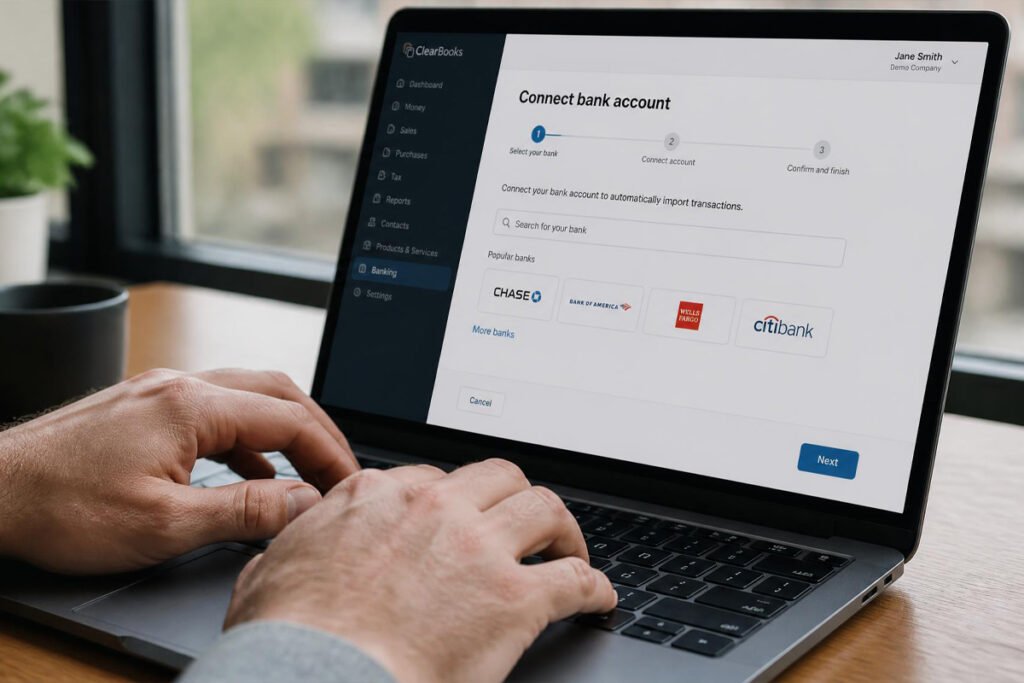
Step 2: Connect Your Business Bank Account
Link your dedicated business bank account so transactions import automatically instead of requiring manual entry every month.
Step 3: Set Up Your Chart of Accounts
Most platforms provide a default chart of accounts for your industry — review and adjust it early so your reports stay accurate as your transaction volume grows.
Step 4: Build Your Invoicing Workflow
Set up branded invoice templates and, if relevant, recurring billing for repeat clients or subscription-based revenue.
Step 5: Review Your Reports Monthly, Not Just at Tax Time
A brief monthly review of profit and loss catches errors and cash flow issues early, long before they become a stressful surprise at tax season.
Common Mistakes New Business Owners Make
Mixing personal and business transactions. Running business expenses through a personal account makes bookkeeping far messier and can undermine the liability protection of an LLC — open a dedicated business account before your accounting software even enters the picture.
Choosing software based on price alone. The cheapest or free option that can’t handle your actual transaction volume or reporting needs often costs more in wasted time or accountant fees than a paid platform would have.
Ignoring your books until tax season. Reviewing finances only once a year turns a manageable monthly task into a stressful scramble, and increases the odds of missed deductions or reporting errors — the same discipline gap that trips up sellers running dropshipping or print-on-demand stores once order volume picks up.
Skipping the legal and compliance side entirely. Clean books don’t replace registration — it’s worth separately confirming whether you need a business license to sell online and whether basic business insurance makes sense at your current revenue level.
Expert Tips for Staying Organized Year-Round
Reconcile your accounts monthly, not annually. A short monthly reconciliation catches discrepancies while you can still remember the context behind a transaction, rather than months later.
Respect your accountant’s software preference if you have one. If a CPA already strongly prefers a specific platform, that preference is usually worth following, since it affects both the quality and cost of the work they do for you.
Track deductible expenses as they happen, not retroactively. Logging expenses in real time, especially with mobile receipt-capture features, is far more accurate than trying to reconstruct a year of spending from memory in April — the same discipline that pays off across any small business financial habit.

Final Thoughts
Best overall: QuickBooks Online, for its depth and accountant familiarity as your business grows. Best value for teams: Xero, thanks to unlimited users on every plan. Best free option: Wave, for very small, low-volume operations. Best for freelancers: FreshBooks, for its best-in-class invoicing and client tools. Best alternative free option: Zoho Books, especially if you’re already in the Zoho ecosystem.
Accounting software doesn’t replace a real understanding of your numbers — it just makes tracking them dramatically easier. Pair the right platform with the other essentials of running a compliant online business and the right digital product platform for your revenue stream, and tax season stops being something to dread every year.
<a id=”faq”></a>
Frequently Asked Questions
What is the best free accounting software for small business? Wave is generally considered the strongest genuinely free option for core bookkeeping and invoicing, with Zoho Books as a solid alternative for businesses under its revenue threshold.
Is QuickBooks worth the extra cost over free alternatives? For businesses working with an accountant or planning to add payroll, inventory, and more integrations, QuickBooks’ deeper feature set and accountant familiarity often justify the higher price.
Which accounting software is best for freelancers? FreshBooks is widely considered the top choice for freelancers, thanks to its professional invoicing, built-in time tracking, and client portal features.
Do I need accounting software if my business is very small? It’s still worth using dedicated software rather than a spreadsheet, since even simple businesses benefit from automatic bank syncing and accurate reports at tax time.
Can my accountant access my books remotely with these platforms? Yes, all five platforms support giving your accountant direct access, though QuickBooks and Xero are generally considered more accountant-friendly than Wave.
How much does accounting software typically cost for a small business? Costs range from genuinely free on platforms like Wave and Zoho Books up to roughly $38–$115 per month for QuickBooks Online, depending on the tier and features needed.
Do these platforms handle sales tax automatically? Most offer some sales tax tracking and reporting features, but requirements vary by state and platform, so it’s worth confirming your specific state’s rules apply correctly in your chosen software.
Can I switch accounting software later without losing my data? Most platforms allow data export, and some offer migration tools, though moving historical transactions between platforms typically takes real setup time, so it’s worth choosing carefully upfront.
Does accounting software replace the need for an accountant? No. Software handles record-keeping, but it doesn’t file your taxes, plan around your business structure, or flag issues specific to your situation the way a tax professional can.
Which accounting software connects best to marketplaces like Etsy or Shopify? Most major platforms don’t connect natively to marketplaces, often requiring a connector tool to import sales data automatically — worth checking before you commit if marketplace sales make up a large share of your revenue.
Author: Morne Winston Last Updated: July 2026