
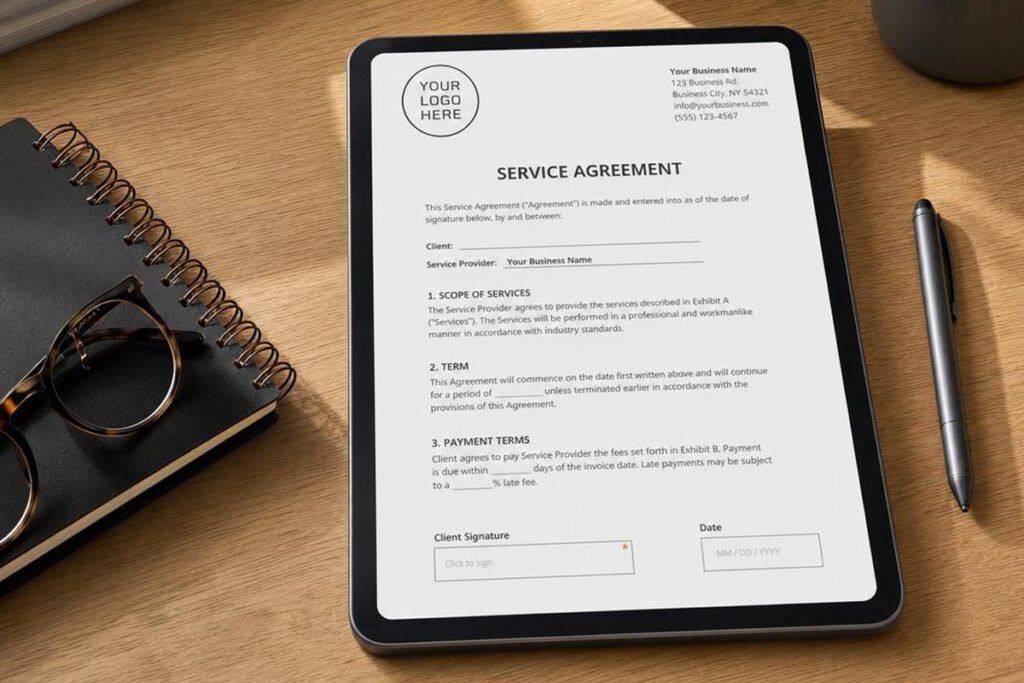
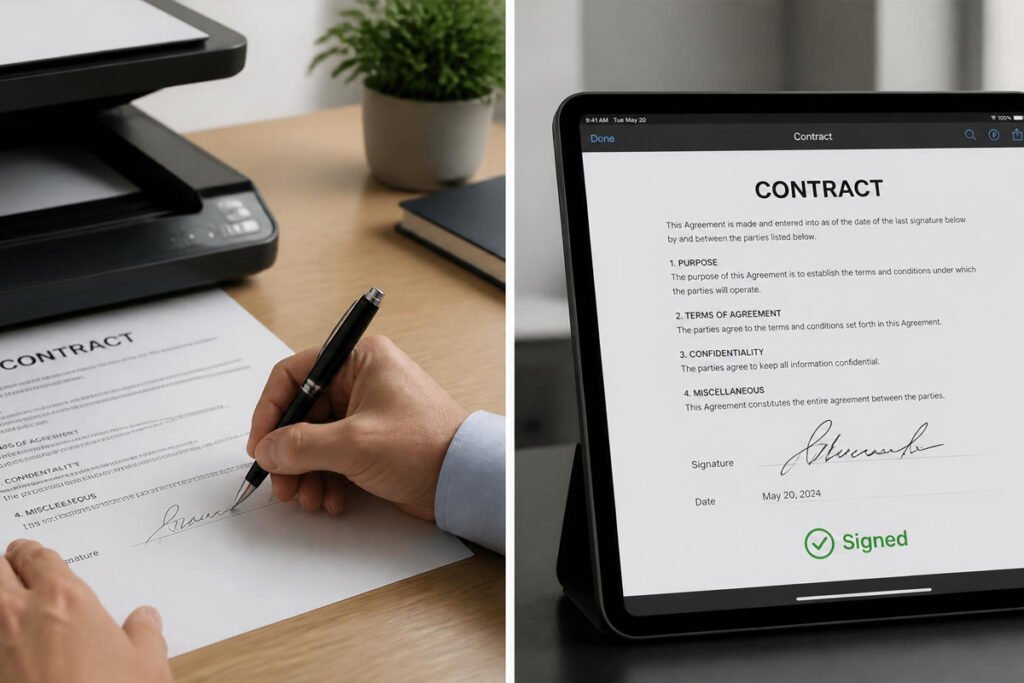
A client is ready to sign. The proposal’s approved, the price is agreed, and all that’s left is a signature — and then the deal sits for three days because someone has to print the contract, sign it, scan it, and email it back, or because it’s stuck waiting on a second signer who’s traveling. That gap between “yes” and “signed” is where deals quietly go cold, and it’s almost entirely avoidable.
E-signature software closes that gap. A client can sign from their phone in under a minute, you get notified the moment it happens, and the signed document is stored and searchable without a filing cabinet involved. If you’ve already got a strong proposal process in place using our guide on business proposal software, e-signature tools are the natural next step — they turn an approved proposal into a signed, binding contract without adding friction at the finish line.
This guide compares the six best e-signature platforms for small businesses in 2026, what makes each one different, and how to pick the right one for how you actually close deals.
Quick Answer
The best e-signature software depends on how signing fits into your broader workflow. If you want the industry-standard tool with the widest compliance and integration support, DocuSign is the safest default. If you’re already creating proposals and quotes and want signing built into that same document, PandaDoc is the stronger fit. If you live inside Adobe PDFs, Adobe Acrobat Sign keeps everything in one ecosystem. For businesses that just need simple, affordable, unlimited signing without extra bells on, Dropbox Sign and signNow are both excellent low-cost options, and SignWell is a solid pick if you’re signing only occasionally and don’t want to commit to a subscription at all.

What Is E-Signature Software and How Does It Work?
E-signature software lets you send a document for signature electronically and have it come back signed, dated, and legally binding — without printing, scanning, or mailing anything. Under the U.S. ESIGN Act and the Uniform Electronic Transactions Act (UETA), electronic signatures carry the same legal weight as a handwritten one in nearly all business contexts, as long as the signer consents and the process is properly recorded.
Most platforms work the same basic way: you upload a document, mark where each person needs to sign or initial, and send a secure link. The signer clicks through, signs, and both parties get a completed copy along with an audit trail showing who signed, when, and from where. That audit trail matters — it’s what makes the signature defensible if a contract is ever disputed.
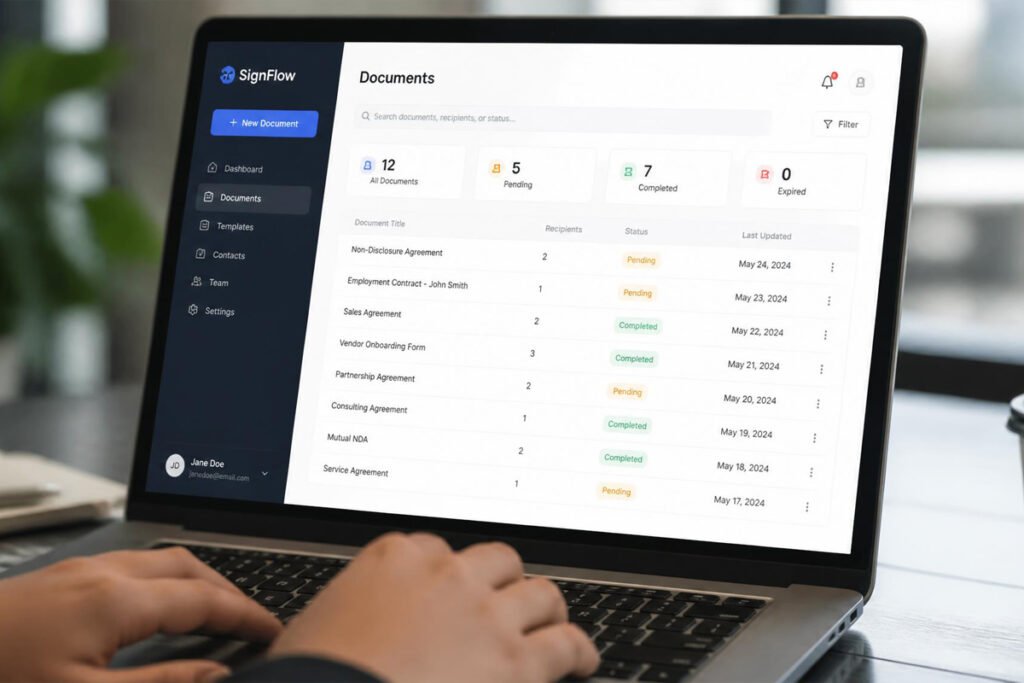
Beyond basic signing, most tools also offer reusable templates for documents you send repeatedly, multi-party signing for contracts needing more than one signature, and status tracking so you know at a glance which contracts are still waiting on a signature.
How to Choose the Right E-Signature Tool
How often do you actually send documents for signature? Occasional signing (a handful of contracts a month) rarely justifies a premium plan. Frequent signing, especially with multiple signers per document, benefits from a tool built around templates and automated reminders.
Do you need signing alone, or document creation too? If your contracts and proposals already exist as finished PDFs, a pure signing tool is enough. If you’re still assembling proposals, quotes, or contracts from scratch each time, a platform that combines document creation with signing — like PandaDoc — saves a separate step.
What software do you already rely on? If your business runs on Adobe PDFs, Google Workspace, or Salesforce, picking a tool that integrates cleanly with what you already use avoids a clunky, disconnected workflow.
Best E-Signature Software Available
1. DocuSign
Overview: DocuSign is the name most people already recognize, and for good reason — it’s the industry standard, with the broadest range of integrations and compliance certifications of any tool on this list. For a small business that wants a signing tool clients will already trust and instantly know how to use, DocuSign removes any hesitation on the signer’s side.
Key Features:
- Templates and reusable signing workflows
- 350+ integrations, including Salesforce, Microsoft, and Google Workspace
- Multi-party and sequential signing routing
- Real-time status tracking and automated reminders
- Strong compliance support across industries
Best For: Businesses that want the most widely recognized, broadly compliant signing platform.
Pros: ✅ Instantly recognizable to clients ✅ Extensive integrations ✅ Scales from solo use to enterprise Cons: ❌ Pricier than lighter-weight competitors ❌ More features than a very small operation may ever use
Our Verdict: If your clients are used to signing through DocuSign already, sticking with it removes any friction at the exact moment you want a deal to close quickly.
2. PandaDoc
Overview: PandaDoc bundles document creation, proposals, quotes, and e-signatures into one platform, which makes it a natural fit for sales-driven small businesses that build custom documents for every client rather than reusing a static PDF.
Key Features:
- Built-in proposal and quote builder alongside signing
- Payment collection directly inside a signed document
- Real-time tracking of when a client opens and reads a document
- CRM integrations (Pipedrive, Salesforce, HubSpot)
- Reusable content library for pricing tables and clauses
Best For: Sales teams and consultants who create custom proposals and want signing built into the same workflow.
Pros: ✅ Document creation and signing in one tool ✅ Payment collection built in ✅ Strong visibility into client engagement Cons: ❌ More complex than a pure signing tool ❌ Can be overkill if you only need to sign finished PDFs
Our Verdict: For a business already following our guide to writing a business proposal that wins clients, PandaDoc lets that proposal go from drafted to signed without ever leaving the platform.
3. Adobe Acrobat Sign
Overview: As part of Adobe’s Document Cloud, Acrobat Sign is the natural choice for any business that already works heavily in PDFs. It’s a dependable, enterprise-grade tool that plugs directly into the Adobe tools many businesses already pay for.
Key Features:
- Deep integration with Adobe Acrobat and Microsoft 365
- Bulk send for sending the same document to many recipients
- Advanced authentication and identity verification options
- Strong audit trail and compliance documentation
- Available as an add-on to existing Acrobat subscriptions
Best For: Businesses already using Adobe Acrobat for document management.
Pros: ✅ Seamless if you’re already in the Adobe ecosystem ✅ Enterprise-level security ✅ Reliable, well-established platform Cons: ❌ Interface feels less modern than some competitors ❌ Advanced features add cost quickly
Our Verdict: If PDF creation and editing are already part of your daily workflow, adding signing through the same Adobe subscription avoids paying for — and learning — a separate tool.
4. Dropbox Sign
Overview: Formerly HelloSign, Dropbox Sign is built for simplicity — a lightweight, affordable way to get documents signed without extra features you won’t use. It integrates cleanly with Dropbox and Google Workspace, both of which many small businesses already rely on for file storage.
Key Features:
- Clean, minimal signing interface
- Reusable templates for repeat documents
- Integrates with Dropbox, Google Drive, and Google Workspace
- Audit trail and legally binding signatures
- API access for businesses that want to embed signing into their own app or site
Best For: Small businesses that want fast, no-frills signing without a steep learning curve.
Pros: ✅ Very easy to learn ✅ Affordable relative to DocuSign or Adobe ✅ Clean integration with cloud storage tools Cons: ❌ Fewer advanced workflow features ❌ Less brand recognition among signers than DocuSign
Our Verdict: For a business that just needs contracts signed reliably without extra complexity, Dropbox Sign covers the essentials without the premium price tag.
5. signNow
Overview: signNow is built specifically around affordability for small business budgets, offering unlimited signing and template use at a lower price point than most of the bigger names on this list, without cutting corners on legal validity.
Key Features:
- Unlimited signature requests on most plans
- Reusable templates and signing workflows
- Multi-party and in-person signing options
- Mobile app for signing and sending on the go
- Integrates with popular CRMs and cloud storage tools
Best For: Budget-conscious small businesses that sign contracts regularly.
Pros: ✅ Strong value for the price ✅ Unlimited signing on most plans ✅ Solid mobile experience Cons: ❌ Less polished interface than premium competitors ❌ Fewer high-end compliance features for regulated industries
Our Verdict: If cost per signature is your main concern and you’re signing contracts often, signNow keeps the recurring expense predictable without sacrificing legal validity.
6. SignWell
Overview: SignWell is a straightforward, lower-cost signing tool for businesses that don’t sign documents often enough to justify a bigger monthly commitment. It keeps the process simple: upload, mark signature fields, send, done.
Key Features:
- Simple, fast document setup
- Free and low-cost plans for light signing volume
- Reusable templates on paid tiers
- Legally binding signatures with a full audit trail
- Clean interface with minimal learning curve
Best For: Freelancers and very small businesses that sign documents occasionally rather than daily.
Pros: ✅ Very approachable pricing ✅ Fast to learn and use ✅ No unnecessary complexity Cons: ❌ Free and low tiers cap document volume ❌ Fewer integrations than larger platforms
Our Verdict: If you’re signing a handful of contracts a month rather than dozens, SignWell avoids paying for capacity you won’t use.
Comparison Table
| Software | Best For | Document Builder | Free/Low-Cost Tier | CRM Integrations |
|---|---|---|---|---|
| DocuSign | Broad recognition & compliance | No | Limited free trial | Yes |
| PandaDoc | Sales teams building proposals | Yes | Limited free trial | Yes |
| Adobe Acrobat Sign | Adobe/PDF-heavy workflows | No | Bundled with Acrobat | Yes |
| Dropbox Sign | Simple, affordable signing | No | Limited free tier | Some |
| signNow | Frequent signing on a budget | No | Low-cost unlimited plans | Yes |
| SignWell | Occasional, light-volume signing | No | Yes | Limited |
Best E-Signature Software for Different Business Types
Consultants and Service Businesses Closing Client Deals
If you’re regularly turning proposals into signed agreements, pair PandaDoc or DocuSign with your existing process for pricing a business proposal so the transition from quote to signed contract is seamless.
Freelancers and Solo Operators
Occasional signers are usually better served by SignWell or Dropbox Sign, which avoid a large monthly commitment for a handful of contracts a month. This pairs naturally with a lean setup like the one outlined in our guide on starting a small business from home.
Regulated or Compliance-Heavy Businesses
Businesses handling sensitive contracts — legal, financial, or healthcare-adjacent work — should lean toward DocuSign or Adobe Acrobat Sign for their stronger identity verification and audit trail features. If you’re still working out your broader compliance paperwork, our guides on getting an EIN for your small business and business licenses and legal documents are worth reviewing alongside this one.
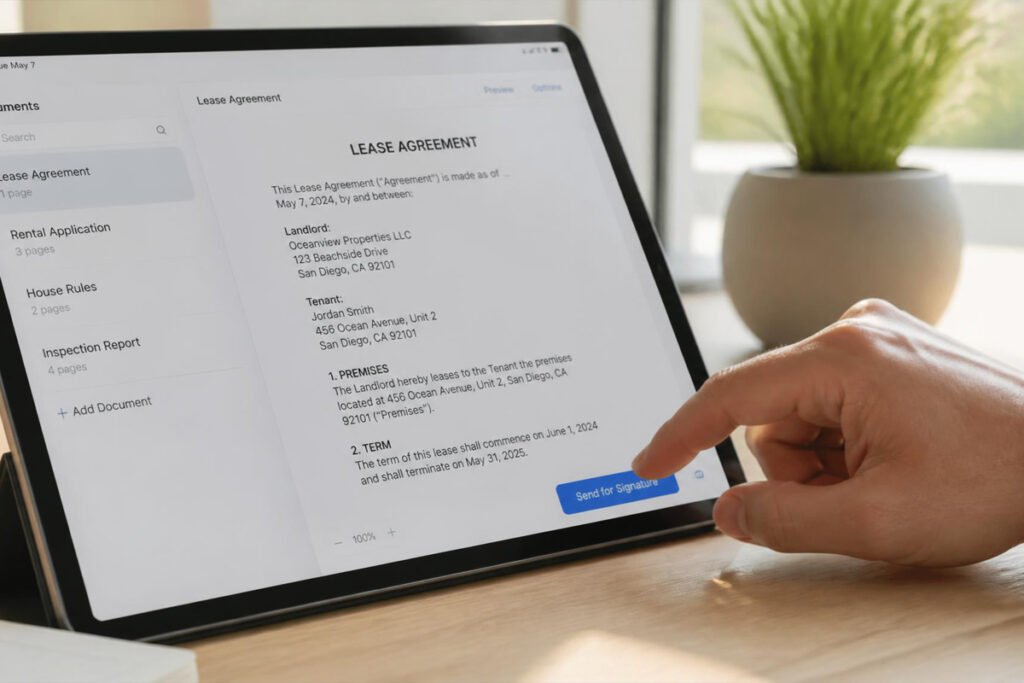
How to Send Your First Document for Signature
Step 1: Upload the Finished Document
Start with a complete, reviewed contract or proposal — most tools accept PDFs and common document formats directly.
Step 2: Add Signature and Date Fields
Drag and drop signature, initial, and date fields onto the document exactly where each signer needs to act.
Step 3: Add Every Signer in the Right Order
If more than one person needs to sign, decide whether signatures should happen simultaneously or in a set sequence, and set that routing before sending.
Step 4: Send and Track
Send the signing link and keep an eye on the status dashboard — most platforms show exactly when a document was viewed and whether it’s still pending.
Step 5: Store the Signed Copy Securely
Once signed, save the completed document and its audit trail somewhere organized and backed up — see our guide on document security and recordkeeping tools for how to keep signed contracts safe long term.
Common Mistakes
Sending a document without checking signer order. A contract routed to the wrong signer first can sit untouched for days while the right person never even gets notified. Always confirm the routing before sending.
Skipping the audit trail when it matters. For higher-stakes contracts, make sure the platform’s audit trail and authentication settings are strong enough to hold up if the agreement is ever disputed — don’t default to the lightest verification setting out of habit.
Treating e-signature software as a replacement for legal review. A signed contract is only as good as what it says. Pair your signing tool with a proper review process, especially if you’re still refining your business proposal templates.
Expert Tips
Use templates for anything you send more than twice. Rebuilding the same contract layout every time wastes time that a saved template eliminates entirely.
Set automatic reminders instead of chasing manually. A signer who forgot to sign rarely responds to being nagged personally — an automated reminder does the same job without the awkward follow-up.
Bundle signing with your proposal, not after it. Sending a proposal and a separate signing request as two steps gives a client two chances to lose momentum. Where possible, use a tool that lets approval flow straight into signature.

Final Thoughts
Best overall: DocuSign, for the widest recognition and compliance coverage. Best for sales-driven businesses: PandaDoc, for combining proposals and signing in one place. Best for Adobe users: Adobe Acrobat Sign, for businesses already living in PDFs. Best budget picks: Dropbox Sign and signNow, for affordable, no-frills signing. Best for occasional use: SignWell, for light signing volume without a big commitment.
Whichever tool you choose, the real win is the same across all six: fewer days between “we have a deal” and “it’s signed.” If you’re still refining the steps before signing — from pricing the proposal to invoicing once the work is done — those guides pair naturally with this one.
Frequently Asked Questions
Are electronic signatures legally binding? Yes. Under the U.S. ESIGN Act and UETA, electronic signatures carry the same legal weight as handwritten ones in nearly all business contexts, provided the signer consents and the process is properly documented.
How much does e-signature software typically cost? Costs range from free or under $10/month for light, occasional use (SignWell, entry-tier Dropbox Sign) up to $25–$50+ per user per month for full-featured plans like DocuSign or PandaDoc.
What’s the difference between e-signature software and document creation software? Pure e-signature tools focus only on signing an existing document. Platforms like PandaDoc combine document creation — proposals, quotes, contracts — with signing, so the whole process happens in one tool.
Can I use e-signature software for free? Several tools, including SignWell and Dropbox Sign, offer limited free tiers suitable for occasional signing. Frequent use or multiple senders usually requires upgrading to a paid plan.
Do I need a different tool for signing versus getting invoices paid? Yes — signing tools handle contract execution, while invoicing tools handle billing after the work is delivered. See our guide on the best invoicing software for small business for the next step after a contract is signed.
Is DocuSign worth it for a very small business? It depends on volume and client expectations. If clients already recognize and trust DocuSign, that familiarity can be worth the higher price. If cost is the bigger concern, signNow or Dropbox Sign offer similar core functionality for less.
Can multiple people sign the same document? Yes, all six platforms in this guide support multi-party signing, either simultaneously or in a set sequence you control.
How secure is a signed document stored in these platforms? Reputable e-signature platforms encrypt documents and maintain a tamper-evident audit trail. For long-term storage of signed contracts, pairing this with strong document security and recordkeeping practices is still worth doing.
Author: Morne Winston Last Updated: August 2026
Pingback: Best CRM Software for Small Business: Top 6 Proven Picks | Ideas Junction – Your Hub for Startups, Business Growth & Innovation
Pingback: Best Small Business Insurance: Top 5 Proven Picks | Ideas Junction – Your Hub for Startups, Business Growth & Innovation