
You already know how to structure a winning pitch — our guide on how to write a business proposal that wins clients covers that ground well. The problem most freelancers, consultants, and small agencies run into isn’t the writing — it’s everything around it. Formatting a proposal in a word processor, chasing a signature over email, and manually following up when a client goes quiet all eat hours you don’t have.
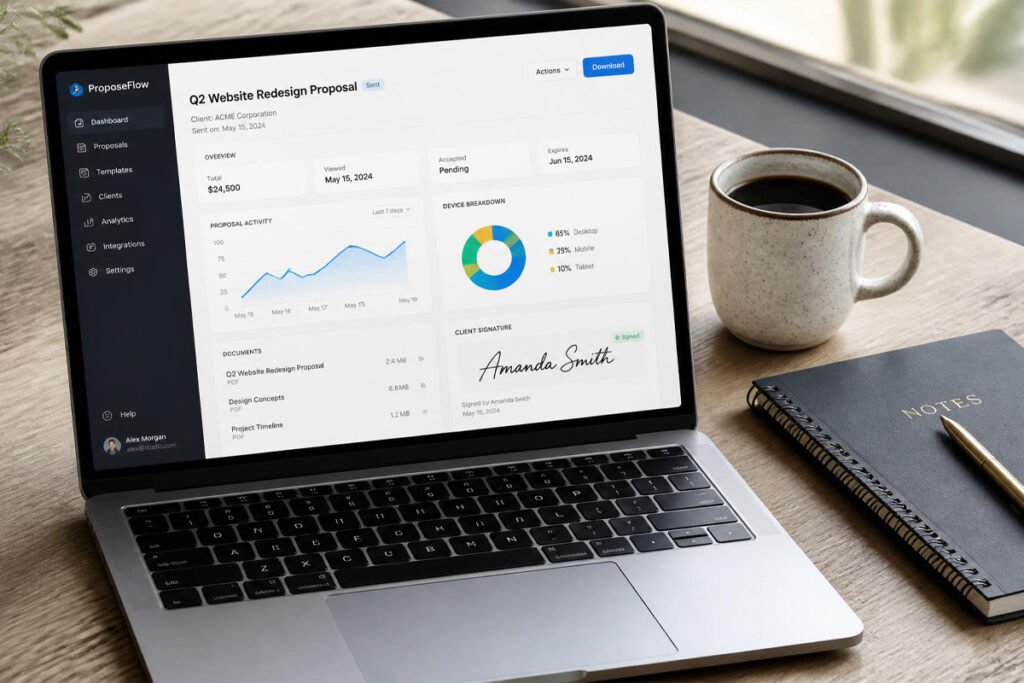
Business proposal software fixes that gap. The right tool turns a proposal from a static document into a trackable, signable, on-brand sales asset — one that tells you the moment a client opens it and lets them approve it with a tap, no printer required.
This guide compares the five proposal tools worth your time in 2026, breaks down who each one is actually built for, and shows you how to pick the right one for your business size and budget.
Quick Answer
The best business proposal software depends on your business stage and budget. Freelancers and solo consultants who want a fast, affordable way to send polished proposals do well with PandaDoc or Proposify. Small agencies juggling multiple active deals benefit from Better Proposals’ pipeline tracking. Larger teams that need proposals tied directly to a CRM should look at Qwilr or DocuSign’s proposal tools. If you’re sending fewer than five proposals a month, a free-tier tool is enough — once you’re past that volume, a paid plan with e-signatures and analytics pays for itself in saved time and won proposals.
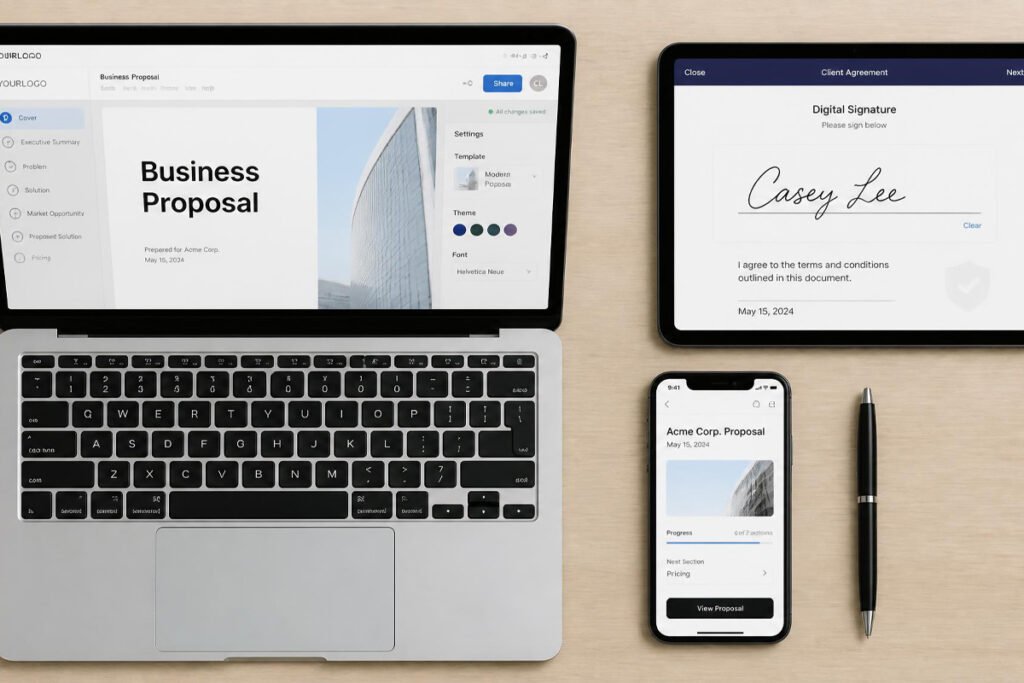
Table of Contents
- What Is Business Proposal Software?
- How to Choose the Right Proposal Software
- Best Business Proposal Software Available
- Comparison Table
- Best Proposal Software for Different Business Types
- How to Set Up and Send Your First Proposal
- Common Mistakes
- Expert Tips
- Final Thoughts
- Frequently Asked Questions
What Is Business Proposal Software? {#what-is}
Business proposal software is a purpose-built platform for creating, sending, tracking, and getting sign-off on client proposals — replacing the old workflow of a Word or PDF file emailed as an attachment. Instead of guessing whether a client opened your email, these platforms show you exactly when a proposal was viewed, which sections got the most attention, and when it’s time to follow up.
Most proposal software includes a few core features: drag-and-drop or template-based document building, built-in e-signatures, real-time view tracking, and payment collection so a client can approve and pay in the same step. Many also plug into a CRM, so a signed proposal automatically updates your pipeline instead of requiring manual data entry.
This matters most once you’re sending proposals regularly. If you’re still figuring out how to find your first 10 customers, a free tool or even a clean template is plenty. But once proposals become a weekly part of your sales process, the tracking and automation stop being a nice-to-have and start directly affecting your close rate.
How to Choose the Right Proposal Software {#how-to-choose}
Before comparing specific tools, ask yourself three questions:
How many proposals do you send per month? Under five a month, a free or low-cost plan covers you. Once you’re past ten, features like reusable content blocks and pipeline tracking start saving real time.
Do you need e-signatures and payment collection built in? If you’re currently exporting to PDF and chasing a signed copy back by email, this single feature is usually the fastest ROI in the entire tool.
Does it need to connect to your existing CRM or accounting software? If you’re already tracking client relationships somewhere else, or you use accounting software for your small business, pick a proposal tool with a direct integration rather than one that creates a second, disconnected system.
According to the U.S. Small Business Administration, faster, more professional client-facing documents are consistently linked to higher win rates for small businesses competing against larger, better-resourced competitors — which is exactly the gap proposal software is designed to close.
Best Business Proposal Software Available {#best-options}
1. PandaDoc
Overview: PandaDoc is the most widely used proposal and document platform for small businesses, and for good reason — it balances a genuinely easy editor with legally binding e-signatures and a generous free tier. It’s a strong first proposal tool if you’ve never used dedicated software before.
Key Features:
- Drag-and-drop document builder with 750+ templates
- Legally binding e-signatures included on all plans
- Real-time notifications when a client opens or signs
- Built-in payment collection at the point of signature
- CRM integrations including HubSpot and Salesforce
Best For: Freelancers and small service businesses sending proposals a few times a week.
Pros: ✅ Free plan available for unlimited documents ✅ Very fast to learn ✅ Strong template library
Cons: ❌ Advanced automation is paid-tier only ❌ Design customization is more limited than Qwilr
Our Verdict: PandaDoc is the safest starting point for most small businesses. It pairs well with the framing and structure covered in our guide to writing a business proposal that wins clients — you bring the content, PandaDoc handles the delivery and signature.
2. Proposify
Overview: Proposify is built specifically around proposals rather than general documents, with a strong focus on visual design and content control at scale — useful once you have multiple team members sending proposals and need everyone using approved, on-brand content.
Key Features:
- Content library with locked, approved sections
- Interactive pricing tables clients can adjust live
- Detailed proposal analytics (time on page, per-section engagement)
- Approval workflows before a proposal goes out
- Custom-branded client portal
Best For: Growing agencies with more than one person sending proposals.
Pros: ✅ Strongest content-locking and brand control ✅ Deep analytics on client engagement ✅ Built-in approval chains
Cons: ❌ No free plan ❌ Steeper learning curve for solo users
Our Verdict: If you’re past the solo-freelancer stage and building a small team, Proposify’s content library alone can cut proposal creation time significantly — well worth pairing with a clear personal brand so every proposal reflects the same voice.
3. Qwilr
Overview: Qwilr turns proposals into interactive web pages instead of static documents — embedding video, live pricing calculators, and responsive design that looks sharp on any device. It’s the most visually distinctive option on this list.
Key Features:
- Web-page-style proposals instead of PDFs
- Embedded video and interactive pricing blocks
- Salesforce and HubSpot integration
- Real-time collaborative editing
- Mobile-optimized by default
Best For: Businesses in creative, tech, or consulting fields where visual presentation is a differentiator.
Pros: ✅ Genuinely distinctive, modern design ✅ Excellent mobile viewing experience ✅ Strong for high-value, fewer-but-bigger deals
Cons: ❌ Pricier than document-based competitors ❌ Overkill if you send simple, low-dollar proposals
Our Verdict: Qwilr is worth the premium if your proposals are competing on presentation as much as price — particularly useful alongside professional presentation accessories for in-person client meetings.
4. Better Proposals
Overview: Better Proposals is built around speed — templates designed for specific industries (web design, marketing, consulting) that can be customized and sent in minutes, with a simple pipeline view of every open proposal.
Key Features:
- 200+ industry-specific templates
- Simple visual pipeline of sent/viewed/signed proposals
- E-signatures and online payments included
- Client-side commenting and questions
- Fast, minimal-clutter editor
Best For: Solo operators and small teams that want speed over deep customization.
Pros: ✅ Fastest tool on this list to actually send a proposal ✅ Clean pipeline view without needing a full CRM ✅ Good template variety by industry
Cons: ❌ Fewer integrations than PandaDoc or Proposify ❌ Less design flexibility than Qwilr
Our Verdict: If proposal-writing has been a bottleneck in your process, Better Proposals’ pipeline view is a lightweight alternative if you’re not ready to invest in a full CRM — a natural next step after nailing down your first 10 customers.
5. DocuSign (with Proposal/CLM tools)
Overview: DocuSign is best known for e-signatures, but its broader contract lifecycle management tools now cover proposal generation, approval routing, and negotiation tracking — a strong fit once proposals start turning into contracts that need real legal rigor.
Key Features:
- Industry-standard, court-tested e-signature technology
- Contract lifecycle management (CLM) add-ons
- Advanced audit trail and compliance features
- Deep integrations across enterprise software
- Multi-party approval routing
Best For: Businesses where proposals routinely evolve into formal, negotiated contracts.
Pros: ✅ Best-in-class signature legal standing ✅ Strong compliance and audit trail ✅ Scales into full contract management
Cons: ❌ Proposal design tools are weaker than dedicated proposal software ❌ Pricing scales up quickly with CLM features
Our Verdict: If your business already leans on document security and recordkeeping tools for compliance, DocuSign is the safest choice for keeping proposals and contracts under one system of record.
Comparison Table {#comparison}
| Product | Best For | Free Plan | E-Signatures | Starting Price |
|---|---|---|---|---|
| PandaDoc | Freelancers & first-time users | Yes | Yes | Free / $19/mo |
| Proposify | Small agencies & teams | No | Yes | $35/mo |
| Qwilr | Design-forward, high-value deals | No | Yes | $39/mo |
| Better Proposals | Fast, solo-operator sending | No | Yes | $19/mo |
| DocuSign | Contract-heavy businesses | Limited | Yes | $10/mo (signature only) |
Best Proposal Software for Different Business Types {#by-business-type}
Freelancers and Solo Consultants
If you’re a freelancer just formalizing your process, start with PandaDoc’s free tier or Better Proposals’ low-cost plan. You don’t need approval workflows or a content library yet — you need something fast that looks professional and captures a signature. This pairs well with the groundwork in our freelancing business startup guide.
Small Agencies and Service Teams
Once more than one person is sending proposals under your brand, Proposify’s locked content library prevents inconsistent pricing or outdated service descriptions from going out the door. This is also the stage where a real business plan and consistent personal brand start mattering more, since every proposal is representing more than just you.
High-Ticket or Enterprise-Facing Businesses
If your proposals routinely turn into multi-month contracts or six-figure engagements, Qwilr’s presentation quality or DocuSign’s contract-lifecycle tools are worth the higher price. At this stage, also make sure your business licensing and EIN paperwork is fully in order — larger clients often ask for this before signing.
How to Set Up and Send Your First Proposal {#how-to}
According to guidance published by SCORE, a nonprofit resource partner of the U.S. Small Business Administration, proposals that are sent within 24–48 hours of a client conversation have meaningfully higher close rates than those sent a week or more later — which is exactly what proposal software is designed to speed up.
Step 1: Choose a Template That Matches Your Service
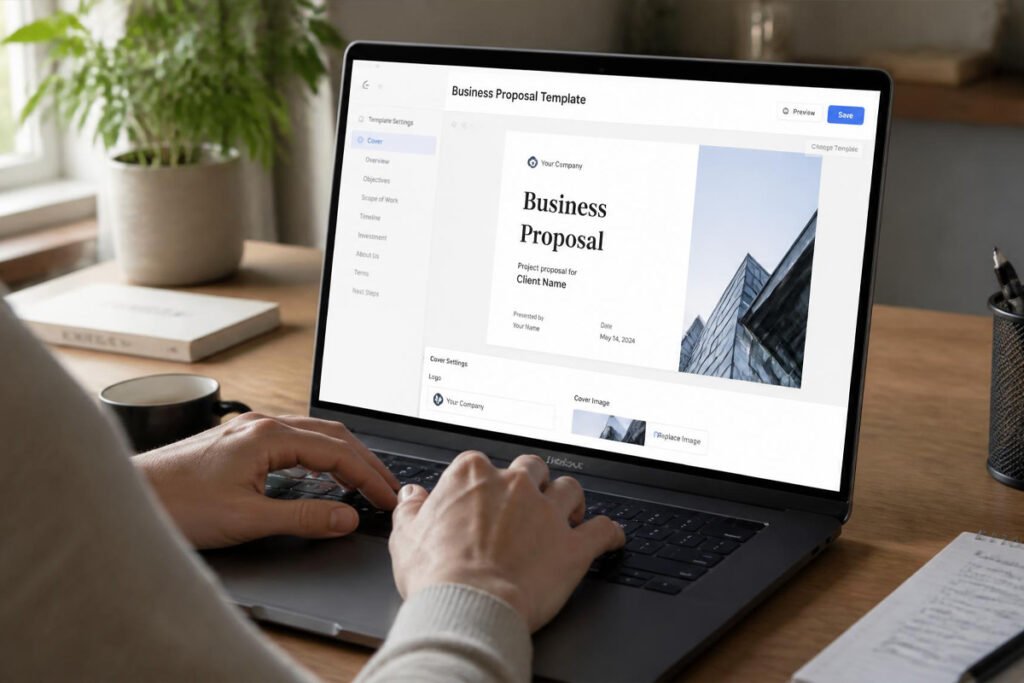
Start from an industry-specific template rather than a blank page. This alone cuts most of the drafting time and keeps you from missing a standard section like scope or timeline.
Step 2: Customize the Content for This Client
Swap in the client’s name, specific pain points, and pricing. Keep the language focused on their problem, not your resume — the same principle covered in our proposal-writing guide.
Step 3: Add Pricing and Payment Terms
Set up your pricing table and, if the tool supports it, enable in-proposal payment so a signed deal can be paid immediately rather than requiring a separate invoice step.
Step 4: Enable Tracking and Send
Turn on view/open notifications before sending, so you know the moment a client opens the proposal instead of guessing when to follow up.
Step 5: Follow Up Based on Activity
If a client has opened a proposal multiple times without signing, that’s a signal to reach out personally rather than wait — most proposal tools will flag this automatically.
Common Mistakes {#mistakes}
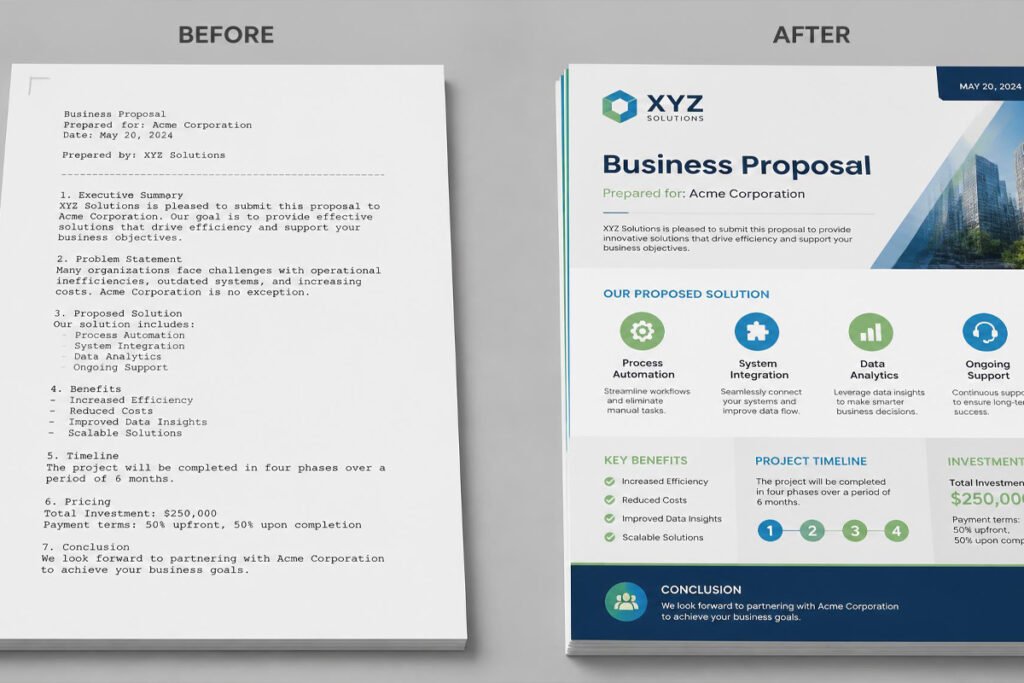
Sending a generic, unbranded proposal. A proposal that looks copy-pasted signals low effort before the client reads a single word. Fixing your visual presentation matters as much as the pitch deck you’d use in a live meeting.
Skipping e-signatures and still emailing PDFs. Manually collecting a signed, scanned copy adds friction that costs you deals — especially against competitors using instant e-signature tools.
Ignoring the data the tool gives you. Most proposal software shows you exactly when and how long a client viewed your proposal. Not checking this data means missing the best moment to follow up, which matters just as much as finding the client in the first place.
Expert Tips {#tips}
Keep a “content library” even without a paid tool. Save your best-performing scope, pricing, and about-us sections in a separate document so you’re never rebuilding a proposal from scratch, even before you upgrade to a tool with a built-in library.
Match the tool to your deal size, not your business size. A one-person consultancy closing $50,000 contracts benefits more from Qwilr’s presentation quality than a five-person team sending $500 quotes — price sensitivity in the buyer matters more than your headcount.
Set a follow-up rule and stick to it. Decide in advance — for example, follow up 48 hours after a proposal is opened but not signed — so tracking data turns into action instead of just sitting in a dashboard.

Final Thoughts / Final Verdict {#final-thoughts}
Best overall: PandaDoc, for its balance of price, ease of use, and included e-signatures.
Best for teams: Proposify, for content control and approval workflows as you scale.
Best for premium presentation: Qwilr, for interactive, high-design proposals on bigger deals.
Whichever tool you pick, remember that software only speeds up delivery — it doesn’t replace a clear offer. Pair it with the fundamentals in our guide on how to write a business proposal that wins clients, a solid business plan behind your pricing, and your legal basics — like your EIN and business license — squared away before a big client asks.
Frequently Asked Questions {#faq}
Do I need dedicated proposal software, or can I just use Word or Google Docs?
For occasional proposals, Word or Google Docs is fine. Once you’re sending more than a few a month, dedicated software saves time through templates, e-signatures, and tracking — and it looks more professional to clients comparing you against competitors.
How much does business proposal software cost?
Most tools range from free (PandaDoc’s free tier) to $35–$50/month for small business plans. Enterprise-level contract management tools like DocuSign’s CLM products can run higher depending on volume and features.
Are e-signatures from these tools legally binding?
Yes. Tools like PandaDoc, DocuSign, and Proposify comply with the U.S. ESIGN Act and similar international standards, making electronic signatures legally enforceable in most jurisdictions.
Business proposal software vs. a CRM — do I need both?
They serve different purposes. A CRM tracks your overall client relationships and pipeline; proposal software focuses specifically on creating, sending, and getting sign-off on the proposal document itself. Many tools integrate with popular CRMs so the two work together.
Can I collect payment directly through a proposal?
Most modern proposal tools, including PandaDoc, Proposify, and Better Proposals, support built-in payment collection at the point of signature, which removes the separate invoicing step entirely.
What if my client doesn’t want to sign electronically?
All major tools also support downloading a PDF version for printing and manual signature, though you’ll lose the tracking and speed benefits that make the software worth using in the first place.
How long should a business proposal be?
Most effective proposals run two to four pages — enough to cover scope, pricing, and terms clearly without overwhelming the reader. Our proposal-writing guide covers structure in more detail.
Is proposal software worth it for a brand-new freelancer?
If you’re still working on finding your first 10 customers, a free-tier tool like PandaDoc is worth using from day one — it costs nothing and immediately makes your proposals look more established.
Does proposal software help with international clients?
Yes — most major tools support multiple currencies and some offer multilingual templates, which matters if you’re building toward starting a profitable online business with a global client base.
What’s the difference between a proposal and a pitch deck?
A proposal is typically sent after an initial conversation to formalize scope, pricing, and terms. A pitch deck is usually a presentation used earlier, often to investors or in a live sales meeting, to sell the bigger vision before a specific proposal is drafted.
Author: Morne Winston
Last Updated: August 2026
Pingback: Best E-Signature Software for Small Business: Top 6 Proven Picks | Ideas Junction – Your Hub for Startups, Business Growth & Innovation
Pingback: Best CRM Software for Small Business: Top 6 Proven Picks | Ideas Junction – Your Hub for Startups, Business Growth & Innovation