
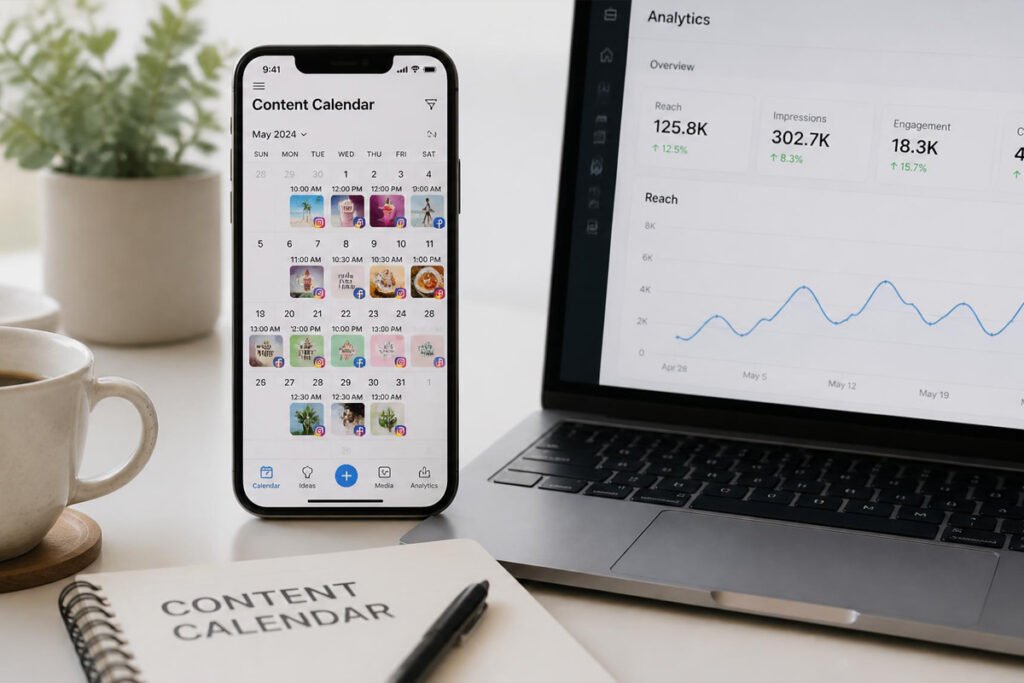
Posting consistently is one of the most repeated pieces of advice for growing an audience — and one of the easiest things to abandon once life gets busy. Logging into four different apps every day to post manually doesn’t scale, and it’s exactly the kind of task that quietly disappears from a creator’s routine the first hectic week.
A scheduling tool doesn’t do the creative work for you, but it removes the daily friction that causes consistency to slip. If you’ve already started growing an email list to promote your work or picked a platform to sell digital products, a scheduler is the other half of staying visible — this guide compares the five tools creators actually rely on in 2026 to batch content and stay consistent without living inside their apps.
Quick Answer
The right scheduler depends on how many accounts you manage and what you value most. Buffer is the best overall starting point for solo creators, with the strongest free plan and the simplest learning curve of any tool on this list. Later is the top pick if your strategy is visual-first, especially for Instagram and TikTok, thanks to its drag-and-drop grid planner. Metricool is the best value once you’re managing multiple brands or need deeper analytics and ad reporting alongside scheduling. Hootsuite suits larger teams and agencies that need broader collaboration and compliance features, at a correspondingly higher price. Publer is a strong budget alternative to Buffer, offering similar core scheduling at a lower cost for creators watching their software spend closely.
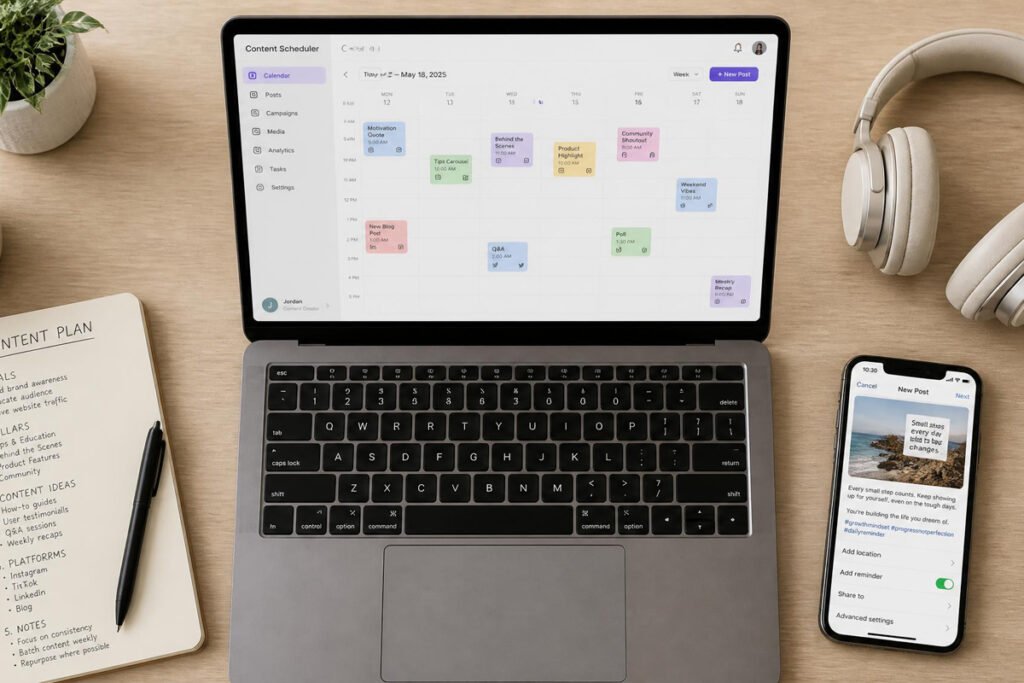
Table of Contents
- Why Scheduling Tools Matter More Than They Seem To
- How to Choose the Right Scheduler for Your Workflow
- Top 5 Best Social Media Scheduling Tools
- Platform Comparison Table
- Best Scheduler by Creator Type
- How to Set Up a Content Batching Workflow Step by Step
- Common Mistakes Creators Make With Scheduling Tools
- Expert Tips for Staying Consistent
- Final Thoughts
- Frequently Asked Questions
Why Scheduling Tools Matter More Than They Seem To
A scheduler’s core job sounds simple: queue a post, pick a time, publish automatically. But that small piece of automation is what separates creators who post consistently from those who post in unpredictable bursts whenever they remember to open the app. Consistency, far more than any single viral post, is what most platforms’ algorithms reward over time.
This matters for the same reason an email list matters — social platforms are discovery channels for an audience you’re trying to move somewhere you actually own, whether that’s your email list or a digital product you’re promoting. A scheduler just makes showing up there sustainable instead of another daily task competing for your attention.
How to Choose the Right Scheduler for Your Workflow
- How many accounts and platforms are you actually managing? A solo creator on two or three platforms needs far less than someone managing multiple brands or client accounts.
- Is your content mostly visual, or more text and link-driven? Visual-first creators on Instagram and TikTok benefit from a grid-preview planner; text-heavy creators may not need that feature at all.
- Do you need analytics and reporting, or just reliable posting? Some tools focus purely on scheduling; others layer in competitor tracking, ad reporting, and deeper performance data.
Top 5 Best Social Media Scheduling Tools
1. Buffer
Overview: Buffer remains the go-to starting point for solo creators and small businesses, thanks to a genuinely useful free plan and one of the simplest interfaces among all major schedulers.
Key Features:
- Free plan covers 3 social channels with 10 scheduled posts per channel
- Clean, beginner-friendly interface with minimal learning curve
- AI assistant for generating and repurposing post copy across platforms
Best For: Solo creators and small businesses managing two or three social accounts who want simplicity over advanced features.
Pros: ✅ Strongest free plan among major schedulers ✅ Very low learning curve ✅ Reliable, no-frills core scheduling Cons: ❌ Fewer advanced analytics than Metricool or Hootsuite ❌ Collaboration features are lighter than team-focused tools
Our Verdict: If you’re just starting to batch content and don’t want to learn a complicated new tool, Buffer is the safest default — the same low-friction philosophy that makes Wave a good starting point for accounting.
2. Later
Overview: Later was originally built around Instagram and remains the strongest choice for visually-driven creators, with a drag-and-drop grid planner that shows exactly how your feed will look before you publish.
Key Features:
- Visual grid preview for Instagram, TikTok, and Pinterest planning
- Built-in link-in-bio tool included on paid plans
- AI-powered scheduling suggestions and trend insights
Best For: Creators whose strategy depends heavily on visual consistency, especially on Instagram and TikTok.
Pros: ✅ Best-in-class visual grid planning ✅ Strong for UGC-heavy and aesthetic-driven brands Cons: ❌ Free plan limits monthly posts per profile ❌ Inbox and collaboration features are more limited than Buffer or Sprout Social
Our Verdict: If your content depends on a cohesive visual feed, Later’s grid planner solves a specific problem the other tools on this list don’t handle nearly as well.
3. Metricool
Overview: Metricool combines scheduling with genuinely deep analytics, competitor tracking, and ad reporting, making it the strongest pick once your needs go beyond simple posting.
Key Features:
- Combined organic and paid ad performance reporting in one dashboard
- Competitor tracking alongside your own account analytics
- Pricing structured per brand rather than per channel, which favors multi-brand creators
Best For: Creators or small agencies managing multiple brands who want scheduling and analytics in a single tool.
Pros: ✅ Deepest analytics among the tools on this list ✅ Best value once you’re managing several brands ✅ Includes ad performance tracking, not just organic posts Cons: ❌ More features than a total beginner typically needs ❌ Slightly steeper learning curve than Buffer
Our Verdict: Once you’ve outgrown simple scheduling and want real data behind your content decisions, Metricool’s analytics depth justifies the step up.
4. Hootsuite
Overview: Hootsuite remains a strong option at enterprise scale, with broader team collaboration, approval workflows, and social listening tools built for organizations managing compliance and multiple stakeholders.
Key Features:
- Advanced team collaboration and content approval workflows
- Social listening tools for tracking brand mentions and industry conversation
- Broad platform support across nearly every major network
Best For: Larger teams and agencies needing compliance features and multi-stakeholder approval processes.
Pros: ✅ Most robust collaboration and approval tools ✅ Strong social listening capability Cons: ❌ Pricing is significantly higher than creator-focused tools ❌ Overkill for a solo creator or small business
Our Verdict: Most individual creators and small businesses won’t need Hootsuite’s full feature set — it earns its cost mainly once you’re managing a team, not a personal brand.
5. Publer
Overview: Publer offers core scheduling functionality similar to Buffer at a generally lower price point, making it a strong budget alternative for creators watching monthly software costs closely.
Key Features:
- Ideas library for storing post concepts and media for future use
- Multichannel scheduling with a practical free plan
- Community inbox for managing comments and reviews in one place
Best For: Budget-conscious creators who want Buffer-like functionality without Buffer’s cost at scale.
Pros: ✅ Lower cost than Buffer at comparable feature levels ✅ Solid free plan for solo creators Cons: ❌ Smaller brand recognition and community than Buffer or Later ❌ Fewer third-party integrations
Our Verdict: If Buffer’s pricing starts feeling steep as you add channels, Publer covers most of the same ground for less, making it worth a direct comparison before you commit to a paid plan.
Platform Comparison Table
| Tool | Best For | Free Plan | Standout Feature |
|---|---|---|---|
| Buffer | Solo creators, simplicity | 3 channels, 10 posts each | Strongest free plan overall |
| Later | Visual-first creators | Limited monthly posts | Best grid/visual planning |
| Metricool | Multi-brand creators | Yes, feature-limited | Deep analytics + ad reporting |
| Hootsuite | Teams and agencies | No | Advanced collaboration tools |
| Publer | Budget-conscious creators | Yes | Buffer-like features, lower cost |
Best Scheduler by Creator Type
Solo Creators Just Getting Started
Buffer or Publer both offer a low-friction entry point, with Buffer slightly ahead on brand recognition and Publer typically ahead on price at scale.
Visual-First Creators (Instagram, TikTok, Pinterest)
Later’s grid planner is purpose-built for feed aesthetics, making it the strongest choice if your content strategy depends on a cohesive visual look.
Creators Selling Digital Products or Running Multiple Brands
Metricool’s combined analytics and ad reporting help connect your social activity directly to what’s actually driving sales of a digital product or offer.
Agencies and Larger Teams
Hootsuite’s approval workflows and social listening tools are built specifically for the coordination challenges that come with managing several stakeholders.
How to Set Up a Content Batching Workflow, Step by Step
Step 1: Choose a Scheduler That Matches Your Account Count and Style
Use the comparison above to match your platform mix and content style — visual, text, or mixed — to the right tool.
Step 2: Set a Weekly or Biweekly Batching Session
Block dedicated time to write and queue a week or two of content at once, rather than creating and posting in the moment every day.
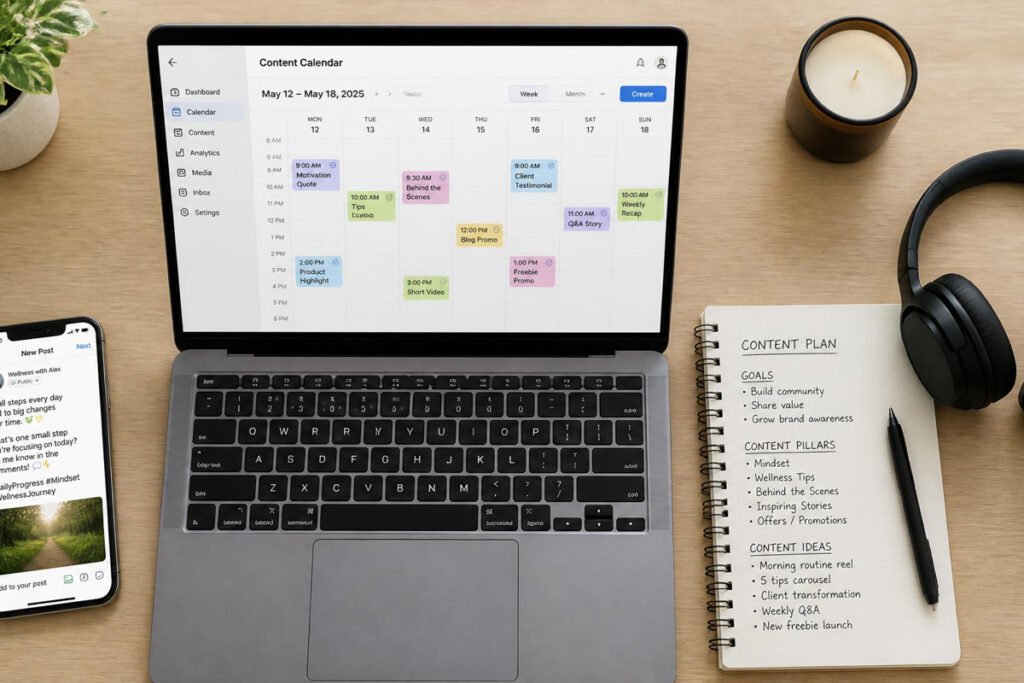
Step 3: Build a Simple Content Calendar Template
Even a basic recurring structure — a themed post type for each day of the week — makes batching faster and more consistent over time.
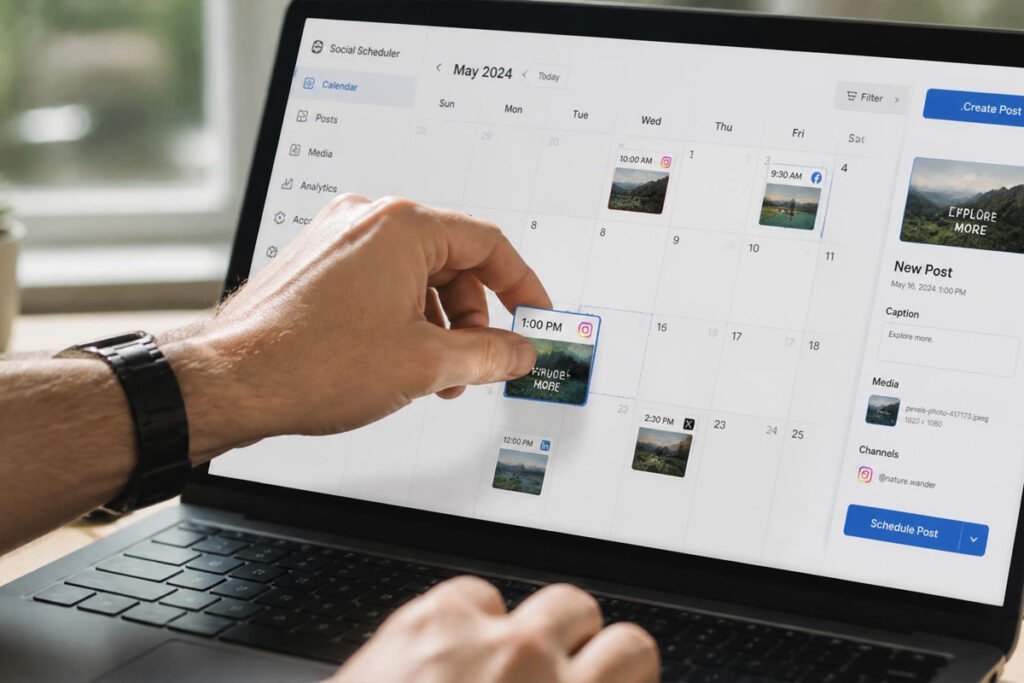
Step 4: Queue Posts and Review Before They Go Live
Most schedulers let you preview exactly how a post will appear — use that step to catch typos or formatting issues before they’re public.
Step 5: Check Analytics Regularly and Adjust
Review what’s actually performing every few weeks, and let that data shape your next batching session rather than guessing at what’s working.
Common Mistakes Creators Make With Scheduling Tools
Scheduling content and never checking analytics. A scheduler makes posting easier, but it doesn’t replace paying attention to what’s actually resonating — check performance regularly instead of only queuing content on autopilot.
Choosing a tool with more features than you’ll ever use. Paying for enterprise-level collaboration tools as a solo creator adds cost without adding real value — match the tool to your actual current scale, not your hoped-for future one, the same discipline worth applying when picking accounting software or any other business tool.
Treating scheduling as a replacement for engagement. Automated posting handles publishing, but replying to comments and messages still needs a human — a scheduler that queues posts but leaves your community unanswered undermines the consistency it’s supposed to build.
Forgetting to connect social growth back to revenue. Growing followers is only useful if it eventually points somewhere — pair consistent posting with a real email list or landing page so that attention converts into something measurable, whether you’re selling a digital product or promoting affiliate offers.
Expert Tips for Staying Consistent
Batch similar content types together. Writing five caption-heavy posts in one sitting is faster than switching between formats — group similar tasks to reduce the mental cost of context-switching.
Repurpose one piece of content across formats. A single blog post or idea can often become a caption, a short video script, and a carousel — squeeze more mileage out of each idea rather than starting from scratch every time.
Revisit your posting schedule quarterly, not just once. What worked when you started may not reflect where your audience actually engages now — treat your schedule as something to periodically reassess, the same way you’d revisit any part of a growing small business.

Final Thoughts
Best overall for beginners: Buffer, for its strong free plan and simplicity. Best for visual-first creators: Later, for grid planning on Instagram and TikTok. Best for multi-brand creators: Metricool, for combined analytics and ad reporting. Best for teams and agencies: Hootsuite, for collaboration and compliance. Best budget alternative: Publer, for Buffer-like features at a lower cost.
A scheduler only pays off when there’s something worth being consistent about — pair it with a real digital product or offer and a landing page to send that traffic to, so consistent posting turns into more than just consistent scrolling for your audience.
Frequently Asked Questions
What is the best free social media scheduling tool? Buffer is generally considered the strongest free option, covering three social channels with ten scheduled posts each at no cost, with Metricool and Publer as solid free alternatives.
Is Later or Buffer better for creators? It depends on your content style — Later is stronger for visual-first strategies like Instagram grids, while Buffer is simpler and better suited to creators who don’t need heavy visual planning.
Do I need a scheduling tool if I only post on one platform? It’s less essential with a single platform, though even one-platform creators often find batching and scheduling saves meaningful time compared to posting manually every day.
How much do social media scheduling tools typically cost? Costs range from free on tools like Buffer, Metricool, and Publer, up to $50 or more per month for individuals, and $199–$399+ per seat monthly for enterprise-level platforms like Hootsuite or Sprout Social.
Can scheduling tools write my captions for me? Several tools, including Buffer and Later, include AI assistants that can generate or repurpose captions, though most creators still edit AI-generated copy before publishing.
Do scheduling tools work for TikTok and Instagram Reels? Yes, most major schedulers including Buffer, Later, and Metricool support scheduling for TikTok and Instagram Reels, though native features and limitations vary by platform.
Is Metricool worth it over Buffer? Metricool becomes worth the higher cost mainly once you need deeper analytics, competitor tracking, or ad reporting — for simple scheduling alone, Buffer covers the basics at a lower cost.
Can I schedule posts to multiple platforms at once? Yes, all five tools in this guide support scheduling the same or platform-adapted content across multiple networks from a single dashboard.
Do I still need to manually check social media if I use a scheduler? Yes. Scheduling handles publishing, but replying to comments, messages, and engaging with your audience still requires manual attention that no scheduler fully automates.
How far in advance should I schedule content? Many creators batch one to two weeks at a time, which balances planning efficiency with enough flexibility to adjust for timely or trending content.
Author: Morne Winston Last Updated: July 2026