
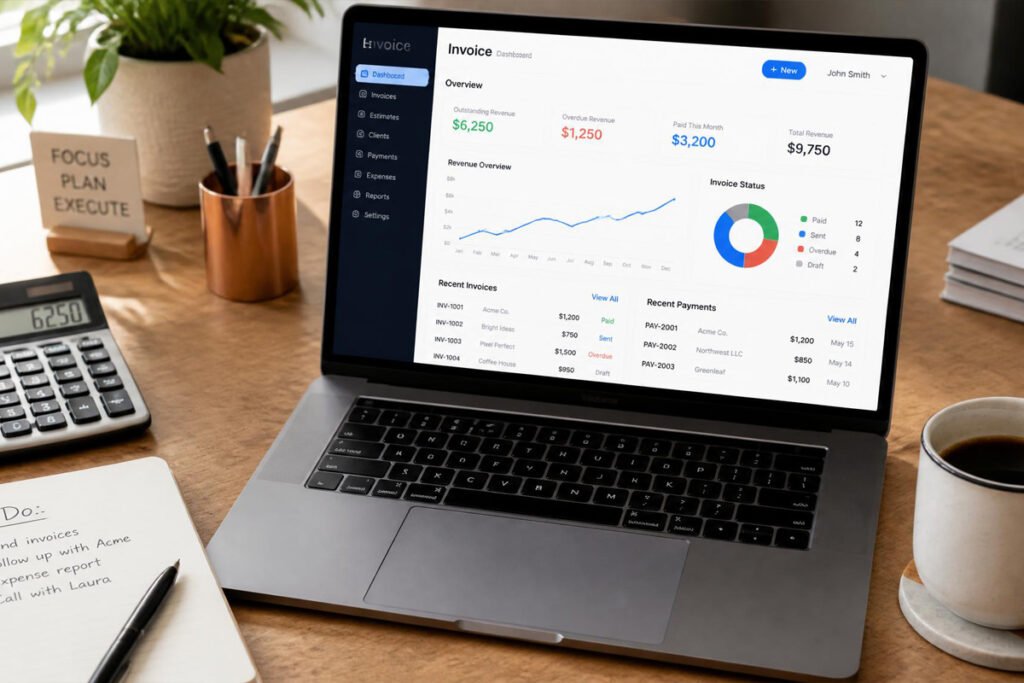
You finished the job three weeks ago. The client still hasn’t paid, and you’re not entirely sure if that’s because the invoice got lost in their inbox, because you never sent a reminder, or because you’re still tracking who owes you what in a spreadsheet that hasn’t been updated since last month. This is one of the quietest ways a small business bleeds cash — not from bad work, but from a billing process that depends entirely on you remembering to chase people down.
The fix isn’t complicated, but it does require picking the right tool. Some invoicing platforms are lightweight and free, built for a freelancer who sends five invoices a month. Others are full accounting suites where invoicing is just one piece of a much bigger system. Picking the wrong one means either paying for features you’ll never touch, or outgrowing a free tool the moment your client list gets past a dozen names.
If you’re still deciding whether you even need dedicated software instead of an accountant handling everything, our guide on accounting software for small business is a good place to start. And if invoicing is only one piece of how you win and manage client work, it’s worth pairing this with a look at business proposal software, since the two processes — proposing the work and getting paid for it — usually live right next to each other in a client relationship.
This guide breaks down the five best invoicing tools for small businesses in 2026, who each one is actually built for, and how to pick between them without wasting a month on trial accounts.
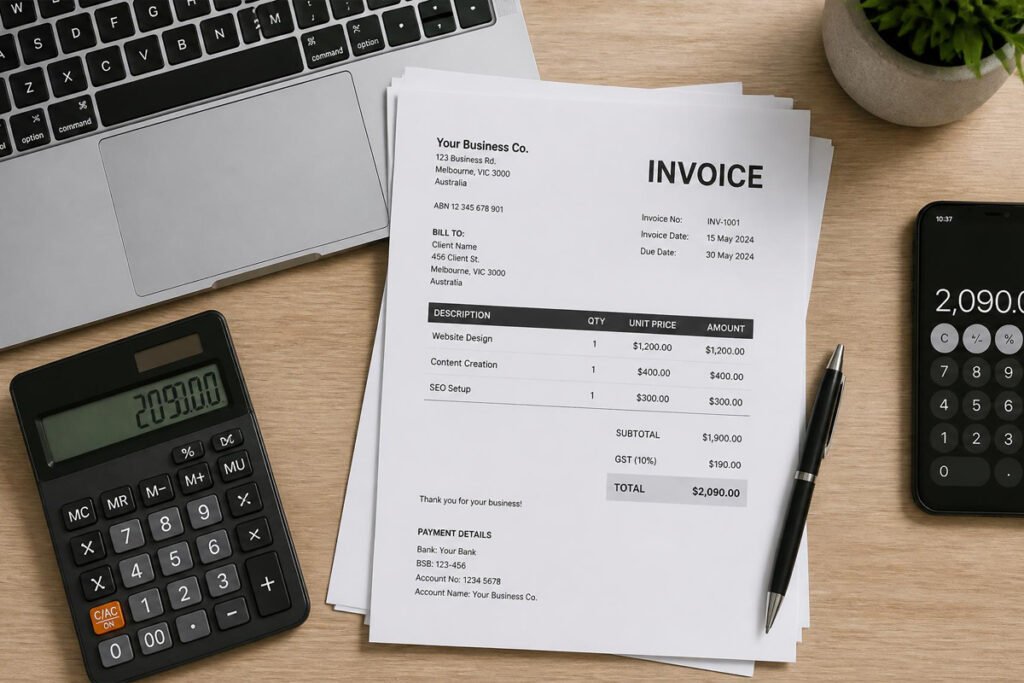
Quick Answer
The best invoicing software depends on how complex your business already is. If you want invoicing bundled with full bookkeeping, QuickBooks Online is the strongest all-around pick. If you bill clients by the hour and want time tracking built in, FreshBooks fits naturally. If you’re a freelancer or very small operation that wants to avoid a monthly fee entirely, Wave and Zoho Invoice both offer genuinely usable free plans. If you’re already growing past a handful of clients and need multi-currency support or deeper reporting, Xero scales further than any of the others. In short: start with what you actually bill for today, not what you think you might need in two years.
Table of Contents
- What Is Invoicing Software and How Does It Work?
- How to Choose the Right Invoicing Tool
- Best Invoicing Software Available
- Comparison Table
- Best Invoicing Software for Different Business Types
- How to Set Up Invoicing Correctly
- Common Mistakes
- Expert Tips
- Final Thoughts
- Frequently Asked Questions
What Is Invoicing Software and How Does It Work? {#what-is-invoicing-software}
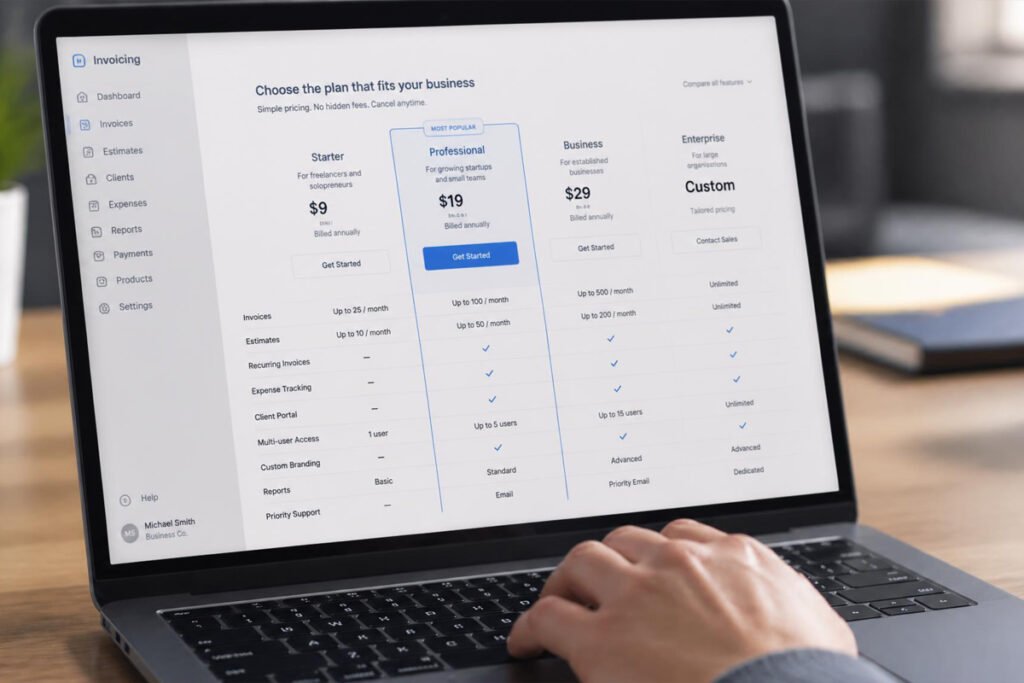
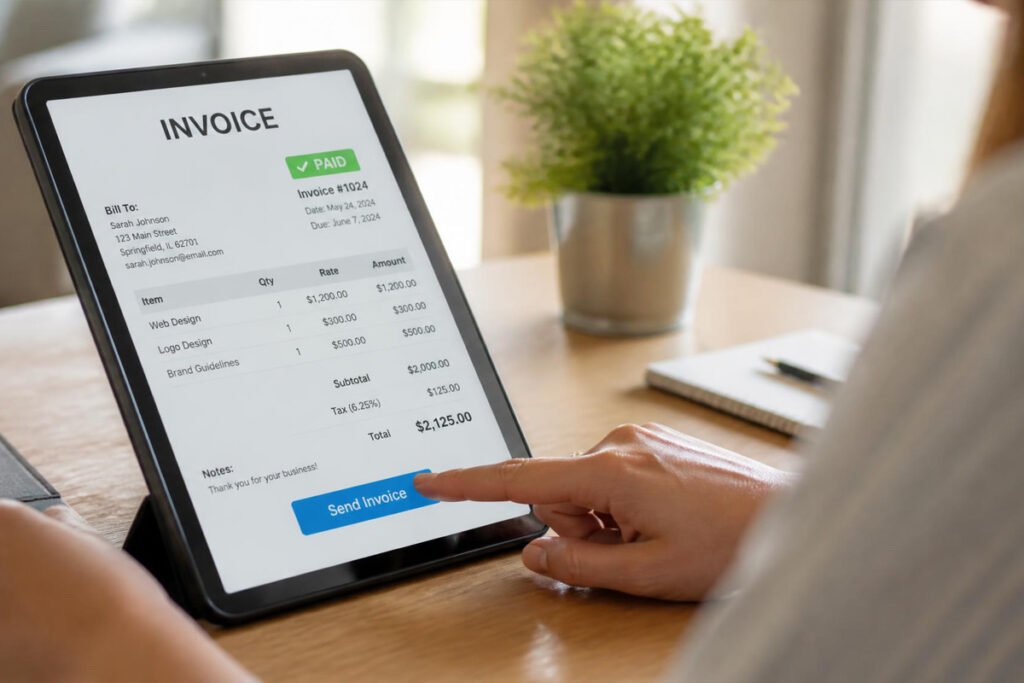
Invoicing software is a tool that lets you create, send, and track bills to clients electronically, instead of building invoices manually in a document or spreadsheet. At its core, the best invoicing software for small business owners does three things: it generates a professional-looking invoice in minutes, it lets the client pay online without a back-and-forth email chain, and it tracks the status of every invoice so you know exactly who owes you money and for how long.
Most modern platforms go further than that. Recurring invoices handle repeat billing automatically. Automated payment reminders follow up with a late-paying client so you don’t have to send an awkward email yourself. Client portals give customers a single place to view their invoice history and payment methods. And integrations with your bank or accounting software mean a paid invoice updates your books without any manual re-entry.
If you’re just getting your paperwork in order before you start billing anyone, it’s worth working backward from your business structure first. Our guides on getting an EIN for your small business and getting a business license in 2026 cover the foundational steps that usually come before your first invoice ever goes out.
How to Choose the Right Invoicing Tool {#how-to-choose}
Before comparing feature lists, ask yourself three questions:
How many invoices do you actually send per month? A handful a month means a free plan will probably cover you. Dozens a month, especially with recurring billing, usually justifies a paid tier.
Do you need invoicing alone, or full accounting too? Freelancers and very small service businesses often just need to bill and get paid. Businesses with inventory, payroll, or more complex bookkeeping needs are usually better served by a platform where invoicing is one module inside a larger accounting system.
How do your clients prefer to pay? If most of your clients are local and pay by card or bank transfer, almost any tool here works. If you bill internationally, multi-currency support becomes a real deciding factor, not a nice-to-have.
According to the U.S. Small Business Administration, cash flow problems — not lack of profitability — are among the most common reasons small businesses struggle, which is exactly why a reliable, low-friction invoicing process matters as much as the work itself.
Best Invoicing Software Available {#best-invoicing-software}
1. QuickBooks Online
Overview: QuickBooks Online is the most widely used small business accounting platform in the U.S., and its invoicing tools reflect that scale. Invoices you send are automatically tied into your books, so a payment doesn’t just update your bank balance — it updates your entire financial picture in real time. It’s built for business owners who want invoicing and accounting to live in the same system from day one, rather than stitching two tools together later.
Key Features:
- Invoice-to-ledger syncing, so payments update your books automatically
- Mobile app for sending invoices and checking payment status on the go
- Automated late-payment reminders and recurring invoice scheduling
- Deep reporting on outstanding receivables and cash flow
- Integrates with hundreds of third-party business apps
Best For: Small businesses that want invoicing and full accounting in one place, or that expect to need more robust bookkeeping soon.
Pros: ✅ Seamless accounting integration ✅ Strong mobile experience ✅ Scales well as the business grows Cons: ❌ Pricier than invoicing-only tools ❌ Can feel like more software than a solo freelancer needs
Our Verdict: If you’ve already worked through our small business accounting software guide and landed on QuickBooks for your books, using its native invoicing means one less tool to manage — and one less place for numbers to get out of sync.
2. FreshBooks
Overview: FreshBooks was built with service-based businesses in mind — consultants, agencies, and freelancers who bill by the hour or by project. Its standout strength is how naturally time tracking flows into invoicing: log hours against a project, and FreshBooks turns them into a client-ready invoice without extra data entry.
Key Features:
- Built-in time tracking tied directly to invoice line items
- Customizable, professional invoice templates
- Automatic late fees and payment reminders
- Client portal for viewing and paying invoices
- Integrates with 100+ business apps
Best For: Freelancers, consultants, and agencies that bill hourly or by project.
Pros: ✅ Very easy to learn and use ✅ Excellent for hourly billing workflows ✅ Clean, professional invoice design Cons: ❌ Less robust than QuickBooks or Xero for complex accounting ❌ Some advanced features are locked to higher-tier plans
Our Verdict: For a service business where hours worked directly equal what gets billed, FreshBooks removes a step most other tools still require. It pairs well if you’re also using presentation accessories for client meetings to win the work in the first place — proposal to invoice, handled by two matched tools.
3. Wave
Overview: Wave offers genuinely free invoicing and basic accounting, with no monthly subscription fee — a rarity in this space. You only pay when you actually process a payment, which makes it one of the lowest-risk starting points for a brand-new business that isn’t ready to commit to a paid platform yet.
Key Features:
- Unlimited invoices with no monthly software fee
- Recurring billing and automatic payment reminders
- Basic bookkeeping and receipt scanning included
- Simple, clean invoice templates
- Pay-per-transaction pricing on accepted payments
Best For: New businesses, side hustles, and freelancers who want a no-cost starting point.
Pros: ✅ No subscription cost ✅ Straightforward setup ✅ Good enough accounting for a very small operation Cons: ❌ Fewer advanced features than paid competitors ❌ Support is more limited than on paid platforms
Our Verdict: If you’re still validating whether this business idea has legs, Wave lets you bill professionally without adding a fixed monthly cost. It’s a natural fit alongside our guide on starting a small business from home, where keeping overhead low in the early stages matters most.
4. Zoho Invoice
Overview: Zoho Invoice is a genuinely capable free invoicing tool, offering unlimited invoices, automated reminders, and a client portal at no cost for smaller businesses. It’s part of the wider Zoho ecosystem, so it connects cleanly if you’re already using Zoho CRM or other Zoho products, but it works perfectly well as a standalone tool too.
Key Features:
- Free plan with generous invoice limits and no user cap issues for solo use
- Multi-currency and multi-language support
- Recurring invoices and automated payment reminders
- Client portal supporting multiple payment methods
- Time tracking for project-based billing
Best For: Freelancers and small businesses that bill international clients or want deep functionality without a price tag.
Pros: ✅ Strong free tier ✅ Multi-currency support out of the box ✅ Scales into the broader Zoho suite if needed Cons: ❌ Less well-known than QuickBooks or FreshBooks, so fewer third-party integration guides exist ❌ Full accounting requires upgrading to Zoho Books
Our Verdict: For a business billing clients across borders, Zoho Invoice’s currency handling alone can save real administrative headaches compared to tools that treat multi-currency as an afterthought.
5. Xero
Overview: Xero is a full accounting platform where invoicing is one part of a much larger system, similar in spirit to QuickBooks but favored by many businesses for its cleaner interface and strong multi-currency capabilities. As your invoicing needs get more complex — more clients, more currencies, more line-item detail — Xero tends to keep up without feeling cluttered.
Key Features:
- Unlimited invoicing tied to full double-entry accounting
- Strong multi-currency invoicing and reporting
- Recurring invoices, online payments, and automated reminders
- Real-time dashboard of outstanding and overdue invoices
- Large ecosystem of accounting and payment integrations
Best For: Growing businesses that need invoicing to scale alongside more complex bookkeeping.
Pros: ✅ Clean, modern interface ✅ Excellent for multi-currency billing ✅ Grows well with the business Cons: ❌ No permanently free plan ❌ Slight learning curve for business owners new to accounting software
Our Verdict: If your invoice volume and client complexity are outgrowing a simple tool, Xero is built to absorb that growth without forcing a platform switch later.
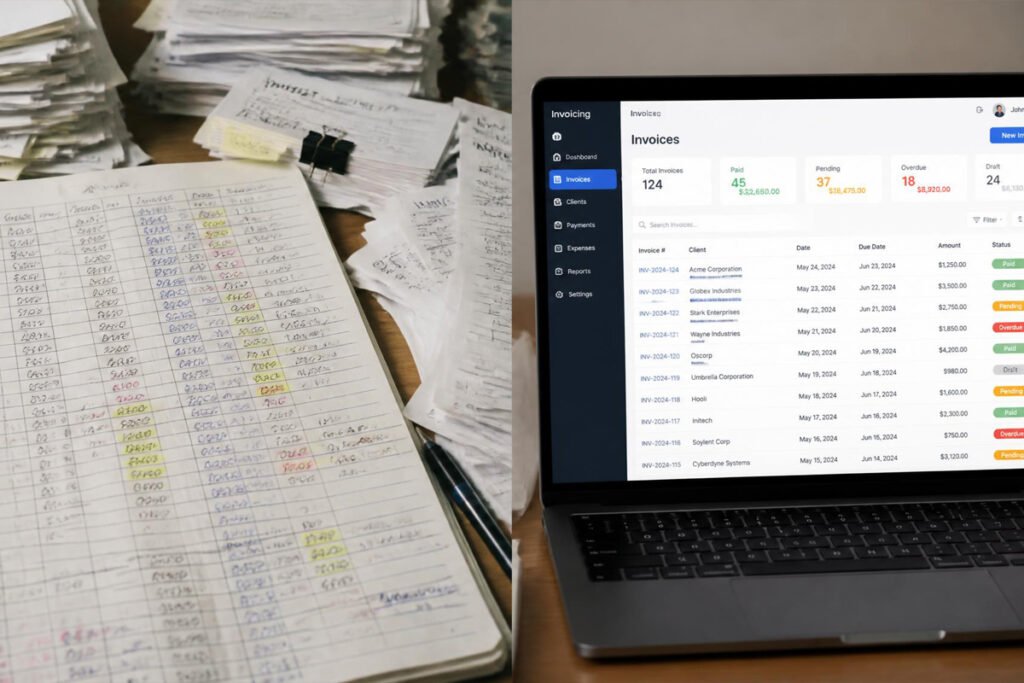
Comparison Table {#comparison-table}
| Software | Best For | Free Plan | Time Tracking | Multi-Currency |
|---|---|---|---|---|
| QuickBooks Online | Full accounting + invoicing | No | Limited | Yes |
| FreshBooks | Hourly/project billing | No (free trial only) | Yes | Yes |
| Wave | No-cost starting point | Yes | No | Limited |
| Zoho Invoice | International freelancers | Yes | Yes | Yes |
| Xero | Growing, complex billing | No | Yes | Yes |
Best Invoicing Software for Different Business Types {#different-business-types}
Freelancers and Solo Consultants
If you’re billing a handful of clients each month, Wave or Zoho Invoice will likely cover everything you need without a subscription fee. Pair either with a clear process for pricing a business proposal so your invoice amount never comes as a surprise to the client.
Service Businesses Billing by the Hour
Agencies, consultants, and contractors who track billable hours benefit most from FreshBooks, where time entries convert directly into invoice line items. This matters even more if you’re running a business like mobile car detailing or drone photography, where job-based and hourly billing often overlap.
Online Sellers and E-Commerce Businesses
If most of your revenue comes through a store rather than one-off client invoices, dedicated invoicing software matters less than getting your payment processing and point-of-sale equipment right first. Invoicing tools still come in handy for wholesale orders or B2B clients who expect a formal invoice rather than a checkout page.
How to Set Up Invoicing Correctly {#how-to-set-up}
According to guidance from the U.S. Internal Revenue Service on recordkeeping, every business is expected to keep accurate, dated records of income — which starts with how consistently you issue and track invoices.
Step 1: Confirm Your Business Details Are Ready
Before your first invoice goes out, make sure your business name, EIN, and any required licensing are finalized. Our guide on business licenses and legal documents walks through what’s typically required before you can legally bill clients.
Step 2: Set Up Your Invoice Template
Add your logo, payment terms, and standard line items so every invoice looks consistent and professional from the first one you send.
Step 3: Connect a Payment Method
Link a payment processor so clients can pay online directly from the invoice, rather than mailing a check or waiting on a manual bank transfer.
Step 4: Turn On Recurring Billing and Reminders
For any client you bill regularly, set up recurring invoices and automatic reminders so late payments get chased without you having to remember to do it.
Step 5: Review Outstanding Invoices Weekly
Set a recurring weekly check on your dashboard to catch overdue invoices early, before they turn into a much harder conversation 60 days later.
Common Mistakes {#common-mistakes}
Not setting payment terms clearly. An invoice without a due date invites a client to pay whenever it’s convenient for them, not for you. Always state terms plainly, and revisit how you price a business proposal so payment expectations are set before work even begins.
Relying on manual follow-ups. Chasing late payments by memory means some invoices simply fall through the cracks. Automated reminders exist specifically to remove this burden — use them.
Mixing invoicing with poor recordkeeping. An invoice you can’t easily find six months later during tax season becomes a real problem. Good document security and recordkeeping practices protect you here just as much as good invoicing software does.
Expert Tips {#expert-tips}
Send the invoice the same day you finish the work. The longer the gap between delivering value and asking to be paid, the easier it is for a client to deprioritize it. Same-day invoicing consistently gets paid faster.
Require a deposit for larger projects. Even a modest upfront deposit dramatically reduces the risk of a client walking away from an unpaid balance after the work is delivered.
Offer more than one payment method. Clients who find it easy to pay tend to pay faster. A single, inconvenient payment option is one of the most avoidable reasons invoices sit unpaid.

Final Thoughts {#final-thoughts}
Best overall: QuickBooks Online, for businesses that want invoicing and accounting in one system. Best for hourly billing: FreshBooks, for service businesses tracking time against projects. Best free option: Wave or Zoho Invoice, for freelancers and new businesses avoiding a monthly fee. Best for scaling businesses: Xero, for growing operations with more complex, multi-currency billing needs.
Whichever tool you pick, the goal is the same one every product in this guide is built around: get paid faster, with less manual chasing. If you’re still building out the rest of your back office, our guides on accounting software, document security tools, and getting a business license are good next stops.
Frequently Asked Questions {#faq}
Do I need invoicing software, or can I just use a document template? A simple template works when you’re sending one or two invoices a month. Once you’re tracking multiple clients, due dates, and late payments, dedicated software saves real time and reduces the chance something slips through unpaid.
How much does invoicing software typically cost? Costs range from free (Wave, Zoho Invoice’s free tier) to roughly $15–$60 per month for full-featured plans on platforms like QuickBooks, FreshBooks, or Xero, depending on the tier and number of users.
Is free invoicing software actually usable, or just a limited trial? Wave and Zoho Invoice both offer genuinely free, ongoing plans (not time-limited trials), though Zoho caps free usage at a set number of invoices per year, and both charge standard fees on any payments you actually process.
QuickBooks vs. FreshBooks — which is better for a freelancer? FreshBooks tends to suit solo freelancers and service providers better because of its built-in time tracking and simpler learning curve. QuickBooks is generally the stronger choice once you need fuller accounting alongside invoicing.
Can invoicing software handle international clients? Yes — Zoho Invoice and Xero both offer strong multi-currency support, making them better suited than tools that primarily handle single-currency, domestic billing.
What happens if a client just doesn’t pay an invoice? Most platforms support automated reminders and late fees to encourage payment. Beyond that, clear payment terms set at the proposal stage — see our guide on pricing a business proposal — make it easier to enforce late-payment policies without an awkward conversation.
Should invoicing be connected to my accounting software? For anything beyond a handful of invoices a month, yes. Manually re-entering paid invoices into a separate bookkeeping system is exactly the kind of repetitive task that leads to errors around tax season.
Do I need a business license before I can send invoices? In most cases, yes — operating and billing for services generally requires the appropriate local licensing first. Our guide on getting a business license in 2026 covers what’s typically required before your first invoice goes out.
Is it safe to store client payment information in invoicing software? Reputable platforms like the ones in this guide use encrypted, PCI-compliant payment processing, so you’re not storing raw card details yourself. Still, pairing this with strong document security practices across your broader business records is worth the extra step.
How many invoices should trigger an upgrade from a free plan? There’s no universal number, but once you’re sending recurring invoices to more than a handful of regular clients, or need reporting beyond basic totals, it’s usually worth the move to a paid tier.
Author: Morne Winston Last Updated: August 2026
Pingback: Best Project Management Software for Small Business: Top 6 Proven Picks | Ideas Junction – Your Hub for Startups, Business Growth & Innovation
Pingback: Best Time Tracking Software for Small Business: Top 6 Proven Picks | Ideas Junction – Your Hub for Startups, Business Growth & Innovation