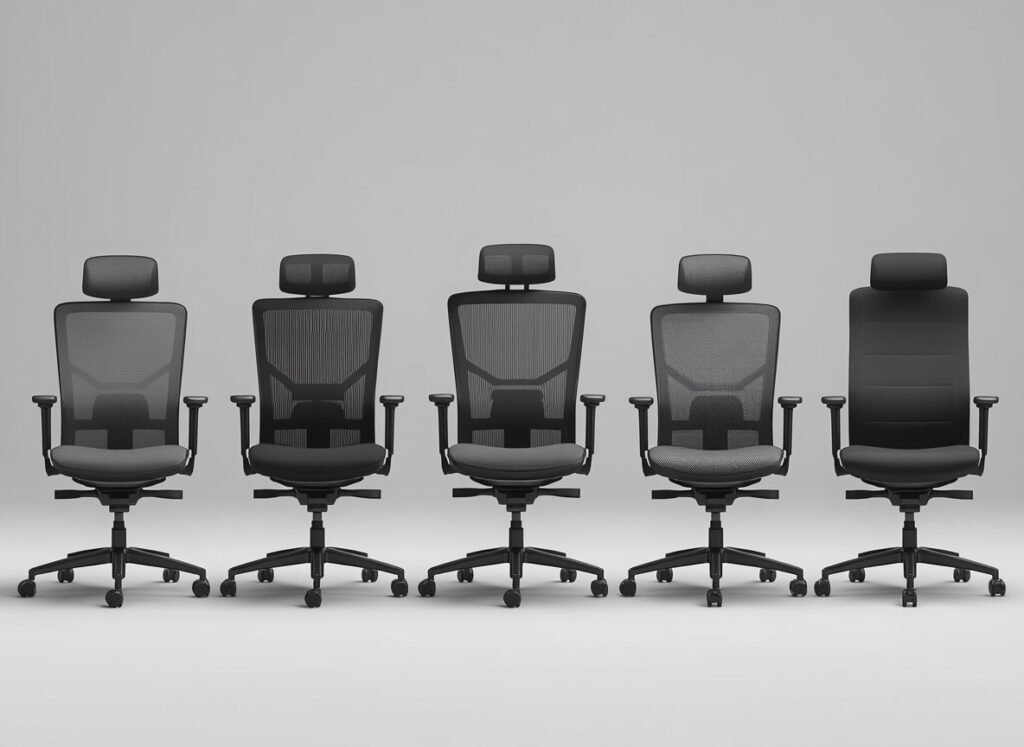
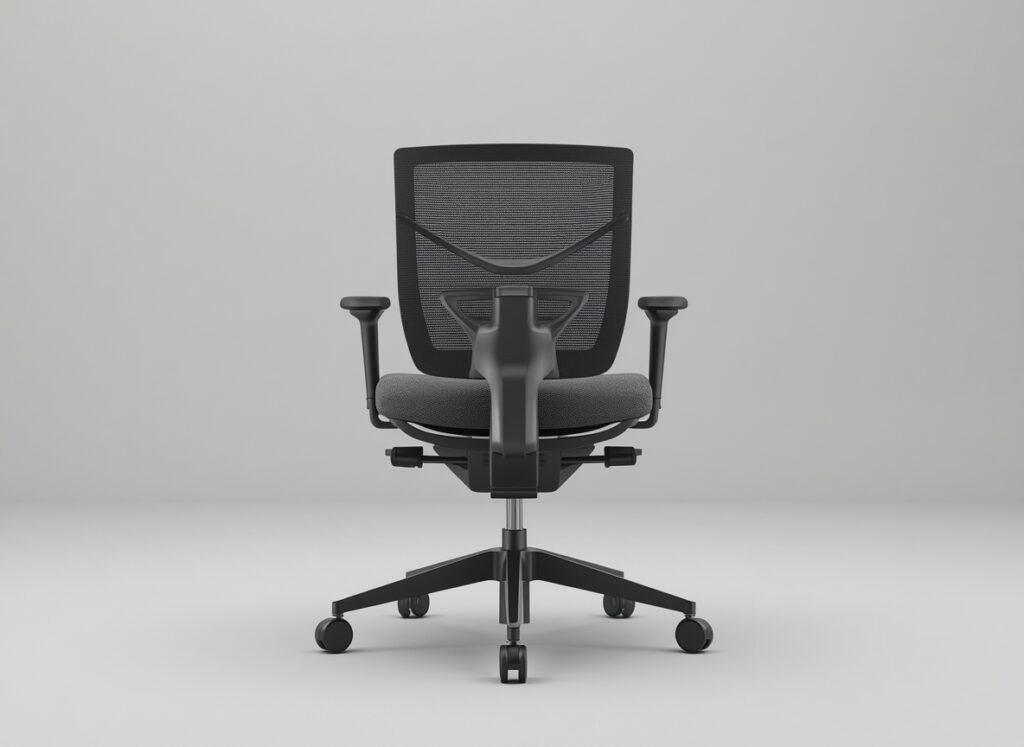
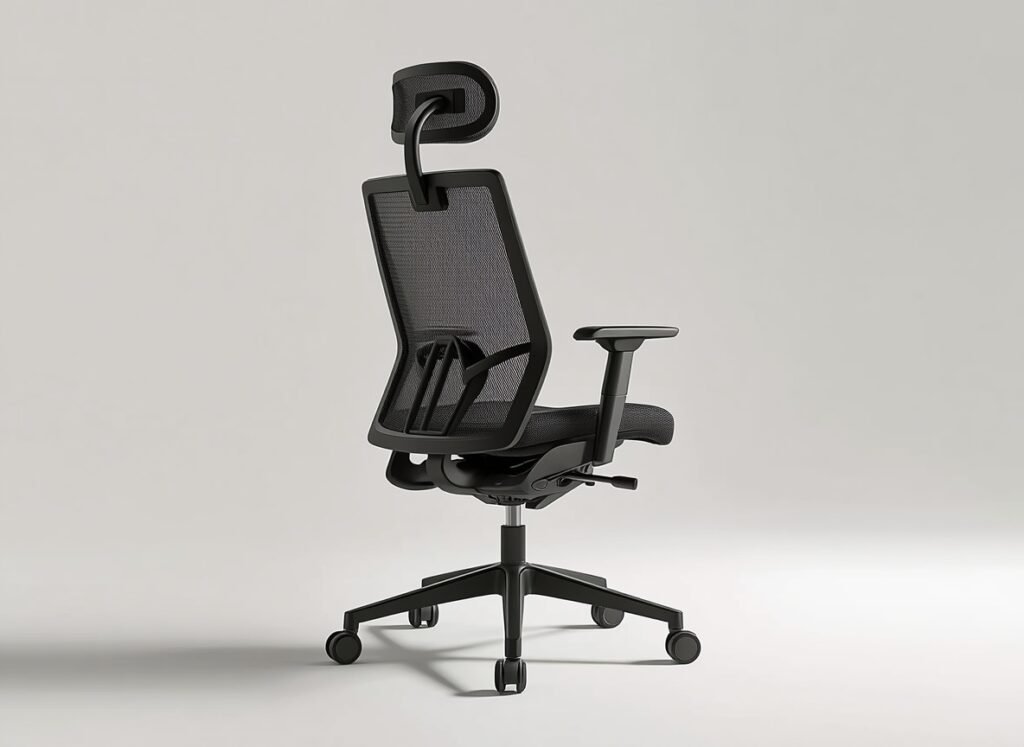
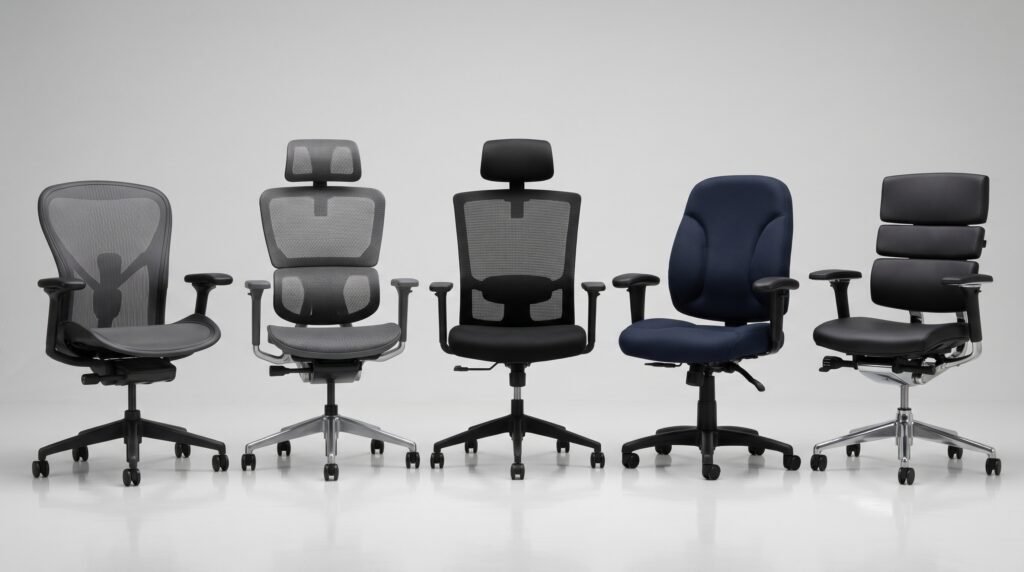
Best Ergonomic Office Chairs for Entrepreneurs: Top 5 Picks
It’s 2 p.m. and you’ve been in the same seat since breakfast. Your lower back is tight, your hips are numb, and the proposal you’re writing has stopped making sense. You tell yourself you need coffee. What you probably need is a better chair.
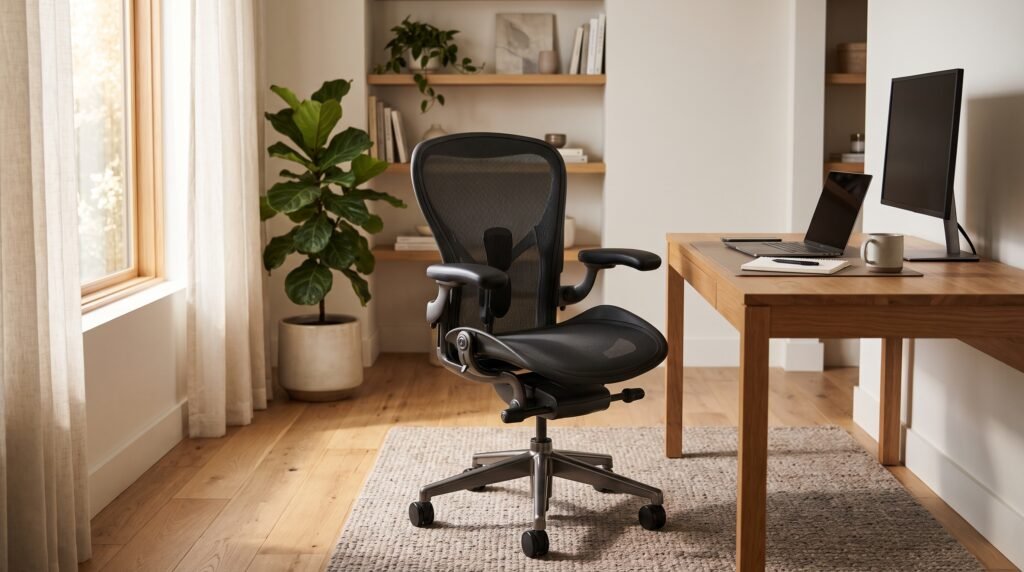
Most founders spend months comparing CRMs and payroll tools, then sit on a $60 chair they bought in a hurry. That makes no sense when you consider that your chair supports your body for more hours than almost anything else you own. If you’re starting a small business from home, your desk is your production line, and the chair is the part that holds you up.
This guide compares the best ergonomic office chairs for entrepreneurs: five real, currently sold models across every budget. You’ll get specs, honest pros and cons, and a clear answer on who should buy each one.
Quick Answer: Best Ergonomic Office Chairs at a Glance
Short on time? Here’s the verdict.
Best Overall: Steelcase Series 2. Strong support, real adjustability, and a 12-year warranty for around $649.
Best Value / Mid-Range: FlexiSpot C7. Dynamic lumbar support and 4D armrests for roughly $270–$350.
Best Budget: Sihoo M57. A basic, breathable mesh chair for around $130–$170.
Best Value Runner-Up: Boulies EP200. A comfortable daily driver at about $220.
Best Premium: Herman Miller Embody. Exceptional long-session comfort for about $2,000.
Rule of thumb: If you sit 6+ hours a day, spend as much as you reasonably can. A chair with a 12-year warranty costs less per year than a cheap chair you replace every two.
Best Ergonomic Office Chairs for Entrepreneurs: Top 5 Picks
Table of Contents
Why Your Chair Matters More Than You Think
What Makes a Chair “Ergonomic”?
How to Choose the Right Chair
The 5 Best Ergonomic Office Chairs Reviewed
Side-by-Side Comparison Table
Final Buyer’s Verdict
How to Set Up Your Chair Correctly
Common Mistakes to Avoid
Final Thoughts
FAQ
Why Your Chair Matters More Than You Think
Entrepreneurs tend to treat comfort as optional. It isn’t. Pain pulls your attention away from the work, and fatigue lowers the quality of every decision you make late in the day.
Our guide to home office desk accessories for entrepreneurs ranks seating first for exactly this reason. A chair affects your back, hips, circulation and focus all at once. A standing desk, monitor arm or cable tray matters less if your seated posture is already wrong.
A good chair also protects the rest of your setup. If you’ve already invested in a business laptop or an external monitor, it makes sense to protect the body using them. The total cost of a business is not just software subscriptions and equipment. It includes the sick days, slow afternoons and doctor visits you avoid by sitting properly.
Best Ergonomic Office Chairs for Entrepreneurs: Top 5 Picks
What Makes a Chair “Ergonomic”?
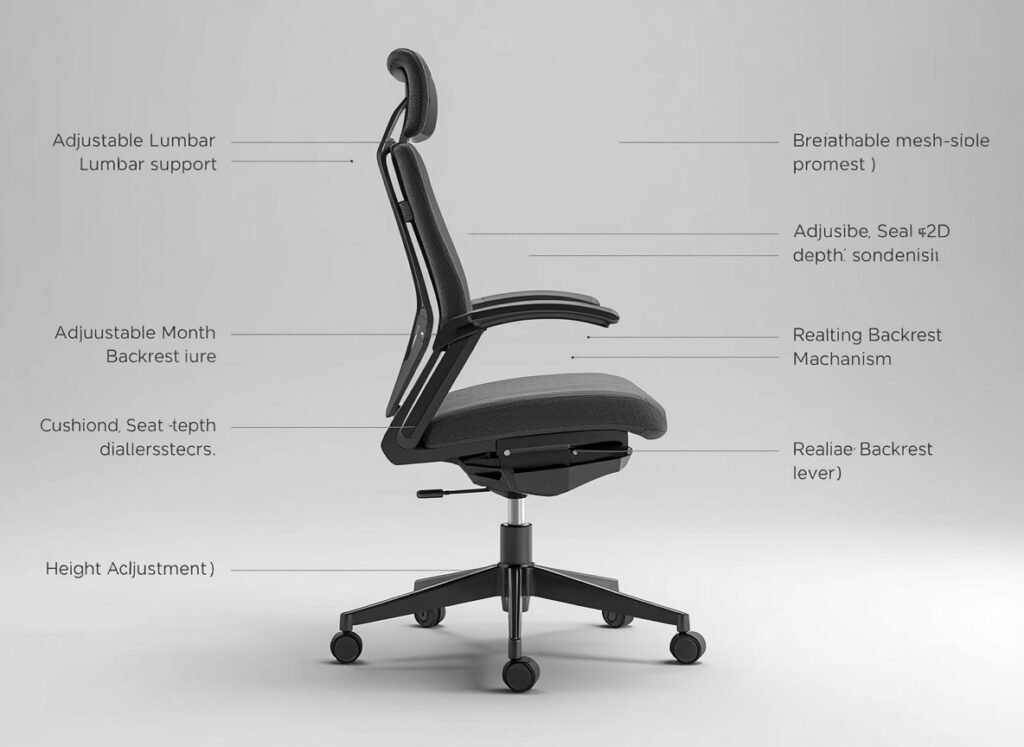
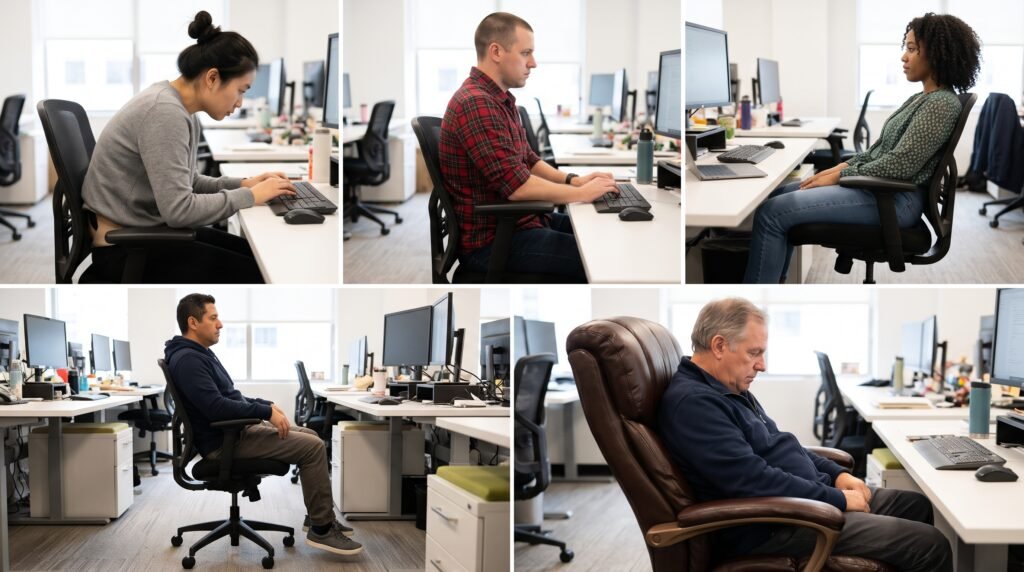
“Ergonomic” is a marketing word. Plenty of chairs wear the label without the features. The real difference between an ergonomic chair and an ordinary one is adjustability, meaning how closely the chair can be fitted to your body. These are the features that matter:
Lumbar support. This supports the curve of your lower back. Fixed lumbar is the minimum. Adjustable lumbar moves up and down. Dynamic (or self-adaptive) lumbar moves with you automatically.
Armrests. At minimum, look for 2D (height and width). 3D adds depth. 4D adds tilt. Armrests that fit your elbows keep your shoulders from hunching.
Seat depth. If the seat is too deep, it presses behind your knees. If it’s too shallow, your thighs go unsupported.
Seat height. Your feet should rest flat on the floor with your knees near 90 degrees.
Tilt and recline. A good mechanism lets you lean back without losing support.
Materials. Mesh is cooler and firmer. High-density foam is softer but warmer.
Warranty. Premium brands offer around 12 years. Budget chairs often offer 2–3.
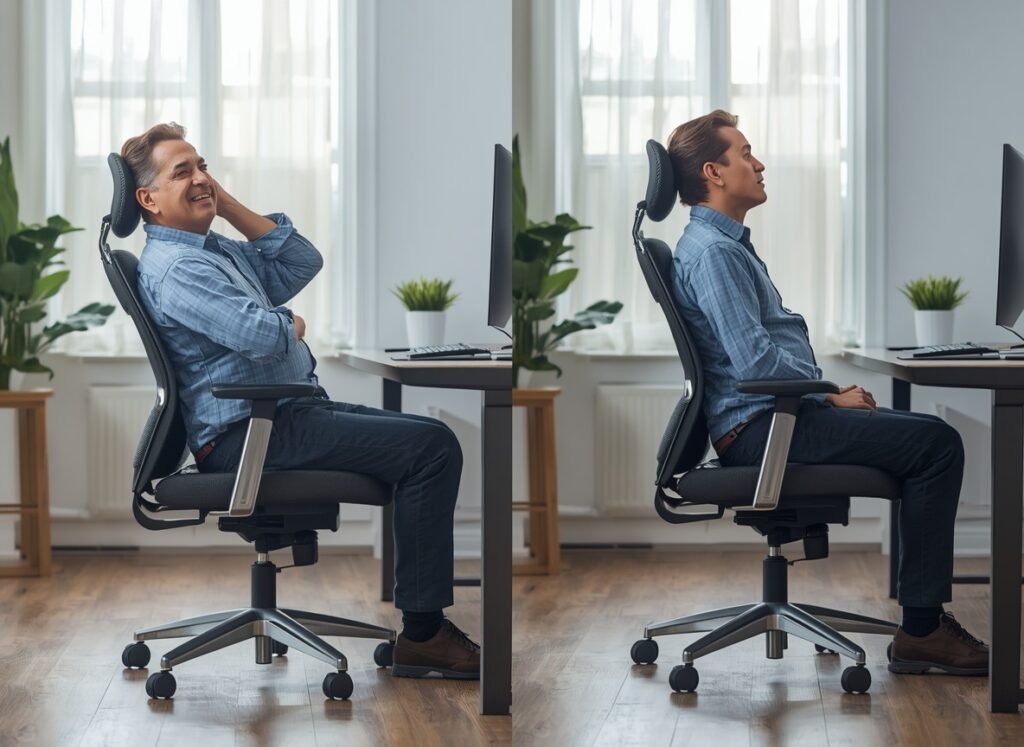
One finding surprises people: softer is not better for your back. A plush, sofa-like seat lets your hips sink and your spine round, which can make pain worse over time. Firm, supportive seating usually wins.
Best Ergonomic Office Chairs for Entrepreneurs: Top 5 Picks
How to Choose the Right Chair
Before you buy, answer these five questions.
1. How many hours do you actually sit? If you’re at your desk 3–4 hours a day between calls and running a freelance business, a solid mid-range chair is plenty. If you’re seated 8+ hours, premium chairs start to pay for themselves.
2. What’s your height and weight? Every chair has a recommended height range and weight limit. Check them. A chair that’s perfect for someone 5’8″ can be miserable at 6’3″.
3. Where does it hurt? Lower back pain points to lumbar support. Shoulder tension points to armrests. Numb thighs point to seat depth.
4. Do you run hot? If your room is warm, favor mesh. Foam and thick cushioning trap heat.
5. What’s your real budget? A useful guideline from our desk accessories guide is to put the largest share of a home office budget into the chair. If you’re building out a full workspace alongside business tools like proposal software and accounting software, set the chair budget early so it isn’t what gets cut last.
Best Ergonomic Office Chairs for Entrepreneurs: Top 5 Picks
The 5 Best Ergonomic Office Chairs Reviewed
1. Steelcase Series 2: Best Overall
Overview: Steelcase is one of the most respected names in office seating, and the Series 2 is its more affordable chair. Our research found it was described as the best balance of price and performance among more than 100 chairs tested, helped by an unusually long warranty.
Key Features:
Air LiveBack backrest that flexes as you shift, so you stay supported even when you fidget
High-density foam seat that resists flattening
4D adjustable armrests
Intuitive under-seat levers and dials
Multiple configurations, including a version with headrest
Specifications:
Lumbar support: Adjustable
Seat height: 16.5–21.5 in
Seat depth: 14.5–17 in
Weight capacity: 400 lbs
Recommended user height: 5’0″ to 6’3″
Warranty: 12 years
Assembly: about 20–30 minutes
Approximate price: $649
Pros:
✅ Excellent value for a premium brand
✅ Strong back support and good breathability
✅ 12-year warranty
✅ High 400 lb weight capacity
Cons:
❌ Recline doesn’t lock; the back springs forward when you lean off it
❌ Not designed for chronic back pain
❌ Taller users (over 6′) may find the backrest low
Who should buy it: Founders who sit most of the day and want a premium-brand chair without paying luxury prices. It’s a strong choice if you shift around a lot while you work. Skip it if you’re over six feet tall or need a lockable recline.
2. FlexiSpot C7: Best Mid-Range Pick
Overview: The FlexiSpot C7 delivers features usually reserved for far more expensive chairs: dynamic lumbar support, 4D armrests and adjustable seat depth. It’s a favorite among testers for people who want serious ergonomics on a moderate budget.
Key Features:
Self-adaptive lower back support that follows your movement
All-mesh design for airflow
Removable headrest
Choice of seat material
4D armrests and adjustable seat depth
Specifications:
Lumbar support: Dynamic
Seat height: 18.7–22 in
Seat depth: 17.3–19.6 in
Weight capacity: 300 lbs
Recommended user height: 5’7″ to 6’5″
Warranty: up to 10 years
Assembly: about 20 minutes
Approximate price: $270–$350 (it has been discounted below list)
Pros:
✅ Dynamic lumbar support at a mid-range price
✅ Very breathable
✅ Highly adjustable
✅ Long warranty for the price
Cons:
❌ Build quality and thinner plastics don’t match Steelcase or Herman Miller
❌ The 4D armrests take time to get used to
❌ Not ideal for serious, specific back pain
Who should buy it: Taller founders (the height range starts at 5’7″) who want high-end features without a four-figure bill. It’s a great pick if you run warm or have moderate back aches. Skip it if you’re petite, since the seat height starts at 18.7 inches.
3. Boulies EP200: Best Value Runner-Up
Overview: The Boulies EP200 is the daily-driver chair of TechRadar’s chair editor, with over 3,000 hours in the seat. It’s a classic, professional-looking mesh chair with plenty of adjustments for the money.
Key Features:
Contoured mesh backrest
Adjustable lumbar support, headrest, seat depth and 3D armrests
Mesh or padded foam seat options
Headrest included in the box
Specifications:
Lumbar support: Adjustable
Seat height: 17.7–21 in
Seat depth: 19–20 in
Weight capacity: 265 lbs
Recommended user height: 5’5″ to 6’3″
Warranty: 2 years
Assembly: about 20 minutes
Approximate price: $220
Pros:
✅ Great adjustability for the price
✅ Comfortable for 8+ hour days
✅ Easy assembly, nothing extra to buy
Cons:
❌ Firm mesh seat may feel hard on the tailbone
❌ Mechanisms feel less smooth than premium chairs
❌ Short 2-year warranty
Who should buy it: Solo founders and freelancers who want a reliable, good-looking chair for around $200. Skip it if you want a soft, sink-in seat or have significant back pain.
4. Sihoo M57: Best Budget Pick
Overview: The Sihoo M57 is the “just give me a decent chair” option. It’s inexpensive, has good build quality for the price, and covers the basics. It won’t win design awards, but it doesn’t pretend to.
Key Features:
Breathable mesh back
Adjustable lumbar support
3D armrests
Straightforward, no-frills design
Specifications:
Lumbar support: Adjustable
Seat height: 16.9–20.9 in
Seat depth: 17.7 in
Weight capacity: 330 lbs
Recommended user height: 5’1″ to 6’2″
Warranty: 3 years
Assembly: about 20 minutes (some find it fiddly)
Approximate price: $130–$170
Pros:
✅ Very affordable
✅ Breathable mesh
✅ Good weight capacity (330 lbs)
✅ Suits shorter users better than many chairs
Cons:
❌ Limited adjustability
❌ Not suited to tall users
❌ Not a chair for back-pain relief
Who should buy it: New founders on a tight budget, people who only sit occasionally (for example, if you mostly use a standing desk), and anyone setting up a first home office. Skip it if you sit 8+ hours daily or have back problems.
5. Herman Miller Embody: Best Premium Pick
Overview: The Embody is built for people who sit for long, active sessions. Its Pixelated Support backrest responds to micro-movements and spreads your weight evenly. Testers describe a floating sensation that relieves tailbone pressure better than cushioned seats.
Key Features:
Pixelated Support backrest with BackFit adjustment
Layered hybrid foam-and-spring seat cushioning
Tapered backrest that lets you stretch and roll your shoulders
Arrives fully assembled
Specifications:
Lumbar support: Fixed, with dynamic backrest
Seat height: 16–20.5 in
Seat depth: 15–18 in
Weight capacity: 300 lbs
Recommended user height: 5’4″ to 6’2″
Warranty: 12 years
Assembly: none
Approximate price: $2,000
Pros:
✅ Outstanding comfort across long sessions
✅ Premium materials and sturdy build
✅ Fits petite to tall users
✅ 12-year warranty
Cons:
❌ Runs warmer than mesh chairs
❌ Can creak when you push against the frame
❌ No headrest, and a learning curve with some adjustments
❌ Very expensive
Who should buy it: Established founders and consultants who spend 8+ hours a day seated and treat the chair as a long-term business investment. Spread over 12 years, the cost is far more reasonable than the sticker price suggests. Skip it if you’re still validating your business or sit only a few hours a day.
Also worth knowing: If your main issue is back pain, TechRadar’s testers rated the Steelcase Leap V2 as the best chair for posture. It’s another premium option worth trying in person.
Best Ergonomic Office Chairs for Entrepreneurs: Top 5 Picks
Side-by-Side Comparison Table
Chair
Best For
Approx. Price
Lumbar
Armrests
Max Weight
Warranty
Steelcase Series 2
Best overall
~$649
Adjustable
4D
400 lbs
12 years
FlexiSpot C7
Mid-range features
~$270–$350
Dynamic
4D
300 lbs
Up to 10 years
Boulies EP200
Value daily driver
~$220
Adjustable
3D
265 lbs
2 years
Sihoo M57
Tight budgets
~$130–$170
Adjustable
3D
330 lbs
3 years
Herman Miller Embody
Long-session premium
~$2,000
Fixed (dynamic back)
2D
300 lbs
12 years
Chair
Recommended Height
Seat Height
Seat Depth
Assembly
Steelcase Series 2
5’0″–6’3″
16.5–21.5 in
14.5–17 in
20–30 min
FlexiSpot C7
5’7″–6’5″
18.7–22 in
17.3–19.6 in
~20 min
Boulies EP200
5’5″–6’3″
17.7–21 in
19–20 in
~20 min
Sihoo M57
5’1″–6’2″
16.9–20.9 in
17.7 in
~20 min
Herman Miller Embody
5’4″–6’2″
16–20.5 in
15–18 in
None
Prices are approximate and change often, especially during sales events. Check current listings before buying.
Best Ergonomic Office Chairs for Entrepreneurs: Top 5 Picks
Final Buyer’s Verdict
🏆 Best Overall: Steelcase Series 2. It balances support, adjustability, breathability and warranty better than anything else here. For most entrepreneurs who sit all day, it’s the safest buy.
💰 Best Budget: Sihoo M57. It’s inexpensive, breathable and well built for the price. It suits short-to-average users and anyone who sits only part of the day. If you can stretch to about $220, the Boulies EP200 is the better chair.
💎 Best Premium: Herman Miller Embody. It’s expensive, but it’s the most comfortable chair on this list for long, active sitting. Over a 12-year warranty, it works out far cheaper than replacing cheap chairs repeatedly.
⭐ Best Mid-Range Value: FlexiSpot C7. It’s the top pick if you want dynamic lumbar and 4D armrests without paying Steelcase prices.
How to decide in 30 seconds:
Under $200 and mostly short sessions: Sihoo M57
Around $220 and want a proven daily driver: Boulies EP200
$270–$350 and want premium features: FlexiSpot C7
About $650 and want the best all-rounder: Steelcase Series 2
$2,000 and sit 8+ hours daily: Herman Miller Embody
Best Ergonomic Office Chairs for Entrepreneurs: Top 5 Picks
How to Set Up Your Chair Correctly
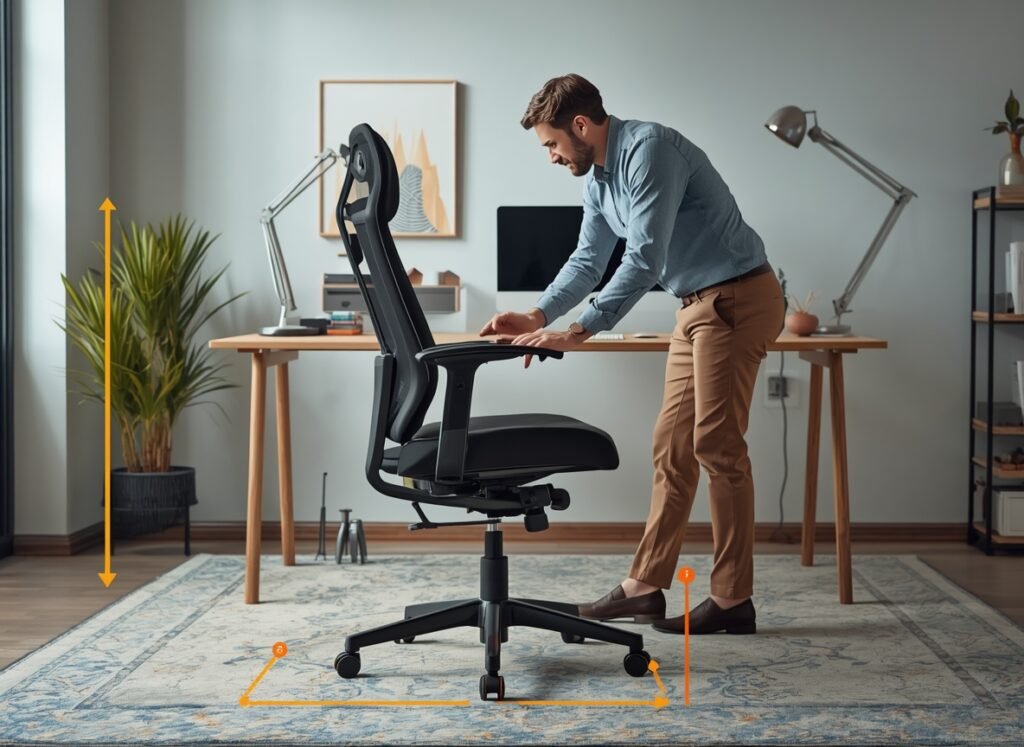
Even the best chair fails if it’s set up wrong. Spend ten minutes on this once.
Set seat height so your feet rest flat and your knees sit at roughly 90 degrees.
Adjust seat depth so you can fit a couple of fingers between the seat edge and the back of your knees.
Position the lumbar support so it fills the curve of your lower back.
Set armrests so your elbows bend at 90–110 degrees and your shoulders stay relaxed.
Check screen height. The top of your screen should sit at or just below eye level. If it doesn’t, a monitor arm or an external monitor will solve it.
Add a footrest if your feet don’t reach the floor comfortably.
Move often. Change position every 30–60 minutes. No chair replaces movement.
Common Mistakes to Avoid
Buying on looks alone. A beautiful chair with fixed everything can hurt more than a plain adjustable one.
Ignoring your height and weight. Always check the recommended range. This is the most common reason people return chairs.
Choosing “plush” over “supportive.” Soft chairs feel great for ten minutes and cause problems after ten hours.
Skipping the warranty. A 2-year warranty on a chair you sit in daily is a warning sign. Compare cost per year, not just sticker price.
Treating a gaming chair as an office chair. Racing-style bucket seats can restrict leg movement and lack fine-tuning. Judge any chair by its adjustability, not its category.
Buying the desk before the chair. Fix seating first, then build outward, just as you’d sort out business operations and compliance before chasing growth tactics.
Best Ergonomic Office Chairs for Entrepreneurs: Top 5 Picks
Where a Chair Fits in Your Wider Business Setup
A chair is one piece of an efficient workspace. If you’re building a professional setup, these guides help you plan the rest:
Money matters too. Our guides to small business bank accounts, business credit cards and small business loans can help you fund equipment purchases cleanly. A business chair is also a legitimate business expense, so keep the receipt and talk to your accountant about how it’s treated.
You don’t need the most expensive chair. You need the right one for your body, your hours and your budget. For most entrepreneurs, that means the Steelcase Series 2 if you can afford it, the FlexiSpot C7 or Boulies EP200 if you want strong value, and the Sihoo M57 if money is tight. If you live in your chair and want the very best, the Herman Miller Embody earns its price over time.
Pick the chair, set it up properly, and then get back to building your business. Your back, and your focus, will thank you.
Frequently Asked Questions
What is the best ergonomic office chair for a home office? For most people, the Steelcase Series 2 offers the best mix of support, adjustability and warranty. If you want a lower price, the FlexiSpot C7 and Boulies EP200 are strong alternatives.
How much should I spend on an ergonomic office chair? A mid-range chair in the $200–$350 range is a solid first investment and includes core features like adjustable lumbar support and armrests. If you sit 8+ hours daily, spending more on a chair with a long warranty can be cheaper over time.
Is a mesh or foam chair better? Mesh is cooler and firmer, which suits warm rooms and long hours. Foam is softer but traps more heat. High-density foam holds up better than cheap foam, which flattens.
Are gaming chairs good for working? Some can be, but many racing-style bucket seats limit leg movement and offer less fine-tuning. Judge any chair by its adjustability and support, not its label.
Do I need adjustable lumbar support? It’s strongly recommended. Fixed lumbar is the bare minimum. Adjustable or dynamic lumbar fits a wider range of body types and gives better all-day support.
How long does an ergonomic chair last? Budget chairs may last one to two years, mid-range chairs around three to seven, and premium chairs from brands like Steelcase and Herman Miller often 12 years or more with daily use.
What if I’m tall or need a higher weight capacity? Check the recommended height and weight limits first. The Steelcase Series 2 supports up to 400 lbs, and the FlexiSpot C7 suits users from 5’7″ to 6’5″. Steelcase notes the Series 2 can feel low for users over 6′.
Will a new chair fix my back pain? A well-fitted chair can reduce strain, but it isn’t a medical treatment. If you have persistent or severe pain, see a healthcare professional, and remember to stand and move regularly.
Is an ergonomic chair a business expense? Often yes for self-employed people and business owners, but rules vary by country and situation. Keep your receipts and confirm treatment with a qualified accountant.
Should I buy a chair before a standing desk? In most cases, yes. Fix your seated posture first, then add a standing desk and monitor arm later.
Author: Morne Winston | Last Updated: November 2026